AI Is Breaking Your Brand Voice: The Copy-Paste Tone Drift That Confuses Customers
If your replies feel random lately, it’s probably not your team’s attitude. It’s tone drift. Here’s how AI and copy-paste habits make you sound inconsistent, and how to fix it.

You didn’t decide to sound inconsistent.
It just happened.
One day your emails are friendly and direct. The next day they’re formal and corporate. Then you send a message that’s weirdly enthusiastic, like it came from a completely different business.
And if you’re using AI, here’s the uncomfortable truth:
Your brand voice can drift fast, without anyone noticing.
Not because your team is careless. Because different people are using different prompts, different tools, and different “templates” copied from wherever they last found something that worked.
That creates a customer experience that feels… off.
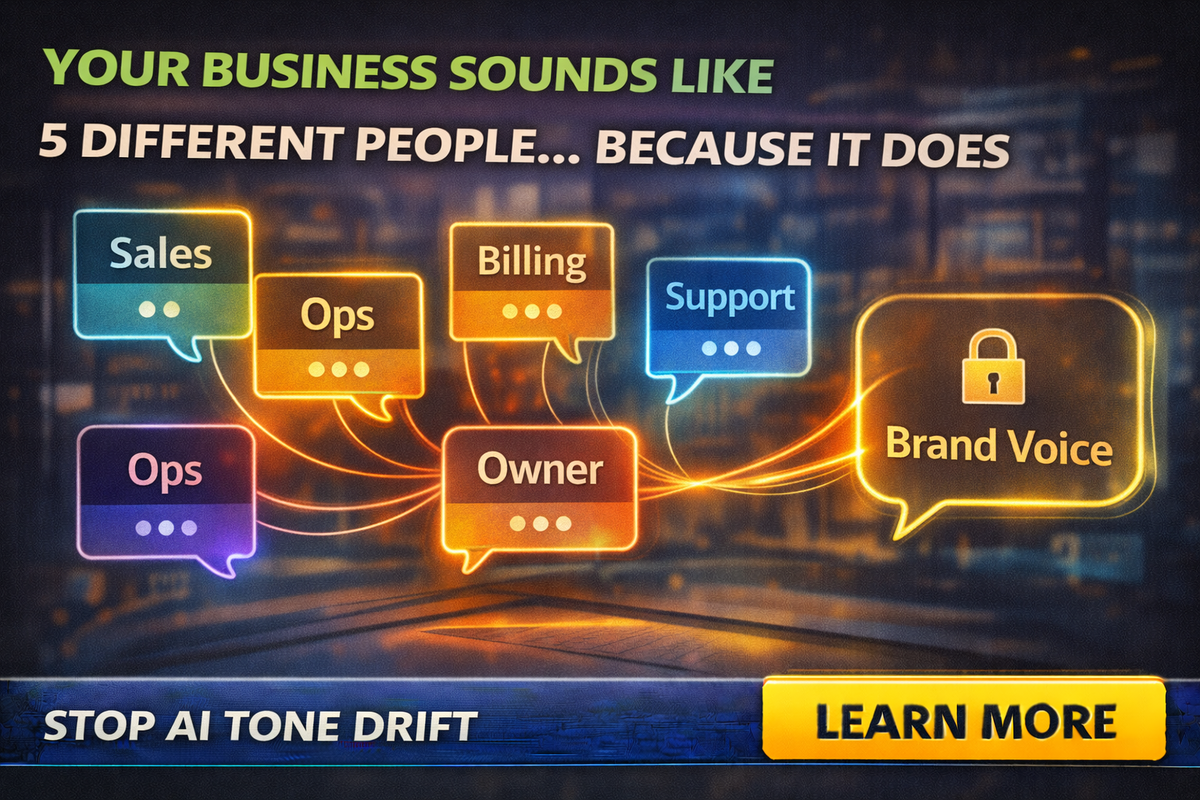
Your business sounds like five different people. Because it does.
Customers feel tone drift even if they can’t name it. They just feel:
- less trust
- more hesitation
- more “I’m not sure who I’m dealing with”
- more confusion when something goes wrong
And in small business, trust is the product.
What “tone drift” looks like in real life
Here’s what your customers experience:
The friendly version
“Hey! Thanks for reaching out. We can help. Here are two times that work.”
The corporate version
“Dear Valued Customer, thank you for your inquiry. Please be advised…”
The robotic version
“I hope this message finds you well. I wanted to touch base…”
The blunt version
“That’s not included. See attached.”
The awkwardly cheery version
“Absolutely! We are thrilled to assist you with this amazing opportunity!!!”
It’s not just “style.” It affects conversion.
Because when the tone changes drastically, customers wonder:
- Is this a scam?
- Is this a real business?
- Am I getting passed around?
- Are they organized?
Why AI makes this worse
AI doesn’t “know your brand.” It knows:
- the last prompt someone typed
- the last example someone pasted
- the default tone of the model or tool
- the context of the message you fed it
If one employee prompts:
“Make this professional”
And another prompts:
“Make this friendly and casual”
You get two different businesses.
Even worse, people copy-paste each other’s prompts and templates. Over time, you collect a pile of tone fragments that don’t match.
The hidden cost: tone drift kills trust during problems
When everything is going well, customers tolerate mixed tone.
When something goes wrong, tone is everything.
If a customer is frustrated and your reply sounds:
- cold
- overly legal
- dismissive
- robotic
They escalate faster. They leave reviews faster. They become harder to calm down.
Tone drift turns small issues into reputation problems.
The 3 most common causes of tone drift
Different roles writing to customers
Sales, billing, operations, and support all write differently. AI amplifies that difference by filling in the gaps.
“Template soup”
You have:
- saved replies
- old email drafts
- copied text from previous proposals
- notes from a former employee
AI rewrites those into “new” messages, but the voice stays fragmented.
Multiple AI tools
One person uses Microsoft, one uses Google, one uses ChatGPT, one uses a browser extension. Each tool has a different default tone.
The fix: build a “Brand Voice Lock” in 30 minutes
You don’t need a brand agency. You need a one-page voice guide and a few enforced prompts.
Here’s the system.
Step 1: Pick your voice in plain English
Write 5–7 bullets that describe how you sound.
Example style for a small service business:
- clear and direct
- friendly, not overly casual
- confident, not salesy
- short sentences
- no jargon
- no emojis in customer emails
- always give the next step
Then add a small “do not” list:
- don’t overpromise
- don’t use filler phrases
- don’t sound legal unless necessary
- don’t use exclamation overload
This becomes your “voice constitution.”
Step 2: Create your “approved phrases” list
Pick a few lines your team can reuse.
Examples:
- “Quick follow-up on…”
- “Here are two options…”
- “To keep things simple…”
- “Here’s what’s included, and what isn’t…”
- “If timing changed, no worries…”
A phrase list makes your business sound like one person, even when it’s five.
Step 3: Make one master prompt that everyone uses
This is the easiest win. Use one prompt that forces your tone.
Master Brand Voice Prompt
“Write this message in our brand voice: clear, friendly, confident, and concise.
Rules: avoid filler phrases, avoid hype, avoid legal tone.
Use short paragraphs and one clear next-step question.
If a detail is missing, ask me what you need instead of guessing.”
That one prompt will eliminate 60% of weird outputs.
Step 4: Set “tone rails” for different situations
Tone should change slightly depending on context, but it should still feel like you.
Create three modes:
Mode A: Sales
Friendly, confident, simple next step.
Mode B: Operations and scheduling
Direct, clear, confirm details, no fluff.
Mode C: Complaints and mistakes
Calm, empathetic, solution-focused, two options, no defensiveness.
Then create one prompt for each mode and make them the only ones people use.
Step 5: Add a 10-second tone check before sending
Teach your team to ask:
- Does this sound like us?
- Is it clear what happens next?
- Would I say this out loud?
- Did we accidentally sound cold, pushy, or fake?
If any answer is “no,” rewrite the first sentence and last sentence.
That’s usually all it takes.
The “tone drift” phrases to ban
If you want to instantly sound more human and less AI, ban these:
- “Hope this email finds you well”
- “I wanted to reach out”
- “Just checking in”
- “Touch base”
- “As per my last email”
- “We sincerely apologize for any inconvenience” (use plain language instead)
Replace with:
- “Quick update on…”
- “Following up on…”
- “Here’s what I can do next…”
- “Which option works for you?”
A practical example: same message, one consistent voice
The messy version
“Dear customer, I hope this message finds you well. We can possibly schedule you soon. Please advise.”
The locked voice version
“Quick follow-up on your request. I can do Tuesday 2–4 or Thursday 9–11. Which one works best?”
Same meaning. Completely different trust level.
Make your brand voice survive turnover
This matters more than people realize.
Employees leave. New people join. Tone drift gets worse when institutional memory disappears.
If your voice guide and prompts live in one person’s head, you’ll lose it.
Put it in:
- a shared doc
- your onboarding checklist
- your CRM templates
- a “prompt pack” folder
Brand voice is an asset. Treat it like one.
Final Thought
AI isn’t ruining your tone on purpose. It’s doing what you trained it to do, which is mirror whatever prompt or template it sees.
If you want to sound like one business again, lock it in:
- one-page voice guide
- approved phrase list
- master prompt
- tone rails for different scenarios
- 10-second tone check
If you want help building a brand voice guide and a prompt pack your team can actually use, Managed Nerds can set it up and train your staff, so your messages stay consistent, professional, and human.