

AI Is “Remembering” Your Business Wrong: The Hidden Risk of Reused Prompts and Old Info
AI isn’t trying to embarrass you, it’s repeating what you fed it months ago. Here’s how stale prompts create wrong info, and the simple fix small teams can maintain.

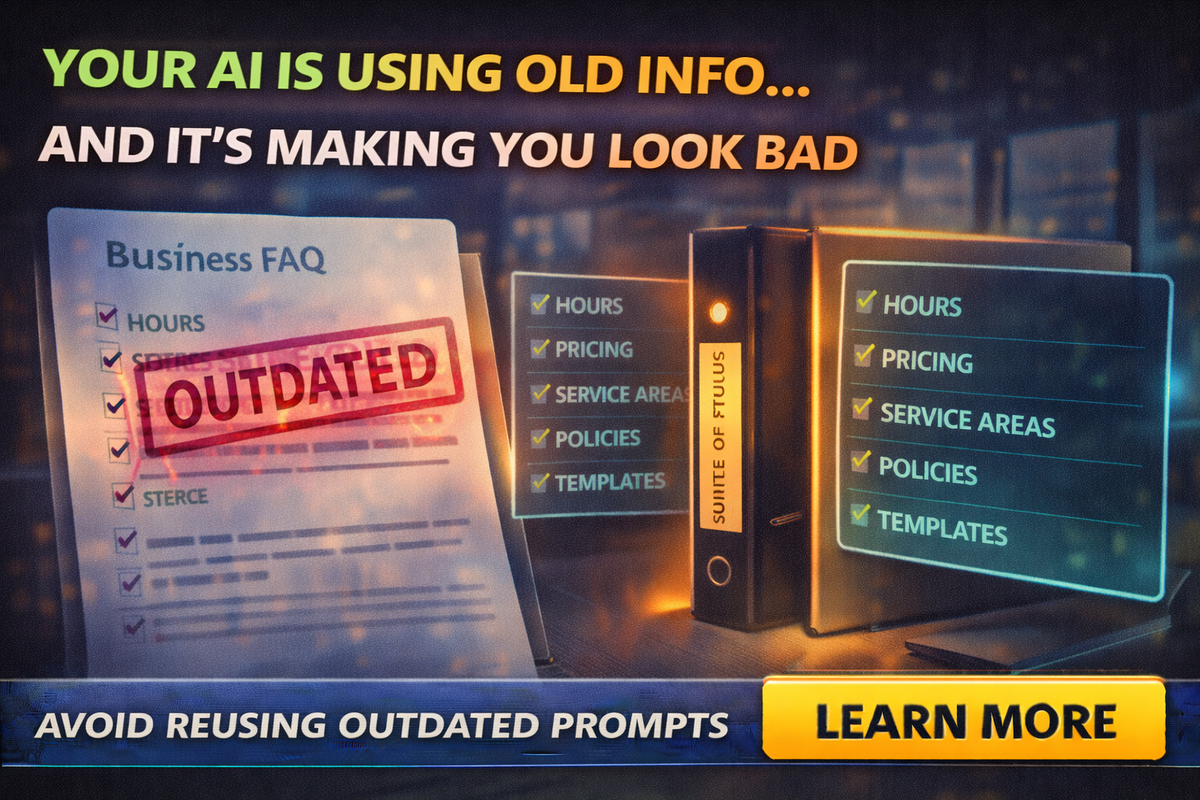
At first, AI feels like magic.
You build a few great prompts, save a couple templates, and suddenly:
- your follow-ups sound consistent
- your quotes are faster
- your replies look professional
- your posts get written without pain
Then one day a customer replies:
“Wait, I thought you were open Saturdays?”
Or worse:
“You said the price was $X.”
And you check what you sent… and it’s wrong.
Not because you lied.
Because your AI reused old information and sounded confident about it.
The tabloid truth
Your AI doesn’t know your business. It knows your last instructions.
And if your last instructions were written six months ago, your AI is basically walking around with an outdated brochure.
That’s how small businesses accidentally:
- quote old prices
- mention old service areas
- reference old policies
- use old office hours
- promise timelines you don’t offer anymore
AI isn’t “being dumb.” It’s doing what it does best: reusing patterns.
Where outdated AI info actually comes from
Most owners assume the problem is the AI model.
Usually the problem is the content you’ve been feeding it.
Saved prompts and “prompt libraries”
That prompt you wrote when you were hungry and in a rush?
Yeah, it’s now running your business communications.
Canned replies and email templates
AI loves to rewrite and reuse existing templates. If the template is wrong, AI becomes a confident megaphone for wrong info.
Old docs and PDFs
People upload a pricing sheet, a brochure, a service list, or a proposal template from last year. AI treats it like truth.
Website snippets and copied marketing copy
If your website still has outdated wording, AI will reinforce it. If your team copy-pastes from the site, the wrong info spreads.
Staff memory plus AI
An employee says “I think we still do that,” and AI turns “I think” into “we do.”
The 5 places “stale info” hurts the most
If you want to stop the bleeding, focus here first.
Hours and availability
Wrong hours make you look unreliable.
Wrong response-time promises make you look like you don’t care.
Pricing and deposits
Old pricing turns into arguments.
Old deposit rules turn into refunds you didn’t plan to give.
Service areas
If you’re a service-area business, stale locations create bad expectations fast.
Policies
Cancellations, reschedules, warranties, refunds, timelines.
AI “softens” policies, then customers treat the softened version as official.
Offers and promotions
Nothing irritates customers like a promo that “ended months ago” but your email promised it.
The fix: one “Source of Truth” document
If you do one thing after reading this blog, do this:
Create one living document called:
“Business Source of Truth”
It can be a Google Doc, a Word doc, or a Notion page. Keep it simple.
It should contain:
- business name and contact info
- hours and response times
- service areas
- core services list
- pricing rules (not necessarily exact prices, but how pricing works)
- deposit and payment terms
- warranty language
- cancellation/reschedule policy
- “no promises” language you want used
- your preferred tone and phrases
This is the document that you and your team treat as the only authority.
Everything else references it.
The “prompt design” trick that prevents outdated answers
AI gets you in trouble when it speaks in absolutes.
So build prompts that force it to:
- ask questions if key info is missing
- use placeholders instead of guessing
- cite the Source of Truth
Here’s a safe prompt pattern:
“Use the Business Source of Truth below as the only authoritative info.
If a detail is missing, ask me a question instead of guessing.
Do not invent hours, pricing, policies, or service areas.”
Then paste your Source of Truth snippet.
This is how you stop “confident wrong” outputs.
The quarterly AI prompt audit (15 minutes, no drama)
You don’t need a big audit. You need a quick habit.
Once per quarter, review:
- your top 10 prompts
- your top 10 templates
- your quote/proposal wording
- your follow-up scripts
- your policies language used in emails
Use this checklist:
Hours: still correct?
Pricing language: still correct?
Service areas: still correct?
Policies: still correct?
Tone: still sounds like you?
If anything changed in the business, update the Source of Truth and then update prompts that reference it.
The “do not guess” rule for your team
If your team uses AI, teach this rule:
If you are not 100% sure, don’t let AI fill it in.
Instead:
- use placeholders
- ask the owner
- reference the Source of Truth doc
Most AI mistakes come from people hoping AI will “figure it out.”
AI will figure it out… incorrectly.
A practical example: the quote email
Bad AI workflow:
- “Write a quote email for this job”
- AI invents timeline, deposits, and policies
- you send it because it looks professional
Safe AI workflow:
- Paste service details
- Paste Source of Truth snippet for policies
- Prompt: “Draft a quote email using only these policy statements. If missing info, ask questions.”
Now AI drafts structure and tone, but doesn’t invent business rules.
Final Thought
AI doesn’t embarrass businesses because it’s “evil.”
It embarrasses businesses because:
- we reuse prompts
- we forget to update them
- AI confidently repeats what we fed it
The fix is simple and sustainable:
- one Source of Truth document
- prompts that don’t allow guessing
- a 15-minute quarterly audit
If you want help building your Source of Truth, training your team, and creating a prompt pack that stays accurate even as your business changes, Managed Nerds can set it up in a way that’s easy to maintain.
If you found thing blog helpful, consider subscribing for more small business AI tips



