

AI Meeting Notes Are Lying: Why Summaries Miss the One Thing That Matters
AI can generate meeting notes and action items, but it often misses the real decision or who owns the next step. Here’s a simple system to keep summaries useful and safe.

AI meeting notes feel like a superpower.
You finish a call and boom, a clean recap shows up with bullets, “next steps,” and a tidy summary that makes your business look organized.
And then reality hits.
- The summary missed the actual decision.
- The action items are vague.
- The wrong person is “assigned” to something.
- The deadline is missing, or made up.
- A client commitment gets softened into a “discussion point.”
This is how businesses end up with the worst kind of follow-up chaos: everyone thinks someone else owns it.
To be fair, these tools are genuinely useful. Google promotes Gemini’s “Take notes for me” as a way to capture key points, action items, and decisions, exporting takeaways to a Google Doc. Zoom’s AI Companion can also generate a structured meeting summary based on the meeting transcript and share it after the meeting.
But “useful” is not the same as “accountable.”
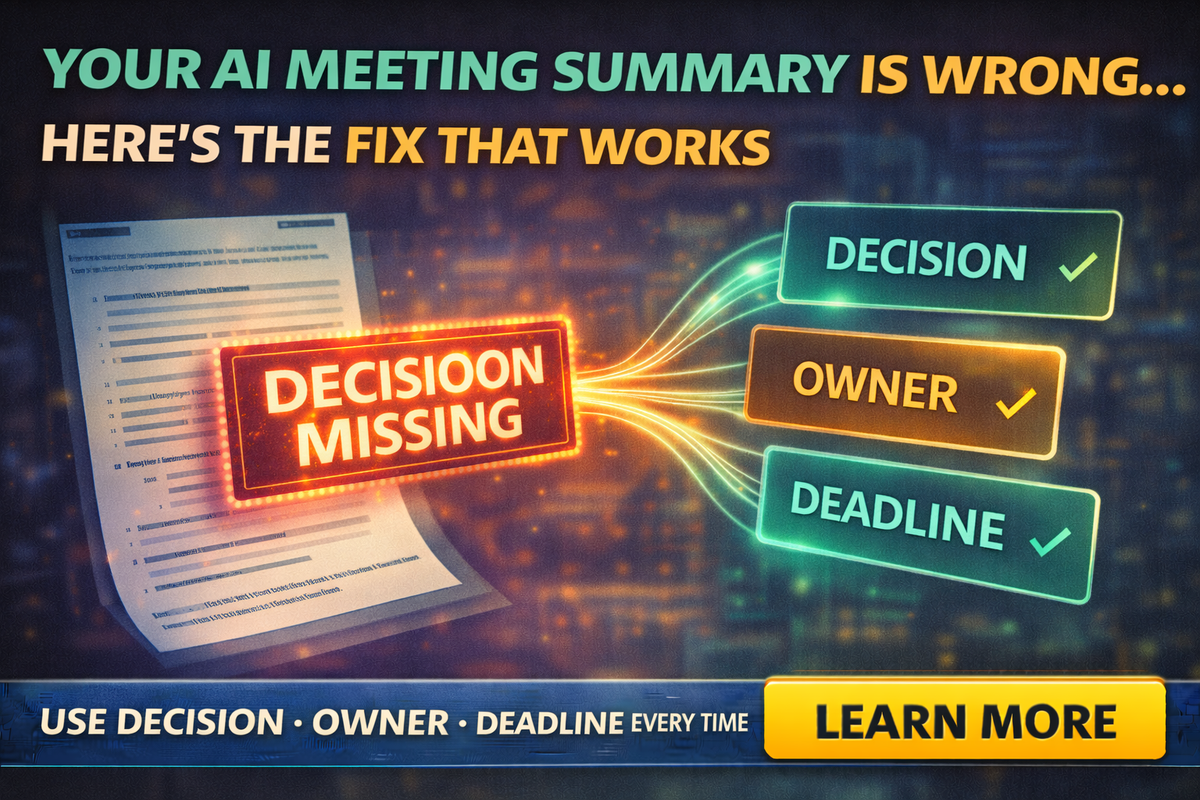
So, let’s fix the real problem: AI summaries often miss the one thing that matters most, the decision and who owns it.
The tabloid truth
AI summaries don’t fail because they’re lazy. They fail because meetings are messy.
Meetings include:
- half-finished thoughts
- jokes
- interruptions
- “we’ll figure it out later”
- vague agreement that sounds like a commitment
AI tries to compress that into a clean story. Sometimes it compresses the wrong part.
That’s why many organizations explicitly tell people to verify AI meeting summaries before sharing them. One university guideline for Zoom AI Companion says hosts should verify and edit summaries to correct inaccuracies before sharing.
That’s not paranoia. That’s practice.
The three things AI meeting notes miss most often
Decisions
AI may list “topics” but skip the actual call:
- Did we approve it?
- Did we reject it?
- Did we choose Option A or Option B?
Owners
AI might say “follow up with client,” but who is doing it?
Sales? Office manager? Technician? Owner?
Deadlines
If a deadline wasn’t clearly stated, AI may omit it or infer one.
When you miss any of these, meetings turn into “floating intentions,” not execution.
The fix that works: The DOD rule
Here’s the simple system that makes AI notes actually useful:
DOD = Decision, Owner, Deadline
Every meeting recap should end with a DOD block, even if it’s short.
Example:
- Decision: Send revised quote with two options
- Owner: Alex
- Deadline: Today by 4:00 PM
If you do nothing else, do this.
Use AI for notes, but force it into a structure
If you let AI “summarize,” you get fluffy summaries.
If you force structure, you get accountability.
Here’s the prompt that fixes most recaps:
Prompt:
“Create meeting notes with these sections:
- Decisions (final choices only)
- Action items (with Owner + Deadline)
- Risks / blockers
- Open questions
Rules: Do not invent facts. If owner or deadline is unclear, write ‘Unassigned’ or ‘No deadline stated.’”
This stops the worst failure mode: AI confidently filling blanks.
A 10-minute meeting template that makes AI summaries better
AI works best when the meeting itself is clearer.
Try this tiny agenda structure:
- Goal: What are we trying to decide today?
- Inputs: What facts do we have?
- Decision: What did we decide?
- Next steps: Who does what by when?
You can literally paste this into a calendar invite.
Then the AI has something to latch onto besides chatter.
“But we already use AI action items”
That’s good, but don’t treat them like gospel.
Google Meet’s note-taking features have been positioned as generating action items and even assigning due dates and stakeholders in some workflows, but even coverage of these features notes the quality is monitored and cautions remain about relying too heavily.
Translation: treat AI action items as a first draft, not the final truth.
Where AI meeting notes are most dangerous
Client commitments
If AI summarizes “we can probably do Friday” as “scheduled for Friday,” you just created a promise.
Scope changes
AI might downplay a scope change that impacts price, timeline, or materials.
Anything “policy-ish”
Insurance, legal, contracts, payment terms, warranties. If the meeting touched those, confirm with a human.
The “Two-Minute Closeout” that prevents 90% of problems
Before you end the call, do this live:
“Quick recap: what did we decide, who owns next step, and what’s the deadline?”
Say it out loud.
Now your DOD is spoken clearly, which makes transcripts and summaries far more accurate.
A small-business safe workflow
Here’s the practical way to use AI meeting notes without getting burned:
- Run the AI summary (great)
- Add the DOD block (non-negotiable)
- Verify client-facing commitments (dates, pricing, scope)
- Send follow-up with owners listed (no vague “we” language)
- Copy action items into your task system (not just an email)
This aligns with broader risk guidance like NIST’s Generative AI Profile, which emphasizes managing risks and using governance practices around generative AI systems.
You don’t need a massive framework, just the habit of verification and ownership.
Wrap-up
AI meeting notes aren’t evil, they’re just incomplete.
If you want meeting summaries that actually move work forward, stop trusting “nice bullets” and start enforcing one simple standard:
Decision. Owner. Deadline.
If you want help setting up this workflow for your team, including prompt packs, templates, and safe client-follow-up scripts, Managed Nerds can build a practical AI process that fits small businesses without turning everything into bureaucracy.
Thank you for reading. Subscribe for more Small Business AI tips.



