

AI-Powered Content Calendar: A Step-by-Step Guide for Service Providers
Ditch the content chaos. Here’s how to use AI to build a smart, stress-free content calendar your service business can actually keep up with.

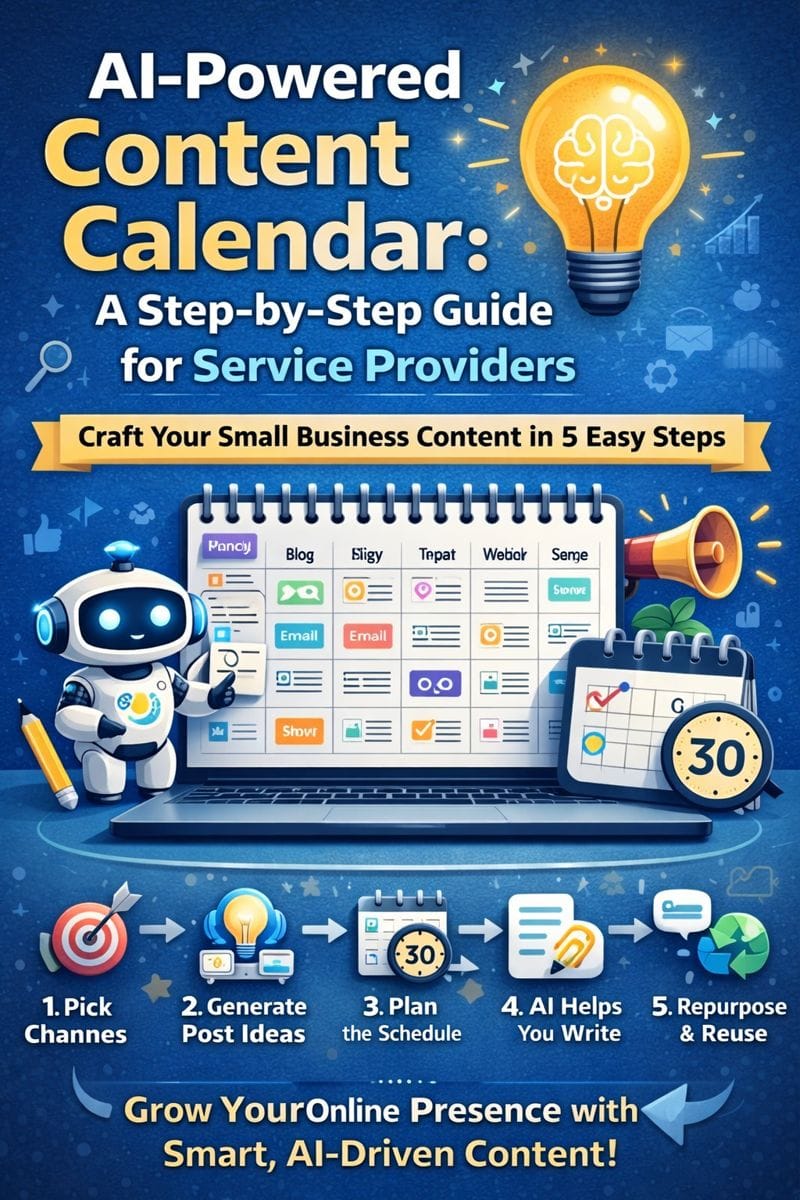
In the chaos of running a small business, marketing often falls to the bottom of the to-do list. But staying visible online isn’t optional anymore. The good news? AI tools can take the overwhelm out of planning content.
This guide breaks down how to use AI to build a complete content calendar—fast. It’s perfect for service-based businesses that need consistency, not complexity.
Why a Content Calendar Matters (Yes, Even for Small Businesses)
If you’ve ever posted “just to post,” you’re not alone. But that lack of planning is what tanks engagement and drains your time.
A well-structured content calendar:
- Keeps your social media, blogs, and emails aligned
- Builds trust through consistency
- Reduces burnout and last-minute content chaos
And with AI? You don’t need to be a marketing expert to pull it off.
Step 1: Pick Your Primary Channels
Start with where your clients are:
- Are you a lawyer? LinkedIn and Google Business Profile might matter most.
- A cleaning business? Facebook and Instagram could be key.
- Want better SEO? Your blog is the foundation.
Once you know your platforms, AI can help you fill them with the right kind of content.
Step 2: Ask AI to Generate Post Ideas (That Don’t Suck)
Use a tool like ChatGPT or Perplexity to prompt AI with:
“Create a month’s worth of social media post ideas for a residential cleaning company. Focus on value, trust, and tips.”
Tweak the tone and audience as needed. You’ll instantly have a batch of relevant, on-brand ideas.
Step 3: Turn Ideas Into a Schedule
Now drop those ideas into a simple calendar. You can use:
- Google Sheets
- Trello
- Notion
- A dedicated tool like Buffer or Later
Use color-coding to sort by platform (blog, IG, email) and note if anything needs images or a call to action.
Step 4: Let AI Help You Write the Posts
This is where the magic happens.
Ask:
“Write a friendly Instagram caption for a post about why a clean home helps reduce stress.”
Or:
“Create a blog outline for a pest control company about preventing summer infestations.”
AI won’t be perfect—but it will give you a strong draft to edit and post in minutes, not hours.
Step 5: Reuse and Repurpose
No need to reinvent the wheel. That blog post? Turn it into:
- A LinkedIn thought piece
- 3 bite-sized reels
- A carousel for Instagram
- A tip-of-the-week email
AI tools like Canva Magic Write or Jasper can help slice and remix content quickly.
AI Won’t Replace Your Voice—But It’ll Amplify It
Think of AI as your content planning assistant. You still need to add your flair, your photos, and your client-specific details. But now you don’t have to start from a blank page every week.
Thanks for reading. If you want to dive deeper into how AI can help with customer communication, check out our post Too Many Tabs, Too Little Time? Let AI Be Your Digital Assistant. And if you’re ready to bring strategy and sanity back to your digital presence, reach out to Managed Nerds.



