

AI Tools Are Becoming the New Phishing Trap: Fake “AI Login” Pages and Plugins
Hackers are copying AI tools now, fake extensions, fake logins, even OAuth consent traps. Here’s how small businesses avoid the “AI phishing” wave without quitting AI.

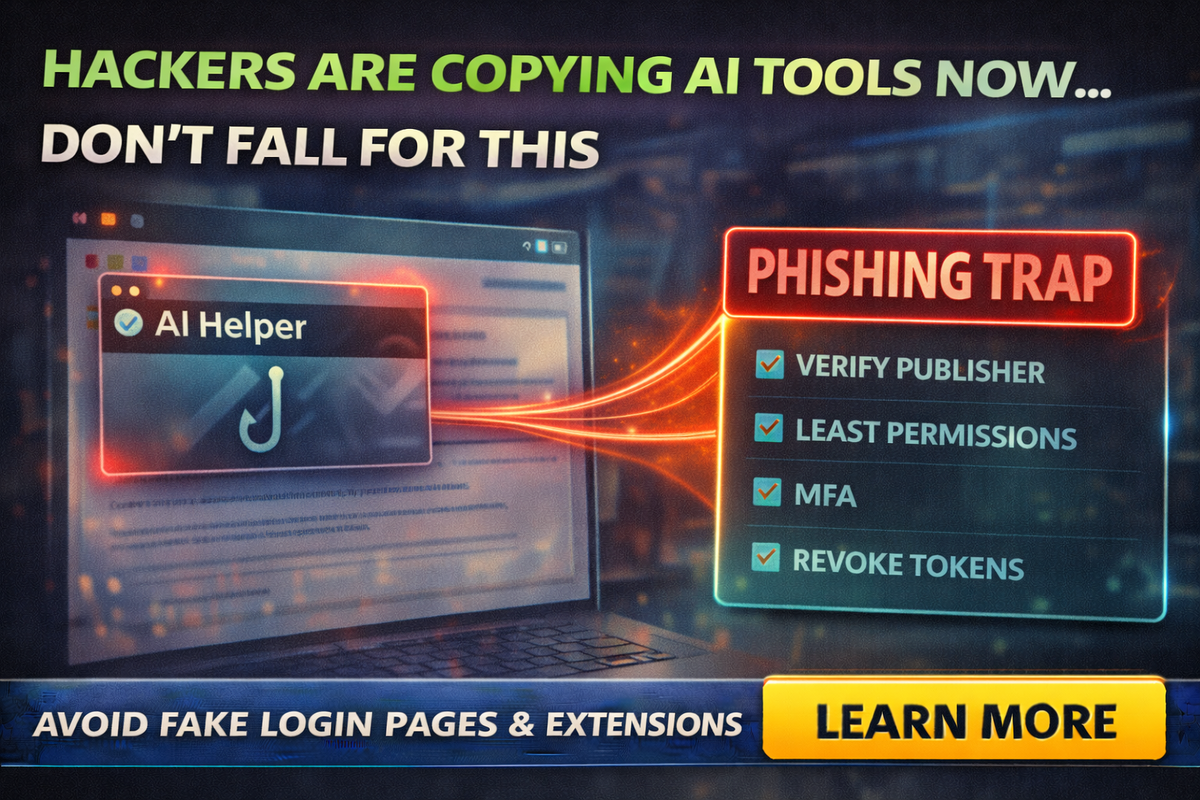
AI tools are everywhere now. Which means something else is everywhere now too:
Scams dressed up like AI tools.
If you run a small business, you’ve probably seen:
- “ChatGPT helper” browser extensions
- “AI writer” plugins
- “Premium AI upgrade” emails
- login links that look “close enough”
And here’s the ugly trend: security researchers have been finding malicious browser extensions impersonating AI tools that can steal credentials, hijack sessions, and siphon sensitive data.
This isn’t a problem for “tech people.” It’s a problem for anyone who uses a browser at work.
So let’s make this practical: what’s happening, what to watch for, and how to lock it down without quitting AI.
Hackers figured out AI tools are a trust shortcut.
If they slap “ChatGPT,” “Gemini,” “Copilot,” or “AI Assistant” on something, people click faster and think less.
And it’s working.
Researchers have documented campaigns where malicious extensions posed as AI helpers and stole data like sessions and conversations.
The 3 big “AI phishing” traps hitting small businesses
Trap 1: Fake AI browser extensions
These show up as “productivity” tools: summarize pages, write emails, enhance ChatGPT, save prompts, etc.
What they can do when malicious:
- hijack an active AI session (so attackers don’t even need your password)
- steal chat content and browsing data
- grab credentials, cookies, or tokens depending on permissions
Real-world example: OX Security described malicious Chrome extensions impersonating a legitimate AI extension and exfiltrating ChatGPT/DeepSeek conversations and browsing data at scale.
Trap 2: Fake “AI login” pages and subscription emails
These are classic phishing messages with a modern costume:
- “Your ChatGPT subscription failed”
- “Upgrade required”
- “Account verification needed”
The goal is to steal credentials and payment info.
Security outlets have tracked phishing campaigns impersonating ChatGPT premium/subscriptions to harvest logins and payment details.
Trap 3: OAuth consent traps (the “Approve access” scam)
This is the one that looks the most legitimate.
Instead of stealing your password, attackers trick you into granting access via a real consent screen. Then they walk in through the front door with tokens.
A recent example: Datadog Security Labs described a technique (“CoPhish”) abusing Microsoft Copilot Studio agents to trick users into granting OAuth permissions, enabling access to tenant data like email and files.
Owners need to understand this:
If someone tricks you into clicking “Approve,” you can compromise your business without ever typing a password into a fake site.
The red flags that catch 80% of these attacks
Red flags for extensions
- The extension asks for broad permissions that don’t match the feature
(example: “Read and change all data on all websites” for a simple tool) - Low-effort branding, cloned screenshots, weird grammar
- New publisher with no track record
- Reviews that feel copy-pasted or too perfect
Also, don’t assume the web store badge means “safe.” Researchers have reported malicious extensions that gained wide installs and even “featured” visibility before being flagged.
Red flags for “AI login” pages
- The URL is slightly off (extra words, weird hyphens, wrong domain)
- Urgency language: “final notice,” “account suspended,” “payment failed”
- You didn’t initiate the login from your own bookmark
- It asks for payment info or password immediately
Red flags for OAuth / consent screens
- “This app wants access to your email, files, contacts” and you have no idea why
- The app name is generic: “AI Tool,” “Productivity Helper,” “SSO Service”
- You weren’t trying to connect a new app, but you’re being asked to approve one
The “Small Business Lockdown” checklist
Do these and you’ll be safer than 95% of small companies.
1) Use MFA everywhere (and prefer authenticator apps)
If someone steals a password, MFA is your seatbelt.
2) Stop sharing accounts
Shared logins create chaos. If one person installs a shady extension, everyone gets exposed.
3) Restrict browser extensions at work
Best rule for small businesses:
- Only install extensions you truly need
- Remove anything “nice to have”
- Review extensions quarterly
4) Turn off “install anything” culture
Make one person the approver. Even if it’s you.
5) Lock down OAuth app consent
If you use Microsoft 365/Google Workspace, tighten who can approve third-party app access. OAuth consent abuse is a real tactic, and defenders often recommend restricting or requiring admin approval for risky consents.
6) Teach one simple employee rule
“If you didn’t go looking for it, don’t log into it.”
No clicking AI login links from email. Bookmark the real login page and use the bookmark.
What to do if you think you clicked the trap
Don’t panic, do these steps in order:
- Uninstall the extension immediately (if it was an extension).
- Change passwords for your AI account and your email account (email is the real prize).
- Revoke sessions/tokens where possible (log out of all devices).
- Check OAuth/app connections and remove anything unfamiliar.
- Run an endpoint scan (especially on machines that handle banking or admin logins).
- Warn the team so nobody repeats it.
If you use Microsoft environments and suspect token abuse, revoking suspicious tokens and reviewing app registrations is commonly recommended by security researchers.
The bigger lesson: treat AI like a business system, not a toy
AI tools touch:
- customer emails
- proposals
- internal docs
- client data
That makes them a target.
And security researchers are consistently flagging that fake AI extensions are stealing data at real scale. (Bitdefender)
So the goal isn’t fear. It’s maturity:
- approved tools
- least permissions
- MFA
- restricted consents
- fewer extensions
Final Thought
Hackers are copying AI tools now because it works.
If you want to keep using AI without walking into the next phishing trap, lock down the basics:
- no random extensions
- no clicking login links
- MFA everywhere
- restrict OAuth consents
- keep installs and permissions tight
If you want help setting up a “safe AI stack” for your business such as approved tools, browser controls, MFA, and user training that actually sticks, Managed Nerds can help you build it the practical way.



