How Do I Stop AI From Hallucinating in My Business Documents?
AI can sound confident while inventing details. If you use it for quotes, proposals, or client updates, you need a system to catch hallucinations before they become promises.

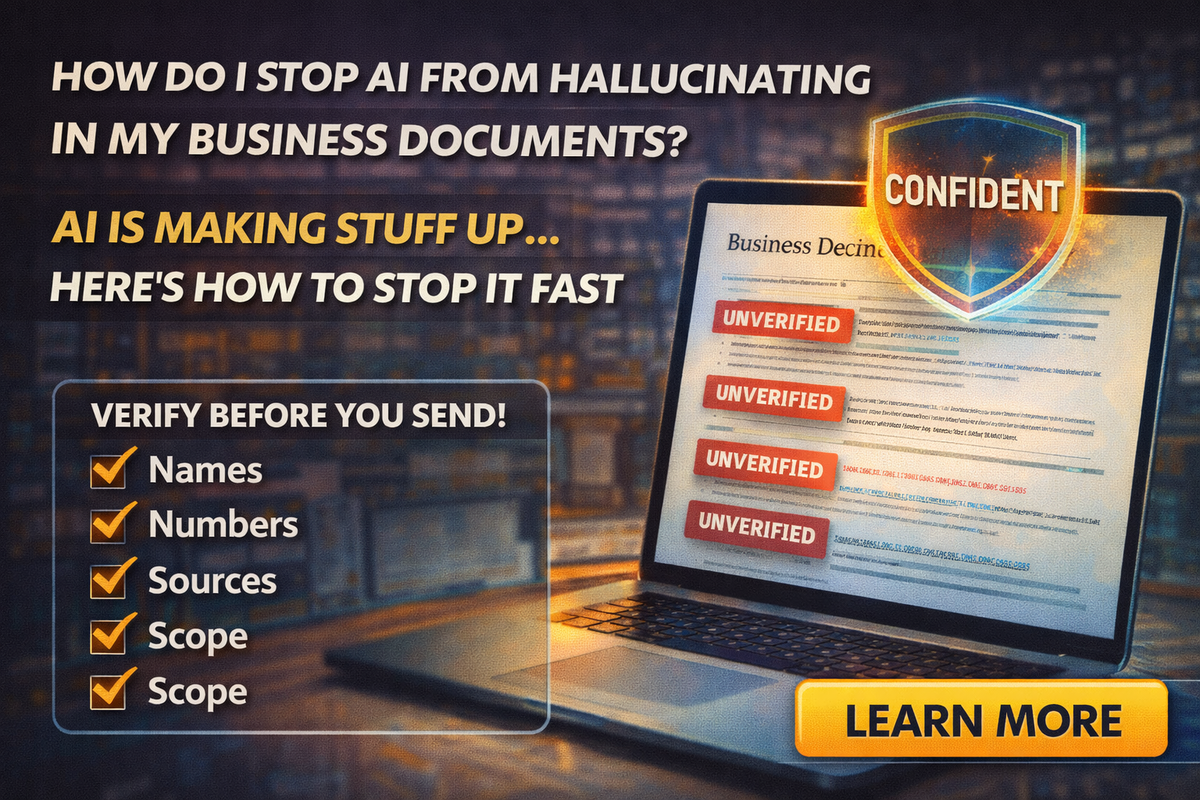
If AI has ever produced a paragraph that looked perfect, sounded confident, and then turned out to be wrong, you’ve met the problem everyone’s talking about:
Hallucinations.
That word sounds dramatic, but the experience is simple: AI can invent details, mix up facts, or confidently “fill in blanks” that were never provided.
And if you run a business, that’s not just annoying. It can be expensive.
Because in business documents, the wrong detail becomes:
- a wrong quote
- a wrong policy
- a wrong commitment
- a customer dispute
- a review you didn’t need
Let’s fix it with a workflow that a small team can actually follow.
What hallucinations look like in real business work
AI hallucinations rarely look like nonsense. They usually look like:
- A proposal that includes services you don’t offer
- A quote email that invents a timeline
- A scope of work that quietly expands what’s included
- A policy paragraph that sounds legal but isn’t your real policy
- A summary that assigns the wrong next step to the wrong person
The most dangerous hallucinations are the ones that are 90% correct.
That’s what makes them easy to miss.
Why AI hallucinates in the first place
AI is great at producing language that sounds like the “right kind of answer.”
But it doesn’t automatically know:
- your business rules
- your pricing structure
- your availability
- your client’s real context
- what’s true vs what’s assumed
When your prompt is vague, the model tries to be helpful by completing the pattern. That’s where “confident wrong” comes from.
So the fix is not “stop using AI.”
The fix is to stop treating AI drafts like final answers.
The tabloid truth
AI is the fastest intern you’ve ever hired. It’s also the most confident.
So you need guardrails.
The Four-Check System that stops hallucinations
Here’s the workflow that catches most hallucinations before they leave your business.
Names
Verify:
- customer name spelling
- addresses
- property details
- project names
- company names
If a name is wrong, the whole message feels sloppy, even if the rest is fine.
Numbers
Verify:
- pricing and totals
- deposits
- dates and deadlines
- quantities and measurements
- time estimates
- fees (travel, rush, disposal, trip charges)
Rule of thumb: AI can format numbers, but it should not be trusted to invent them.
Sources
Any factual claim that matters should come from somewhere real:
- your own policy document
- your actual contract template
- the customer’s email thread
- your spreadsheet
- your calendar
- your website, if it’s current
If you can’t point to a source, treat it as unverified.
Scope
This is the one that burns service businesses.
Verify what’s included and what isn’t:
- “Does this promise work we didn’t agree to?”
- “Did it add a guarantee?”
- “Did it make ‘estimated’ sound like ‘guaranteed’?”
- “Did it include materials, disposal, travel, or follow-ups that change cost?”
If scope expands, your profit shrinks.
The “Do Not Guess” prompt that changes everything
Before you paste anything into AI, add this instruction:
“Do not invent facts. If anything is missing, ask questions. List assumptions separately.”
It won’t eliminate hallucinations, but it drastically reduces the “AI filled in the blank” behavior.
A simple way to structure prompts so AI has less room to invent
Most hallucinations happen because prompts are too loose.
Instead of:
“Write a proposal for this job.”
Use this structure:
Goal
“Draft a proposal email.”
Inputs
“Here are the project details…”
Constraints
“Do not promise dates, do not change scope, do not add guarantees.”
Output format
“Return: subject line + short intro + bullet scope + timeline as estimated + next steps.”
This forces AI into a lane.
The safest way to use AI for quotes and proposals
AI should do:
- structure
- formatting
- tone
- clarity
- making your notes readable
Humans should do:
- pricing
- commitments
- final scope
- deadlines
- policies
A practical approach that works for tiny teams:
Draft with AI, then lock with a template
Create a standard quote template with fixed sections:
- what’s included
- what’s excluded
- timeline language (always “estimated”)
- payment terms
- next steps
Then AI fills the “project details” section, not the legal or policy sections.
This reduces the risk dramatically.
The “two-minute proofread” that catches most issues
Before sending any AI-assisted business document, do this:
Read only the bold claims
Scan for statements that sound like commitments:
- “We will…”
- “Guaranteed…”
- “Includes…”
- “No matter what…”
- “Final price…”
If you see any, rewrite them into conditional language:
- “Estimated”
- “Based on”
- “Typically”
- “If needed”
- “Assuming”
Read the last sentence
The last sentence often includes the next step. Make sure it’s correct and specific.
Read it out loud
If it sounds weird out loud, it will feel weird to a customer.
Where hallucinations hurt the most
If you want to be extra careful, watch these categories:
- contract edits and policy language
- refunds, warranties, and guarantees
- pricing and scope changes
- scheduling and deadlines
- anything that affects money or responsibility
Those are not “draft and send” areas.
A “safe use” rule for your whole team
If you have employees using AI, here’s a rule that’s easy to enforce:
AI can draft, but it can’t decide.
Anything that includes names, numbers, sources, or scope must be verified.
If your team can remember four words, make it:
Names. Numbers. Sources. Scope.
Final Thoughts
Hallucinations don’t mean AI is useless. They mean AI needs a system.
If you use AI for client emails, quotes, proposals, or internal notes, the Four-Check System will protect your business:
- Names
- Numbers
- Sources
- Scope
If you want help setting up safe templates, approved prompts, and a team workflow that reduces hallucinations without slowing you down, Managed Nerds can build a practical AI process for small businesses that want speed and accuracy.
If you enjoyed this article and would like more small business AI tips, please feel free to subscribe.