How to Use AI to Build a Client FAQ Page in Under an Hour
Ditch the repetitive emails. Here’s how small businesses can use AI to build an effective, client-focused FAQ page in less than an hour.

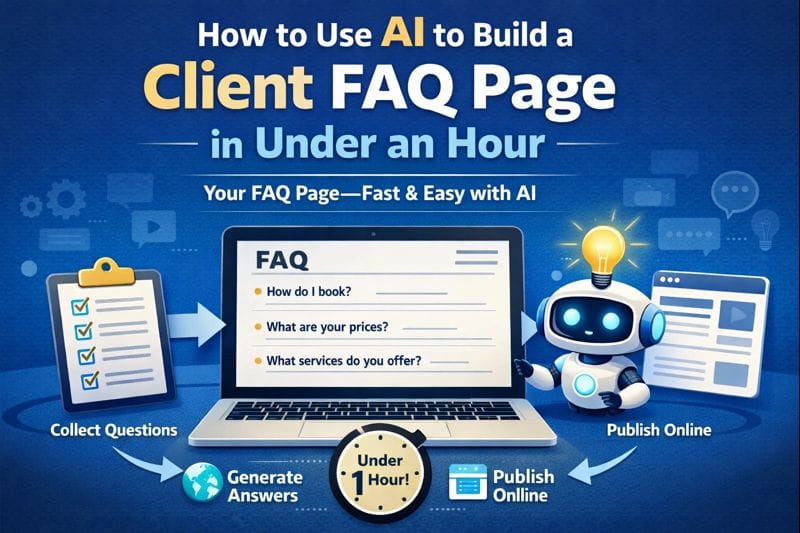
You’re probably answering the same client questions again and again.
“How do I book a call?”
“What’s your pricing?”
“Do you offer [insert custom request here]?”
Instead of rewriting the same email or DM, why not let AI build a professional, customized FAQ page—fast?
Here’s how you can do it in under an hour—even if you’re not a writer or tech-savvy.
Why Your Business Needs an FAQ Page
A well-written FAQ page saves time, reduces repetitive communication, and builds trust. It’s also great for SEO—search engines love helpful content.
If you’ve been putting it off because it sounds like a big project, AI is here to help.
Step 1: Gather the Common Questions
You probably already know your top 5–10 questions off the top of your head.
But to go further, try this:
- Search your inbox or chat history for repeated questions.
- Ask your staff what customers keep asking.
- Browse competitor sites for inspiration (don’t copy—just note patterns).
Once you have a list of 10–15 questions, move to the next step.
Step 2: Feed It to AI—Here’s What to Say
Use a tool like ChatGPT, Gemini, or Claude and input the following:
“I’m building an FAQ page for my [type of business]. Here are the questions I want to include. Please write friendly, clear answers that sound like my brand. My tone is [professional, casual, witty, etc.]. Keep each answer under 100 words.”
Paste your list of questions below the prompt.
You can even say:
“Make sure this is easy for first-time customers to understand.”
Or:
“Make this helpful for clients who may not be tech-savvy.”
Want to get fancy? Ask AI to format the output in HTML or markdown for easy web upload.
Step 3: Customize (Don’t Skip This)
AI gives you the first draft—but your clients will appreciate a personal touch.
Review the answers for:
- Accuracy (especially pricing or policy info)
- Tone (does it really sound like you?)
- Local or industry-specific details
Feel free to add links to your booking page, policy documents, or services.
Step 4: Post It Where Clients Can Find It
Once polished, add the FAQ page to your:
- Website navigation
- Link in bio (for Instagram or TikTok)
- Email footers
- Booking confirmation pages
Bonus: You can also copy and paste the answers into a chatbot tool for instant replies.
Real-World Bonus: Let AI Suggest the Questions, Too
Feeling stuck? Ask:
“What are 15 questions a customer might ask a [local carpet cleaner / mobile notary / freelance designer]?”
This works especially well for new businesses or those pivoting to a new service area.
Final Thoughts: It’s About Time—and Trust
A great FAQ page shows clients that you anticipate their needs.
It cuts back on back-and-forth emails. It answers objections. It builds confidence.
And with AI, it doesn’t have to take all day.
Want More AI Tips?
If you liked this, check out our blog:
“Too Many Tabs, Too Little Time? Let AI Be Your Digital Assistant”
Need help actually getting this FAQ live on your site or integrating it into a chatbot? Feel free to reach out to Managed Nerds. We’re happy to help you save time and look professional doing it.