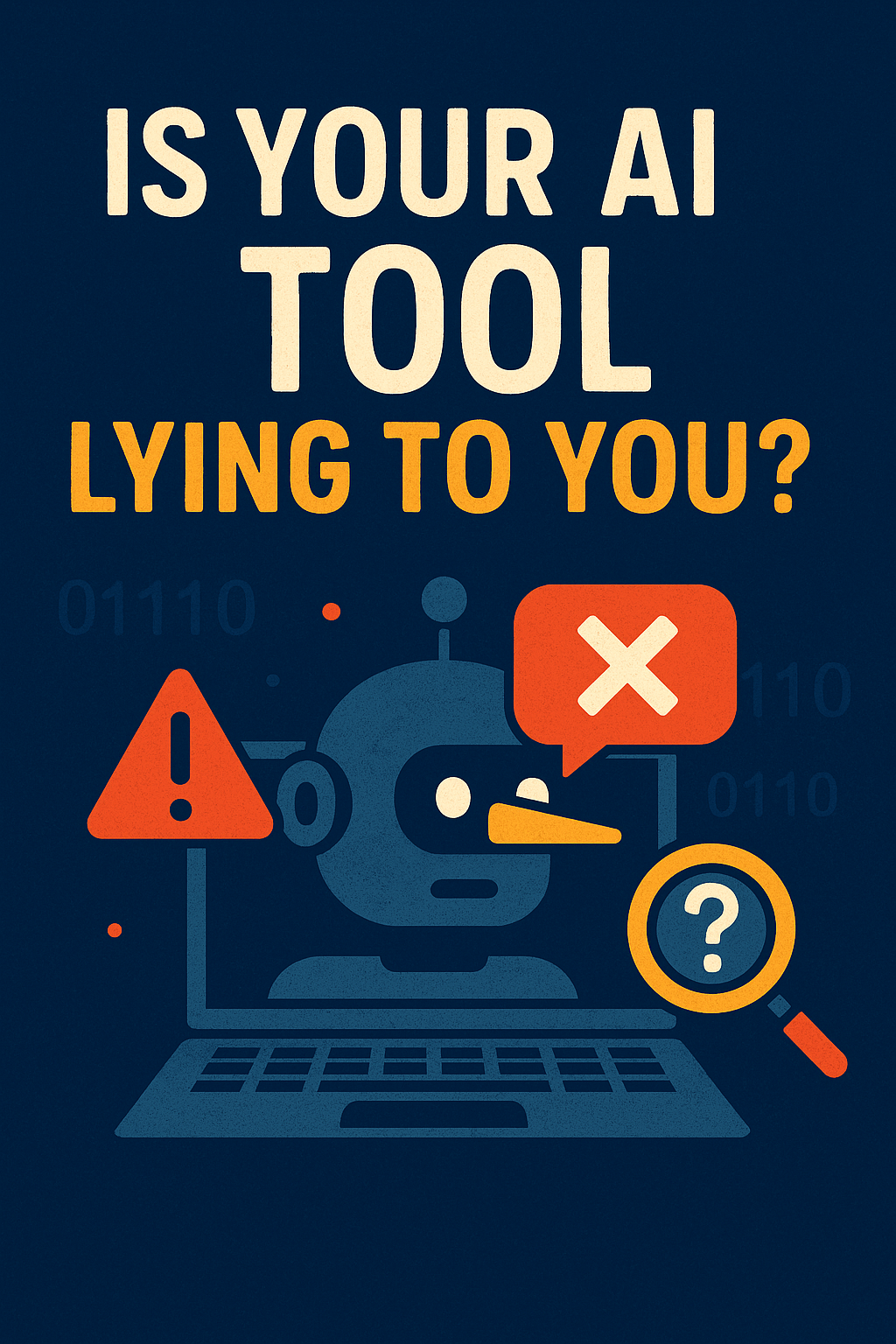
Is Your AI Tool Lying to You? Why Hallucinations Could Cost You
AI tools can make up facts, laws, or entire answers—and most users don’t even notice. Here’s why that’s a dangerous gamble for your service-based business.

Let’s set the scene:
You’re a busy small business owner—maybe a consultant, a real estate agent, or a solo attorney—and you need to reply to a client fast.
So, you pop open ChatGPT, type in your request, and boom—within seconds, it gives you a polished, confident response. You copy, paste, tweak a little, and send it.
Except later… you find out the AI totally made it up.
That clause? Doesn’t exist.
That stat? Completely false.
That client name? Someone you’ve never worked with.
Congratulations. You’ve been hallucinated.
What Are AI “Hallucinations”?
In simple terms:
AI hallucinations are when tools like ChatGPT, Gemini, or Copilot generate false or misleading information, but present it with total confidence.
They’re not “wrong” on purpose. They’re just making their best guess based on billions of words of training data.
The problem? You can’t always tell what’s real and what’s AI fiction—until it’s too late.
Why It’s a Big Problem for Service-Based Businesses
Service providers rely on trust and credibility. When you share content with clients, publish blogs, or build reports using AI, you’re putting your reputation on the line.
AI hallucinations can result in:
- Incorrect legal or financial advice
- Embarrassing client communication
- Bad content that hurts your SEO
- Compliance risks or ethical issues
Imagine sending a “summary” of a contract and getting sued because the AI made up a clause. That’s not far-fetched—it’s happening.
Signs Your AI Might Be Making Things Up
- Too-good-to-be-true stats or legal language
- Missing citations or broken links
- Overly confident tone with no context
- Vague or generic-sounding answers
- Fabricated business names, contacts, or laws
If it sounds slick but you can’t verify it? Red flag.
How to Use AI Without Getting Burned
You don’t need to give up on AI. You just need to be a little smarter than your assistant.
Here’s how:
- Always verify outputs: Check facts, especially legal, medical, or financial info.
- Use trusted data sources: Prompt AI to cite or use specific documents.
- Train it on your own content: This reduces wild guesses and keeps responses aligned with your business.
- Don’t copy-paste blindly: Use AI as a starting point, not the final say.
And if you’re using AI for client-facing content? Have a real person review it first. Every time.
Don’t Let a “Smart” Tool Damage Your Brand
AI is fast. It’s helpful. It’s clever.
But it’s not always right—and if you’re not careful, it’ll lie with a straight face and a polite tone.
For service-based businesses where trust matters, fact-checking your AI assistant isn’t optional. It’s part of protecting your clients, your business, and your reputation.
Thanks for reading. If you want to go deeper into how to train AI to speak accurately and professionally for your business, check out “How Do I Train AI to Sound Like My Business When Replying to Customers?”. And if you need some backup getting your AI tools dialed in, feel free to reach out to Managed Nerds.