Robot Lawyers? AI Just Drafted My Entire Proposal
Can AI actually write your proposals or service agreements? Yes—and it’s faster, cheaper, and easier than you think. Here's how it works.

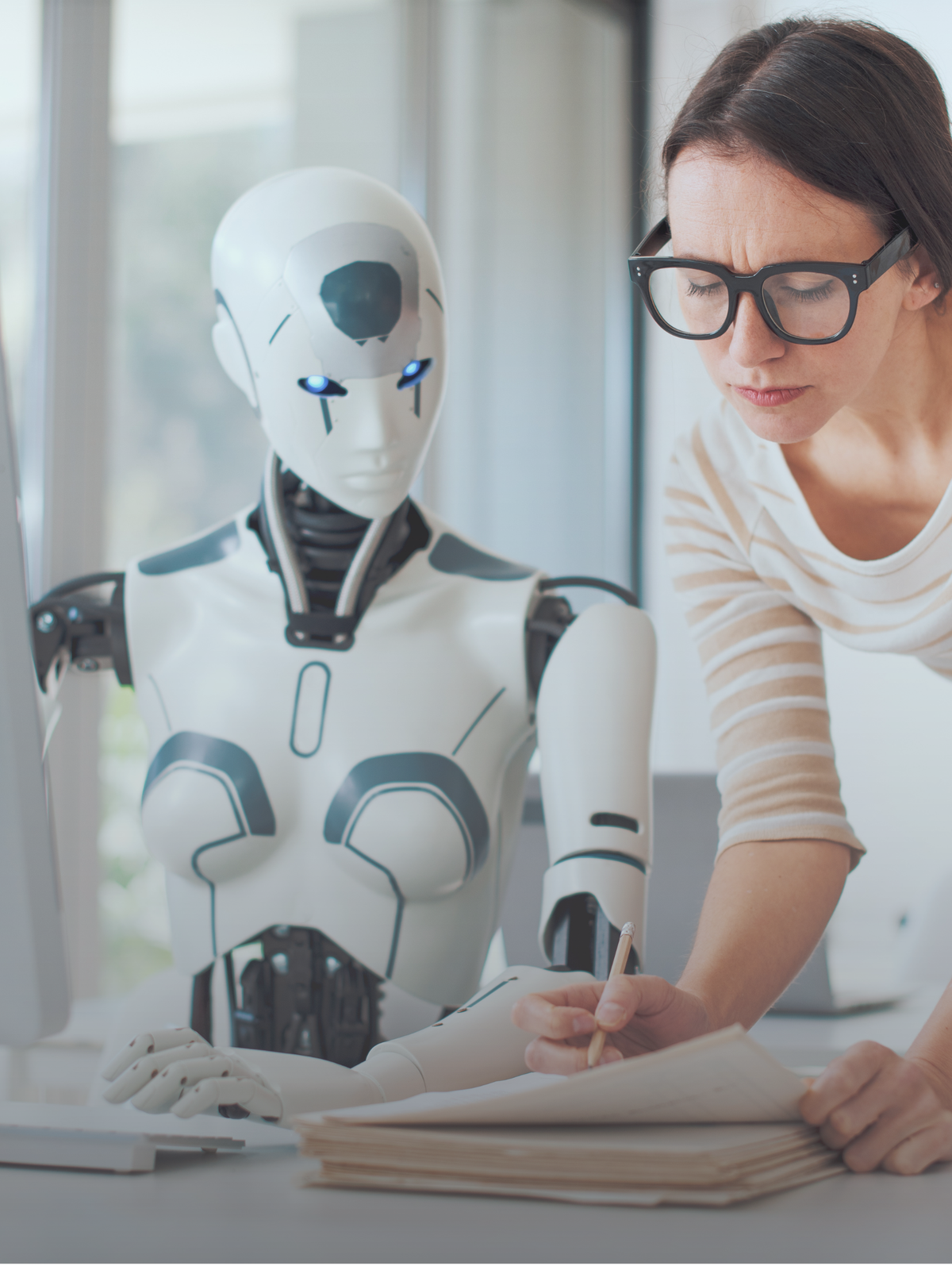
You finally landed that big client... and then they ask for a proposal. Not just bullet points—a real, buttoned-up, professional document.
You stare at a blank screen. Deadline? Tomorrow.
The AI Lifeline
Instead of stressing, you fire up ChatGPT or another AI tool. You write:
"Draft a one-page proposal for [industry] services, including deliverables, pricing options, and a short company intro."
In 20 seconds, you've got something that sounds like it came from a Fortune 500 pitch deck.
You copy, paste, edit a few lines, add your logo—done.
Why It Works
AI is like your assistant who never sleeps. If you can describe what you offer and what the client wants, the AI can structure the whole thing for you.
Examples of what AI can help with:
- Client proposals
- Service agreements
- Retainers
- Onboarding documents
- Scope of Work breakdowns
📝 Pro Tip: Be specific. Use your industry, your tone, and your client goals in the prompt.
What You Can Automate Next
Once You Start...
You realize the real win isn't just speed—it's repeatability.
- Set up AI templates for proposals.
- Train it to use your brand voice.
- Build a "proposal bot" that asks you a few questions and spits out a document.
💼 Time Saved = Hours Each Week.
AI is a powerful tool—but it’s just that: a tool. Always review, verify, and fine-tune any AI-generated content before sending it to clients or publishing it. It’s here to help you work smarter, not to replace your judgment.
Final Thought
You don’t need to be a lawyer or hire a fancy firm to get contracts done. AI is making professional paperwork faster, easier, and way less intimidating.
So the next time a client says, "Can you send over a proposal?" you'll smile and think, "Give me 10 minutes."
Ready to build your AI toolkit?
Join a Managed Nerds AI class and we’ll show you exactly how to write prompts, use templates, and safely automate your docs—even if you're not "techy."
Sign up now for expert assistance.