

The AI Vendor Red-Flag Checklist: 12 Questions to Ask Before You Let a Tool Touch Client Data
AI vendors love “free data.” Your clients won’t. This checklist helps small businesses evaluate AI tools before they touch sensitive emails, documents, or pricing info.

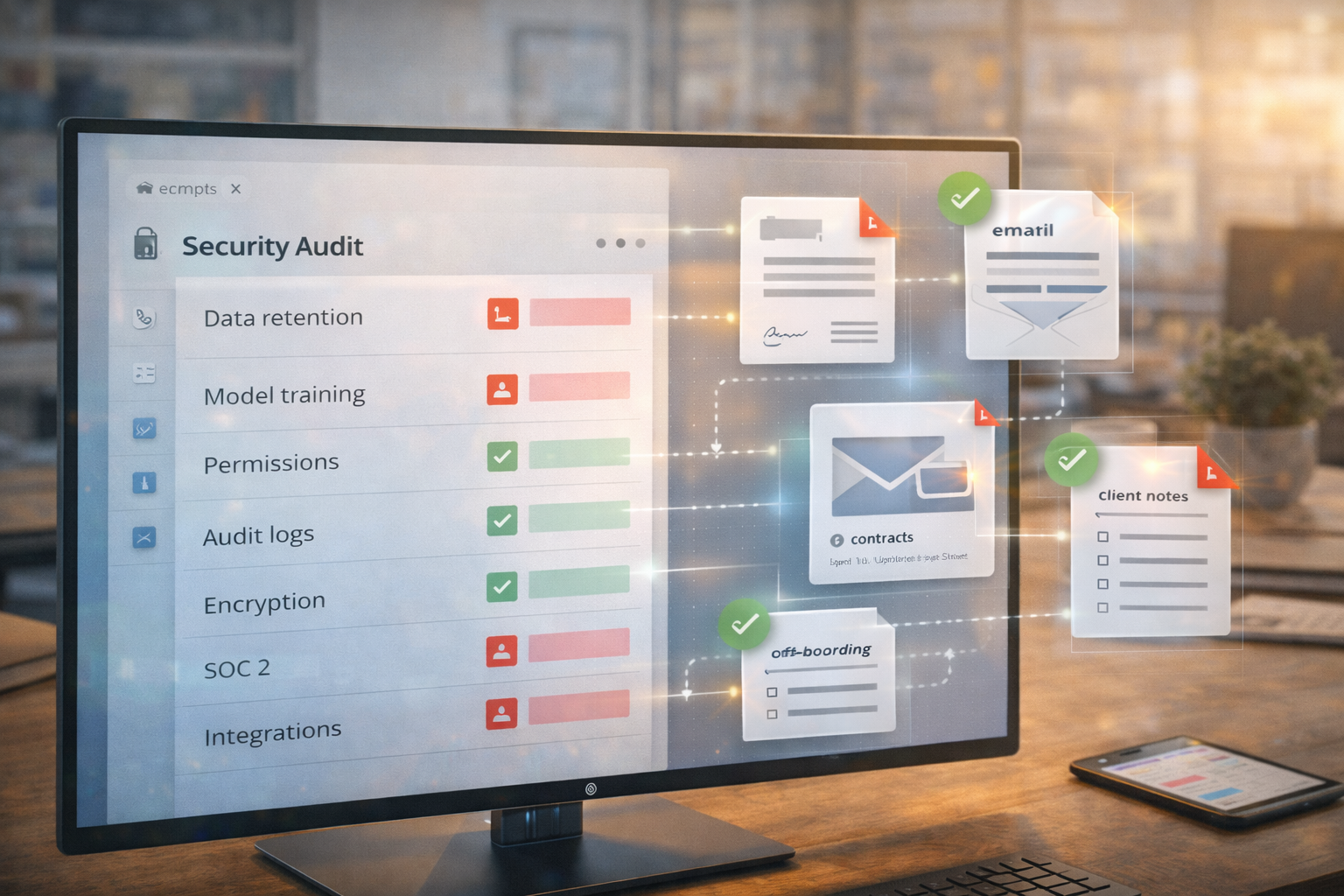
There’s a moment every small business hits:
You find a shiny AI tool that promises to summarize contracts, draft emails, and “save ten hours a week.”
And you think: “I’ll just paste this client thread in real quick.”
That is the moment to pause.
The FTC has warned that AI companies have strong incentives to ingest more data, and that can collide with privacy commitments and confidentiality expectations. Federal Trade Commission+1
You don’t need to be paranoid. You need a checklist.
NIST’s generative AI risk guidance also pushes organizations toward structured risk management for genAI use. NIST+1
Translation: ask smarter questions up front, so you’re not cleaning up a mess later.
The rule: “If you wouldn’t forward it to a stranger, don’t paste it into a tool”
Client info, pricing details, internal procedures, employee issues, insurance data, legal drafts, negotiation notes.
If it’s sensitive, treat it like sensitive.
The 12 questions that separate “useful” from “dangerous”
Use these in plain English when you’re evaluating any AI tool.
Does the vendor use my inputs to train their models?
If yes, can you opt out, and is that opt-out actually enforceable?
What is the data retention policy?
How long do they keep prompts, files, and outputs?
Can I delete my data, and does deletion include backups?
“Delete” should mean more than “we hide it in the UI.”
Is data encrypted in transit and at rest?
If they can’t answer this, that’s a red flag.
Do they have admin controls and user permissions?
Tiny teams still need basic controls.
Do they provide audit logs?
If you ever need to investigate “who pasted what,” logs matter.
Where is the data processed and stored?
Location can impact legal risk and contracts.
Do they have independent security reporting, like SOC 2?
SOC 2 reports are designed to provide assurance about controls related to security, availability, processing integrity, confidentiality, and privacy. aicpa-cima.com+1
You don’t need to be an auditor, but you should ask if it exists.
What integrations can the tool access?
Email, Drive, CRM, calendar. Integrations are powerful, and risky, if permissions sprawl.
What happens if an employee leaves?
Can you revoke access quickly? Can you transfer ownership of workspaces?
Does the vendor have a documented incident response process?
If there’s a breach, how do they notify you, and how fast?
What’s the “safe use” guidance for customers?
A responsible vendor should tell you what not to upload, not just sell you features.
A “small business safe mode” for AI tools
If you want a simple policy that protects you without slowing you down:
- No client identifiers in prompts (names, addresses, policy numbers, etc.)
- Summaries should use placeholders (“Client A”)
- No pasting full contracts unless you’ve vetted the vendor
- Use business accounts, not personal logins
- Keep AI tools out of inboxes until controls are in place
It’s not perfect. It’s practical.
The quiet risk nobody talks about
Even if a tool is secure, your team might copy outputs into places they shouldn’t. Or save drafts in shared folders. Or forward the wrong version.
That’s why governance matters. NIST’s AI RMF framing is useful here: manage risk across people, process, and technology, not just the model. NIST+1
Wrap-up
AI tools are productivity rockets, but client trust is your fuel. Don’t burn it.
If you want help evaluating tools, setting policies, and building a safe AI workflow for email, documents, and customer communications, Managed Nerds can put the guardrails in place without killing the productivity gains.



