The Email Draft Looked Great—Until It Replied to the Wrong Client
AI assistants can write emails fast—but what happens when they pull the wrong info or send it to the wrong person? Here's how to stop small mistakes from becoming disasters.

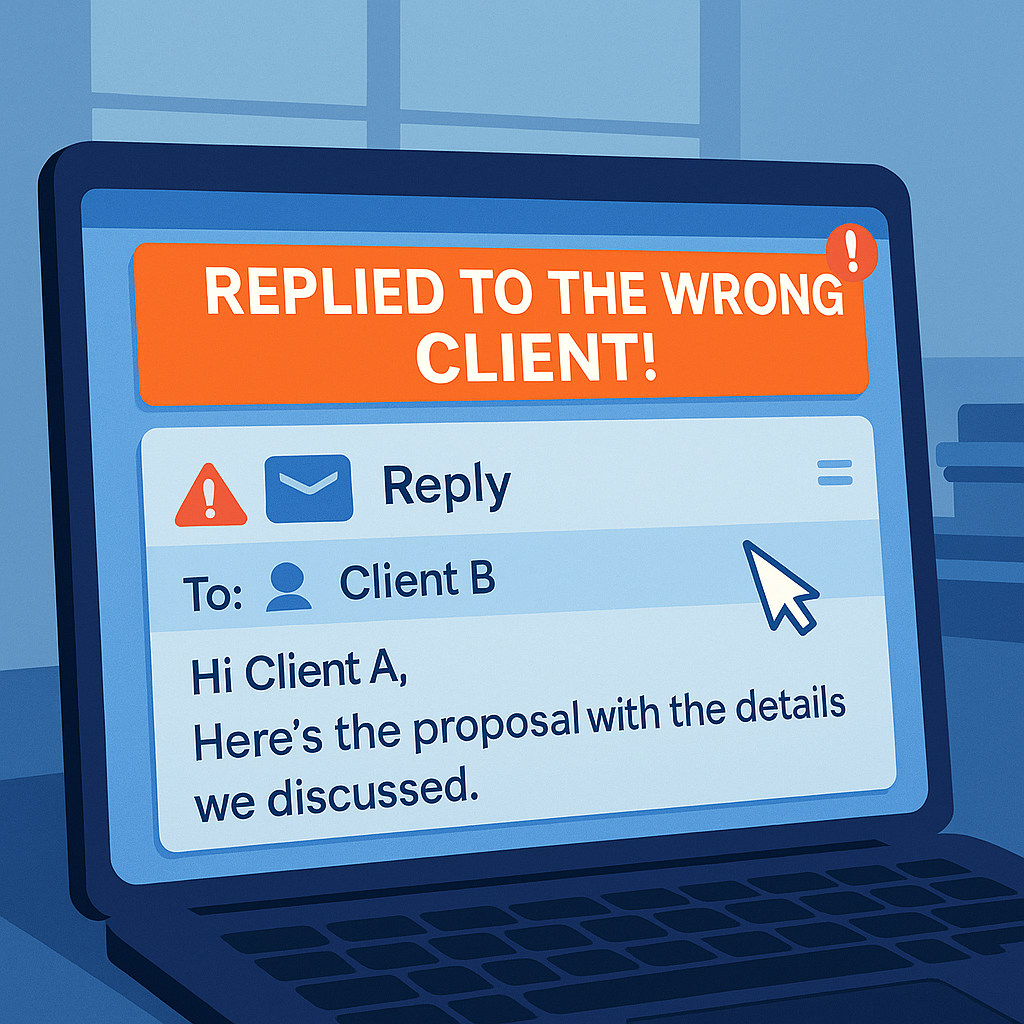
You’re juggling a dozen tasks, sorting your inbox, trying to get a quick response out to a client. So, you ask your AI agent to draft an email.
"Hey Copilot, respond to this inquiry. Make it polite and include pricing."
A few moments later, it’s sent—and you don’t think twice. Until your phone rings.
"Why did you send me someone else’s estimate?"
Cue the panic.
How AI Agents Can Get It Wrong
AI tools like Microsoft Copilot, Google Gemini, and ChatGPT-powered extensions are great at speeding up repetitive writing tasks.
But speed has a price: context confusion.
Here’s how things go sideways:
- 🧠 The AI pulls the wrong name or file from a thread
- 📨 It autofill's the email with previous client info
- 📎 It attaches the wrong doc because you didn’t double-check
- ✏️ It confidently inserts pricing from your last job… which isn’t even close to accurate
Most AI agents don’t know what’s sensitive, what’s relevant, or what’s confidential—unless you tell them every time.
Why It Matters for Service-Based Businesses
In industries like:
- Legal
- Real estate
- Insurance
- Therapy
- Coaching
- Accounting
...mistakes like these aren't just awkward—they're damaging.
- You could accidentally violate a privacy agreement.
- You might send privileged info to the wrong party.
- You may lose credibility (or a client) with just one mix-up.
And if you’re using AI to handle bulk outreach, intake replies, or follow-ups, you’re even more at risk.
Smart Ways to Avoid the “Wrong Client” Scenario
🧹 Slow down the send: Always review AI-generated content before hitting "send." Automation doesn’t mean autopilot.
🔒 Use structured templates: Build smart, fill-in-the-blank templates instead of letting AI "guess."
🚧 Limit email access: Set clear boundaries for what your AI tools can access (like past conversations, contact info, or CRMs).
🧠 Double-check names, numbers, and tone: These are the top offenders in accidental errors.
💼 Assign AI to help—not lead: Keep AI in the assistant role, not the decision-maker.
AI Isn’t a Liability—If You Treat It Like a Tool, Not a Team Member
AI agents are amazing at saving time—but they don’t understand context, consequences, or client sensitivity.
That part is still on you.
So next time your AI drafts a message, remember: You’re the editor. The AI is just the intern.
Thanks for reading. If you’re exploring AI for communication, don’t miss our breakdown “Can ChatGPT Handle Customer Service? Here’s What It Can’t Do (Yet)”. And if you’d like help setting up smarter, safer AI automations, feel free to reach out to Managed Nerds.