The Silent Hero of the Workplace
AI isn’t just for tech giants. Small business employees are using it to ditch repetitive tasks and stay focused. Here's how AI becomes the coworker no one argues with.

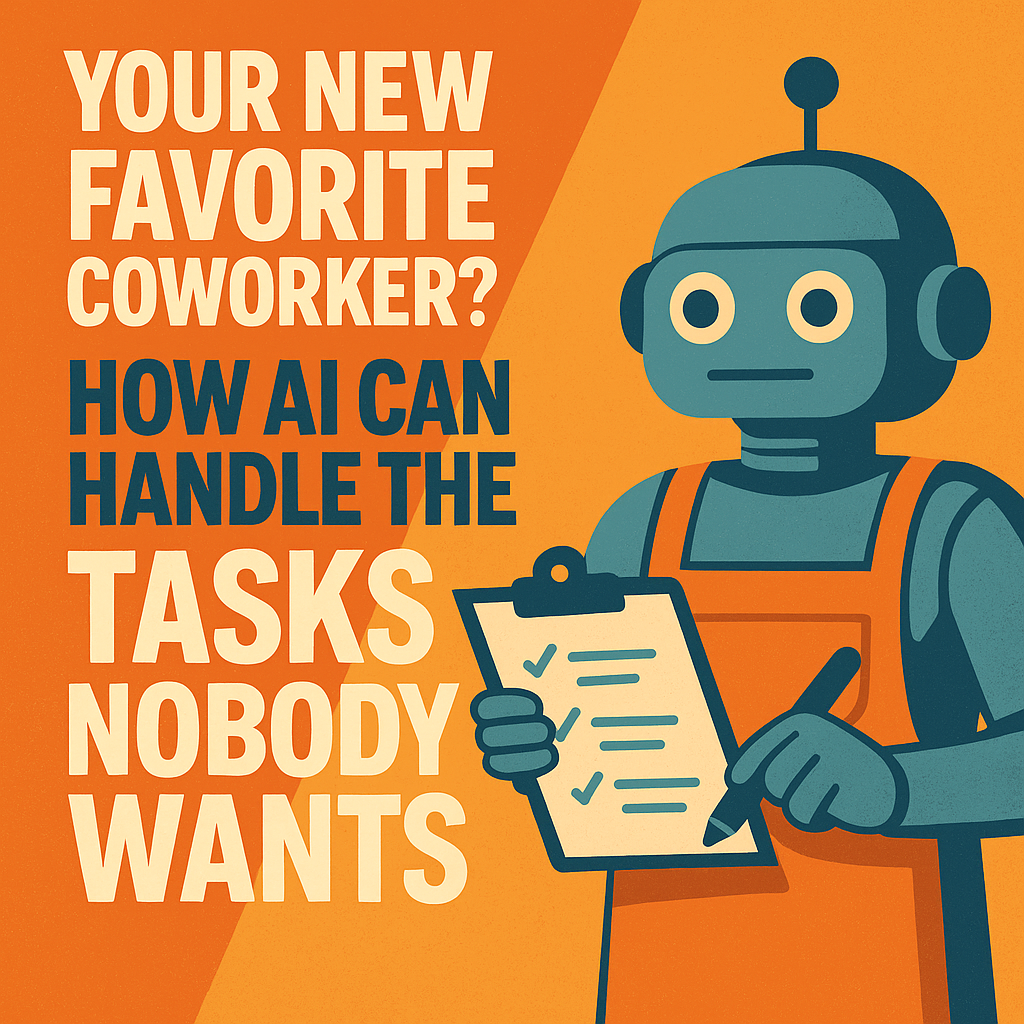
Every small team has those tasks that nobody wants to touch.
- “Can someone respond to that email... again?”
- “Who’s going to summarize that long meeting?”
- “Can we get someone to reformat this doc... today?”
These little jobs stack up—and they drain your team’s time and energy.
That’s where AI steps in. For small businesses without room for another hire, AI tools can be like an extra pair of hands—quiet, fast, and surprisingly smart.
What Can AI Actually Do for Your Team?
Here’s what real service-based businesses are using AI for—today, not in some future tech dream.
1. Write Quick Replies to Repetitive Emails
Your admin team or intake person can use ChatGPT or Microsoft Copilot to:
- Draft professional, friendly replies to common inquiries
- Reword follow-ups with just a short prompt like “Make this sound more formal”
- Create email templates that can be reused with a few tweaks
2. Summarize Long Calls or Meetings
With available AI tools, you can:
- Record and transcribe meetings
- Generate bullet-point summaries
- Create follow-up tasks instantly
Perfect for law offices, marketing firms, or contractors on remote team calls.
3. Reformat and Fix Documents
Got proposals, contracts, or reports that need rewording, fixing, or polishing?
Use AI to:
- Rewrite paragraphs to be clearer or more persuasive
- Turn long notes into client-facing summaries
- Auto-format messy text into polished reports
4. Plan and Schedule Without the Stress
AI-powered scheduling assistants like Motion, Reclaim.ai, or even smart calendar plugins can:
- Auto-book meetings
- Suggest focus time
- Manage team availability and deadlines
This means fewer scheduling headaches—and less back-and-forth emailing.
No Tech Background? No Problem.
The best part? You don’t need to be a developer, coder, or even “good with computers.” Most tools work like Google Docs or email—just with a little magic added in.
Even your least tech-savvy employee can learn how to:
- Use templates
- Copy/paste prompts
- Get AI-generated drafts in minutes
What This Actually Means for Your Business
- Faster turnaround times (your team gets through tasks quicker)
- Happier employees (they spend less time doing boring, manual stuff)
- Better client experiences (fewer mistakes, better communication)
For a small law firm, solo realtor, home services pro, or insurance agent, this kind of efficiency boost can mean the difference between just surviving and actually growing.
It's Not Replacing Your Team—It's Backing Them Up
This isn’t about replacing people. It’s about removing the digital “grunt work” so your real human employees can focus on what they do best—serving clients, building trust, and getting results.
Thanks for reading. If you're curious about how AI can also help your team handle awkward or time-consuming client interactions, check out our othe AI blogs
And if you want help setting up AI tools for your team—without the overwhelm—feel free to reach out to Managed Nerds. We’ll help you get it done right, no IT team needed.