Why Your AI Assistant Keeps Getting It Wrong—and How to Fix It
AI tools can save time—but only if they’re trained right. If yours keeps missing the mark, here's what small service businesses can do to fix it.

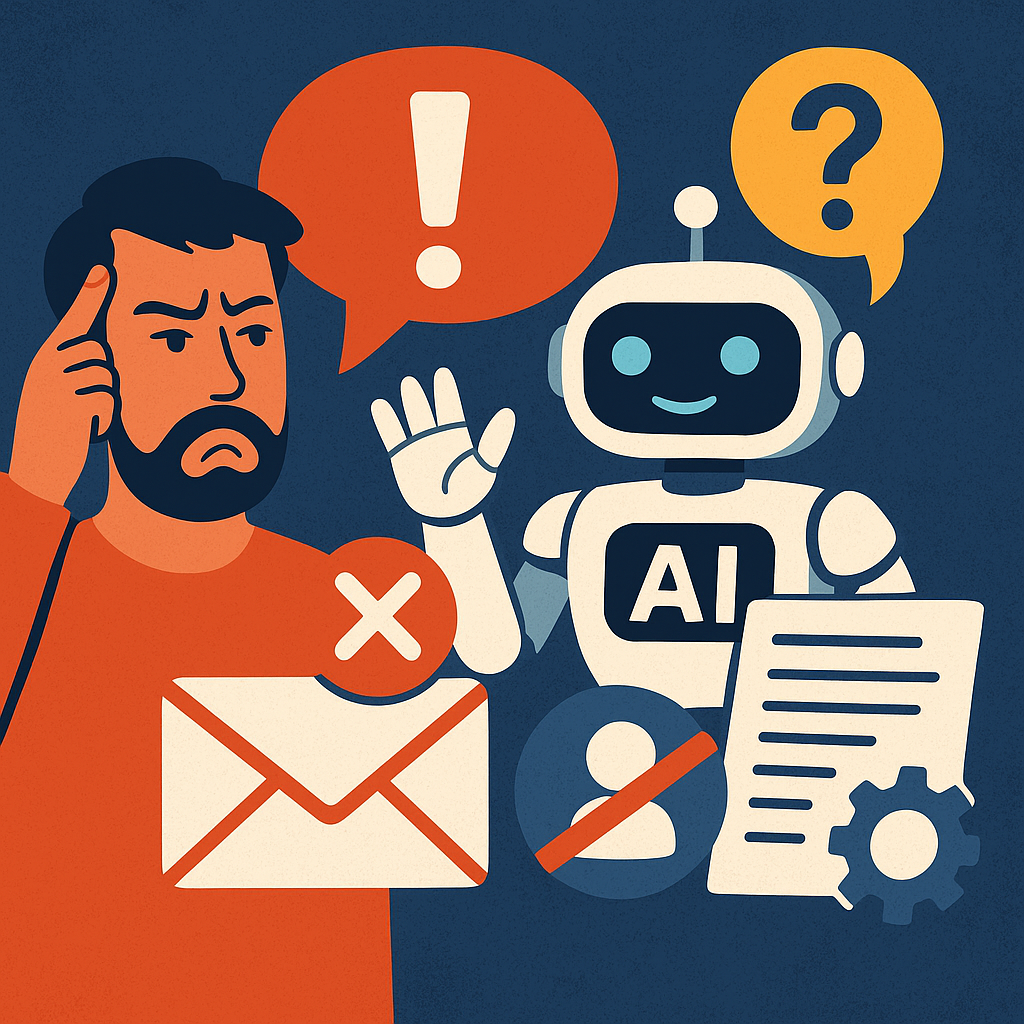
You set up your AI assistant to write, reply, or even quote for your business…
But every time it speaks? Something’s off.
The tone isn’t quite right. The facts are wrong. The whole message feels… robotic.
If that sounds familiar, you're not alone—and the fix might be easier than you think.
Let’s dive into why your AI assistant is failing—and what you can do to make it smarter, safer, and more useful for your business.
Small Prompts, Big Problems
AI tools are like interns—they do exactly what you ask, even if it’s a bad idea.
Here’s what causes most “bad AI behavior”:
- Vague Prompts – “Write a follow-up” doesn’t say what kind of follow-up.
- Lack of Voice Training – If your AI sounds like a robot, you haven’t taught it how you talk yet.
- Wrong Tools – Some AI platforms are better at summarizing than selling. Others excel at writing but can’t quote a service accurately.
- Garbage In, Garbage Out – If you feed the AI outdated, inaccurate, or unclear info, it’s going to repeat it. Proudly.
Train It Like a Team Member
You wouldn’t let a new employee email clients without some training, right? Same goes for your AI.
Here’s how to make sure your assistant actually helps:
1. Feed It the Right Info
Create a “cheat sheet” of your most-used phrases, services, and client FAQs. Feed it to the AI regularly.
2. Define Your Tone
Should your AI sound professional? Casual? Reassuring? Pick 3 words that describe your brand voice and train it with examples.
3. Use Role Prompts
Try:
“Act like a customer service rep at a solo law firm. Keep it friendly, professional, and focused on helping the client feel confident.”
This tells the AI how to behave.
4. Review & Recycle
Every time your AI nails something, save it. Build a “best of” folder it can learn from. Don’t keep reinventing the wheel.
Common Fixes for Common Mistakes
| AI Problem | How to Fix It |
|---|---|
| Sends wrong info | Use placeholders like [CLIENT NAME] and remove autofill features |
| Too robotic | Add example phrases from your real convos |
| Sends too soon | Set AI tools to “draft-only” mode so nothing goes out without human eyes |
| Uses outdated pricing | Re-upload your latest pricing sheet regularly or link it as reference |
Don’t Ditch the AI—Just Teach It Better
Most AI mistakes come from poor instructions—not bad tech.
If your AI assistant feels more like a problem than a solution, take a step back and train it like a person.
- Give it a tone.
- Teach it your services.
- Show it what “done right” looks like.
- And never let it run unsupervised until it’s earned your trust.
Thanks for reading. If you're looking for more help in making AI work for your business, check out our other AI blogs.
And if you're tired of guessing what to fix, feel free to reach out to Managed Nerds for a hand getting your AI up to speed.