

Your AI Is Lying to You: The “Confident Wrong” Trap That Can Cost You Clients
AI can sound smart while making things up. Here’s why “confident wrong” happens, where it hurts business owners most, and how to use AI safely without slowing down.

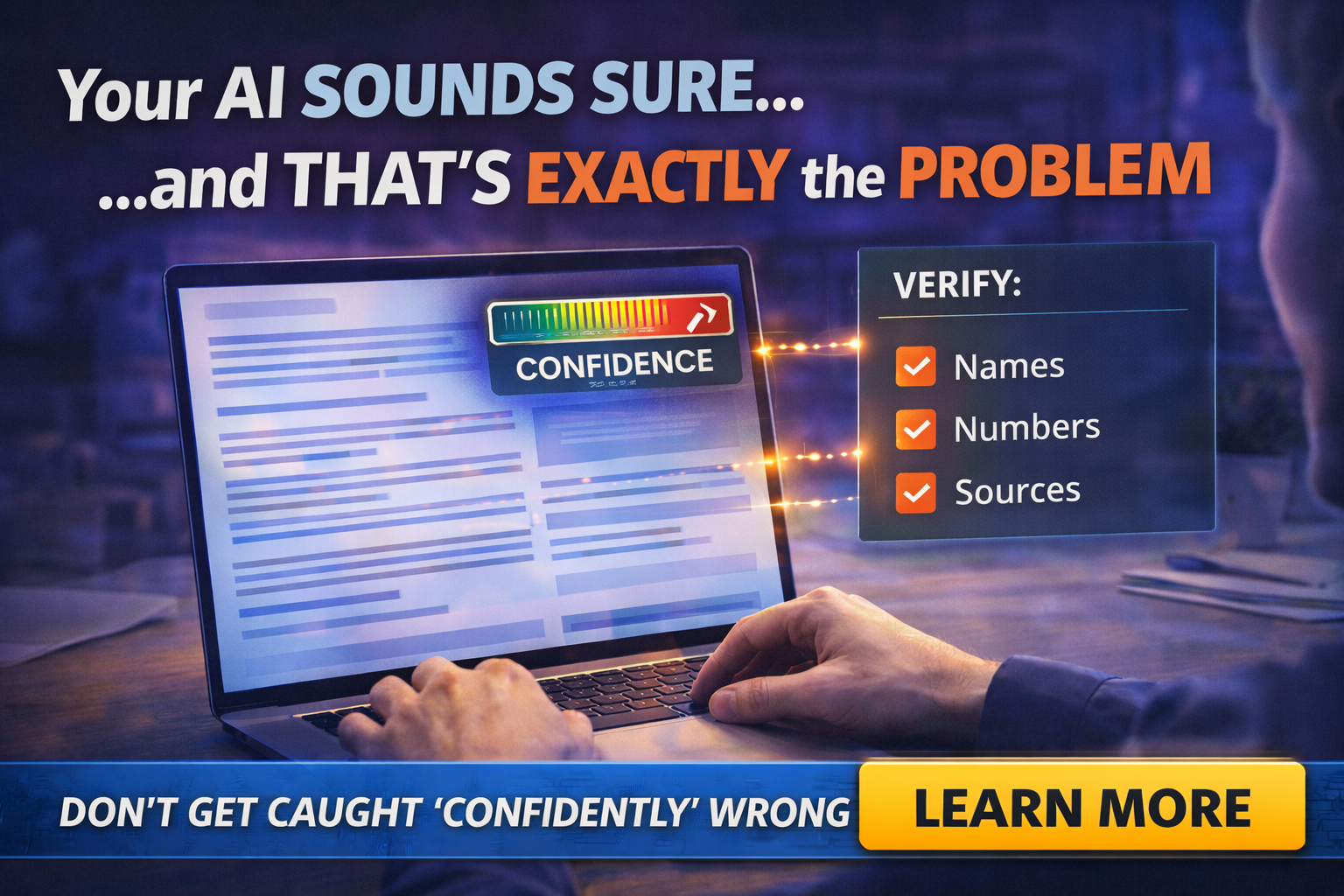
AI can write a beautiful email in ten seconds.
It can also calmly invent a policy, a price range, a deadline, or a “fact” that never existed.
And it will do it with the energy of someone who is absolutely certain.
OpenAI has published research on why language models hallucinate, and one of the key ideas is that common training and evaluation setups can reward guessing instead of acknowledging uncertainty.
That’s not a moral failure. It’s how the technology works.
But if you’re a business owner, the result is simple: confident wrong outputs can cost you money and trust.
What “confident wrong” looks like in a small business
You’ll recognize these moments:
- A proposal references the wrong project details
- An email promises a timeline you never agreed to
- A draft quote leaves out travel or materials
- A policy reply uses legal-sounding language that’s inaccurate
- An internal summary misstates what the customer asked for
It’s rarely “obviously fake.” It’s usually 90 percent fine and 10 percent dangerous.
That 10 percent is where deals die.
Why AI does this, in human terms
AI is not a calculator and not a fact database by default.
It’s a pattern engine trained to produce likely sequences of words. When it doesn’t know, it may still produce something that sounds plausible, unless you force it to slow down, cite sources, or admit uncertainty.
That’s why it can “feel” like a super-employee and also behave like a confident intern on their first day.
Where AI mistakes hurt most
Pricing and quoting
One missing cost turns profit into regret.
Customer commitments
If an AI draft promises something you can’t deliver, you eat it, not the chatbot.
Compliance-ish language
If you’re in insurance, finance-adjacent work, legal services, or anything regulated, AI can produce professional-sounding nonsense.
Reputation
A single wrong reply to a review or a complaint can spiral.
The safe rule: AI drafts, humans decide
Here’s the mindset that keeps you out of trouble:
- Use AI for structure, tone, summaries, first drafts
- Do not use AI as the final authority on facts, numbers, or commitments
It’s not “don’t use AI.” It’s “don’t let AI be the closer.”
The “Proof Before You Send” workflow
This is the simple process you can train your team on:
Names
Verify spelling, company names, addresses, and any client-specific details.
Numbers
Any pricing, dates, measurements, quantities, fees. Check them against your real source.
Sources
If the AI output contains a claim, ask: “Where is that coming from?”
If it can’t point to something you trust, it doesn’t get sent.
This is how you keep speed without losing accuracy.
Prompts that reduce hallucinations in real workflows
Try prompts like:
- “If you are unsure, say you are unsure. Do not guess.”
- “List assumptions separately. Do not treat assumptions as facts.”
- “Ask me questions before finalizing any numbers or timelines.”
- “Provide a draft, then include a ‘Verification Checklist’ at the end.”
This won’t make AI perfect. It will make your team more aware of risk.
A quote for your office wall
“Fast is great. Wrong is expensive.”
AI is a power tool. Power tools don’t replace skill. They amplify it.
Final Thought
If you want AI to save time without creating client-facing disasters, you need guardrails: templates, approved prompts, a verification checklist, and training that matches your business reality.
If you want help building those guardrails, Managed Nerds can set up practical AI workflows for tiny teams, including policies and templates that keep your brand sharp and your risk low.



