

Your AI Is Making Promises You Can’t Keep: The Liability Trap in Emails and Proposals
AI can write fast, but it can also “commit” you to things you never agreed to, like deadlines, warranties, and refunds. Here’s how to stop the liability trap.

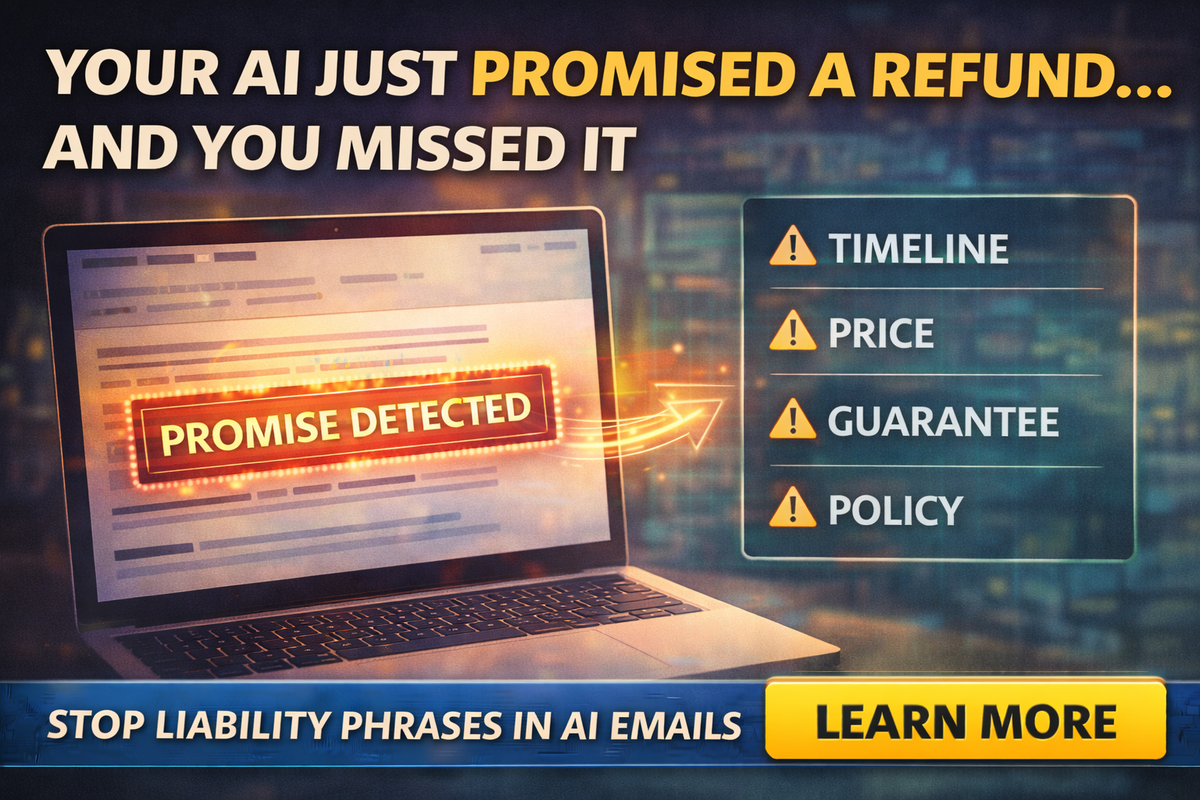
AI is amazing at one thing: sounding confident.
That’s also the problem.
Because in a small business, “confident” can quietly turn into “committed.”
It only takes one AI-drafted line like:
- “We can have this done by Friday.”
- “We guarantee results.”
- “We’ll refund you if you’re not satisfied.”
- “This covers all issues found.”
And suddenly you’re not just emailing. You’re creating expectations that can cost you money, time, and reputation.
If you’ve ever thought, “It’s just a draft,” this blog is your wake-up call.
Because customers don’t read drafts. They read promises.
The tabloid truth: AI will volunteer guarantees you never approved
Most business owners think AI risk is about privacy, or “it might be wrong.”
But one of the most expensive risks is simpler:
AI can accidentally commit your business to terms you never intended.
This shows up in:
- proposals
- estimates
- follow-up emails
- service agreements
- review replies
- even DMs on social media
AI is trying to be helpful, and “helpful” often sounds like certainty.
Where AI promises hurt the most
There are four danger zones where AI makes business owners look reckless without meaning to.
Timelines and scheduling
AI loves neat timelines because they sound professional.
But your real world is not neat:
- weather delays
- supplier delays
- job overruns
- staff sickness
- customer reschedules
If AI says, “We’ll be there Tuesday at 10,” and you can’t, you don’t look busy. You look unreliable.
Pricing and scope
AI will happily turn a rough idea into a firm number, or turn a limited scope into “everything.”
That’s how you get trapped:
- “Yes, that’s included.”
- “That price covers the full repair.”
- “No hidden fees.”
Then the customer points to your email and says, “You said…”
Guarantees, refunds, and outcomes
This is where owners get burned the hardest.
AI loves phrases like:
- “We guarantee…”
- “We’ll make it right no matter what…”
- “You’ll see results…”
- “Full refund…”
Those lines might feel normal in marketing copy, but in real service delivery they can create a dispute magnet.
Policy or legal-sounding language
AI can generate confident legal-ish language that looks official, but it may not match:
- your actual policy
- your state rules
- your insurer’s requirements
- your contract terms
Owners sometimes use AI to “make it sound professional” and accidentally create new terms they never intended to offer.
The “No Promises” rule that saves your business
Here’s the simplest guardrail you can teach your team:
AI can draft tone and structure, but humans approve commitments.
That means no AI-written message goes out until someone checks for:
- timelines
- scope
- price language
- guarantee language
- refund language
- policy statements
If that sounds like extra work, good. It’s cheaper than a dispute.
The small-business safe workflow
This takes five minutes and prevents most messes.
Start AI drafts with constraints
Instead of prompting:
“Write a quote email.”
Use:
“Draft a quote email in a calm, confident tone. Do not promise dates, guarantees, or refunds. Use conditional wording like ‘estimated’ and ‘based on.’ Include a short list of assumptions and exclusions.”
This makes AI less likely to volunteer risky commitments.
Add the “assumptions and exclusions” section every time
Customers respect clarity more than hype.
Include simple lines like:
- “Timeline depends on scheduling and material availability.”
- “Estimate is based on visible conditions at the time of inspection.”
- “Additional issues may require a revised quote.”
- “Work outside this scope will be quoted separately.”
This does not sound weak. It sounds professional.
Use options language instead of certainty
AI tends to lock in one answer. You want a range or options.
Better:
- “We can likely schedule within 3–5 business days.”
- “Most jobs take 1–2 days depending on conditions.”
- “Here are two options: basic fix vs longer-term solution.”
Options reduce disputes and increase conversions because customers feel in control.
A quick “promise scan” before you hit send
Teach your team to scan every AI-assisted email for these trigger phrases:
- “guarantee”
- “promise”
- “will” + a specific date or outcome
- “refund”
- “no matter what”
- “covers everything”
- “final price”
- “always”
- “never”
- “100%”
If you see them, rewrite.
This is not about being slippery. It’s about being accurate.
The best replacement phrases
If you want your messages to sound confident without being risky, swap these in:
Instead of “We will…”
Use “We can,” “We plan to,” “Estimated,” “Typical,” “Based on,” “If available.”
Instead of “Guaranteed results…”
Use “Our goal is,” “We aim to,” “Most clients see,” “We’ll recommend next steps.”
Instead of “This includes everything…”
Use “This includes,” “This covers,” “This does not include,” “If we find…”
Confidence comes from clarity, not from overpromising.
“But my competitors promise everything”
Some do, and some of them spend their lives in arguments.
Owners think big promises win deals. In reality:
- Clear scope wins trust.
- Realistic timelines win repeat business.
- Transparent language reduces chargebacks and complaints.
You don’t need to be the loudest. You need to be the most credible.
Final Thought
AI can save time, but it can also create liability if you let it speak for you.
Your goal is simple:
- Use AI for structure and speed
- Keep humans in charge of commitments
If you want help setting up safe AI email templates, quote templates, and “no promises” guardrails for your team, Managed Nerds can assist with building an AI workflow that makes you faster without making you reckless.
Thank you for reading. Subscribe to get more Small Business AI Tips



