

Is Microsoft Teams Turning Into a Tracker? What Business Owners Need to Know Before March
Microsoft Teams may soon show where employees are working. Some call it helpful. Others call it surveillance. Here’s what business owners need to know before March.

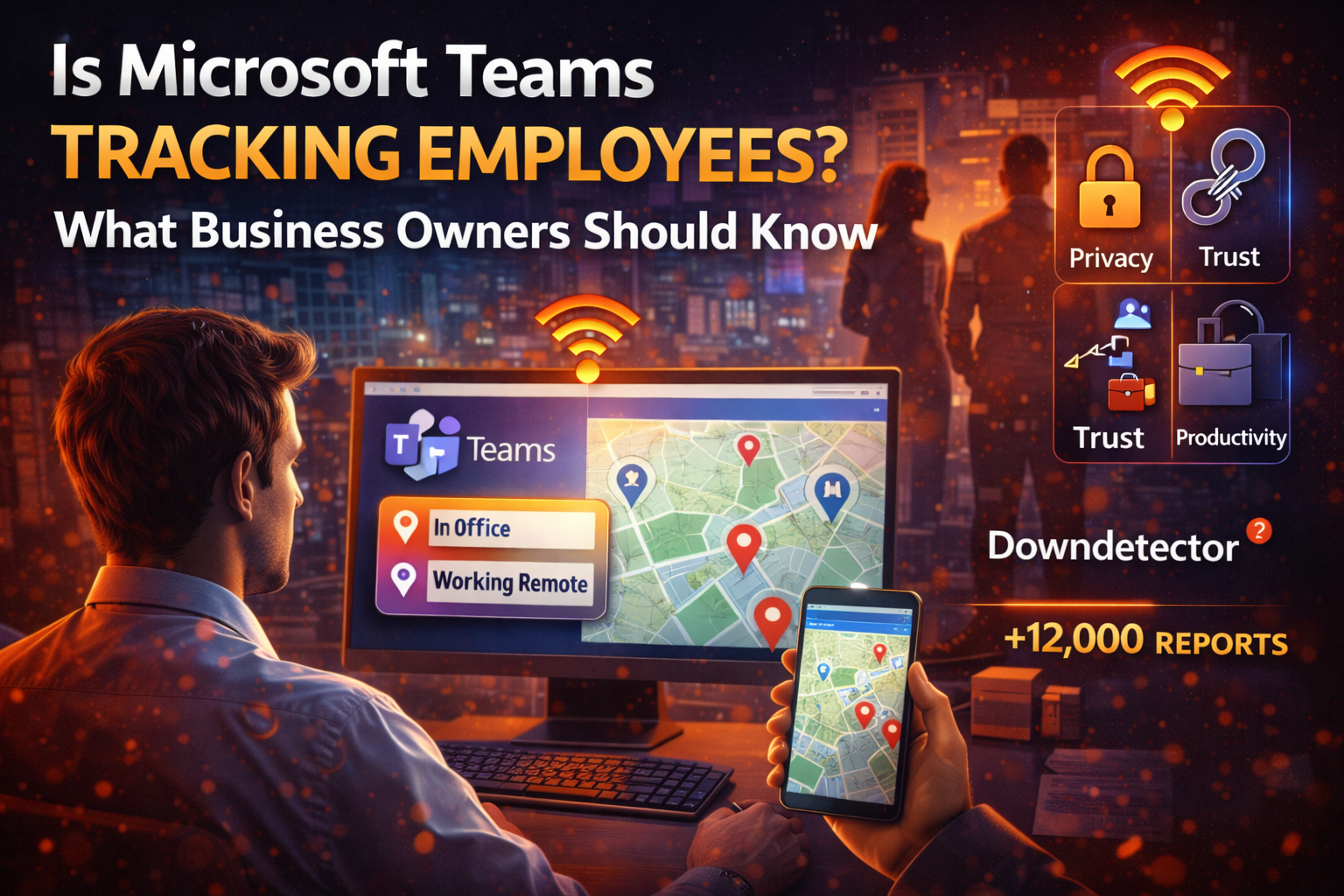
Microsoft Teams is about to get a lot more… aware.
A delayed but controversial new feature will soon allow employee location to be automatically shared with managers when users connect to company WiFi. While critics are calling it a “snitching tool,” some business leaders say it could actually save time, money, and even lives.
So what’s really going on, and should business owners be paying attention?
What Is This New Teams Feature, in Plain English?
Microsoft is working on a Teams update that can automatically show where employees are working, based on whether they’re connected to company WiFi.
In simple terms:
- If someone connects to office WiFi, Teams may show they’re “in the building”
- If not, it may indicate they’re working remotely
- The feature is opt-in, but admins control whether it’s available
- It respects working hours and only works on desktop Teams (Windows and Mac)
After multiple delays, Microsoft now says the feature is expected to roll out around mid-March 2026.
Why People Are Upset About It
Employees and privacy advocates haven’t been shy.
The biggest concerns:
- Employees could be forced to opt in, while managers aren’t
- It may be used to police office attendance, not productivity
- It risks damaging trust in hybrid and remote work cultures
- Location data, even when limited, is still sensitive information
In short, many worry it shifts Teams from a collaboration tool into a monitoring one.
Why Some Managers Actually Like the Idea
Here’s where it gets interesting.
Some business owners and executives argue this isn’t about spying, it’s about speed and coordination when it matters most.
Real-world examples include:
- Emergencies like fires or active threats, where knowing who’s onsite matters
- Time-sensitive approvals involving legal, finance, or operations
- Reducing wasted time tracking down decision-makers during critical moments
As one business owner put it, the value isn’t oversight, it’s removing friction when seconds count.
The Real Issue Isn’t the Tool, It’s How It’s Used
Even workplace flexibility experts agree on one thing: intention matters.
If location tracking is used:
- For emergency response or coordination → it can help
- For enforcing attendance rules or micromanagement → it backfires
Technology can’t replace trust. If expectations around hybrid work aren’t clearly defined ahead of time, no feature will fix that.
What This Means for Small Businesses
Unlike large enterprises, small businesses feel changes like this faster and harder.
Risks for SMBs include:
- Employee pushback or morale issues
- Misuse of tools due to lack of clear policies
- Privacy concerns turning into legal or HR problems
- Over-reliance on tech instead of process
But there’s also opportunity if it’s handled correctly.
How Managed Nerds Can Help
At Managed Nerds, we help small businesses navigate tools like Microsoft Teams without crossing lines or creating risk.
We can help you:
- Decide whether features like this should even be enabled
- Configure Microsoft 365 and Teams the right way
- Create clear, employee-friendly policies around tech use
- Train teams on privacy, security, and modern collaboration tools
- Balance productivity, security, and trust, without guesswork
Tech should support your business, not create tension inside it.
If you’re wondering whether Microsoft’s newest tools are helping your team or quietly causing problems, it might be time for a second set of eyes.
Managed Nerds helps small businesses use enterprise-grade technology intentionally, responsibly, and confidently.
Thank you for reading, if you enjoyed, please consider subscribing for more Small Business Tech Tips.



