

Are Old Pages Tanking Your SEO? Find Out Before It’s Too Late
Think your old pages are harmless? They could be killing your SEO. Learn how to spot dead weight content and what to do about it before Google buries your site.

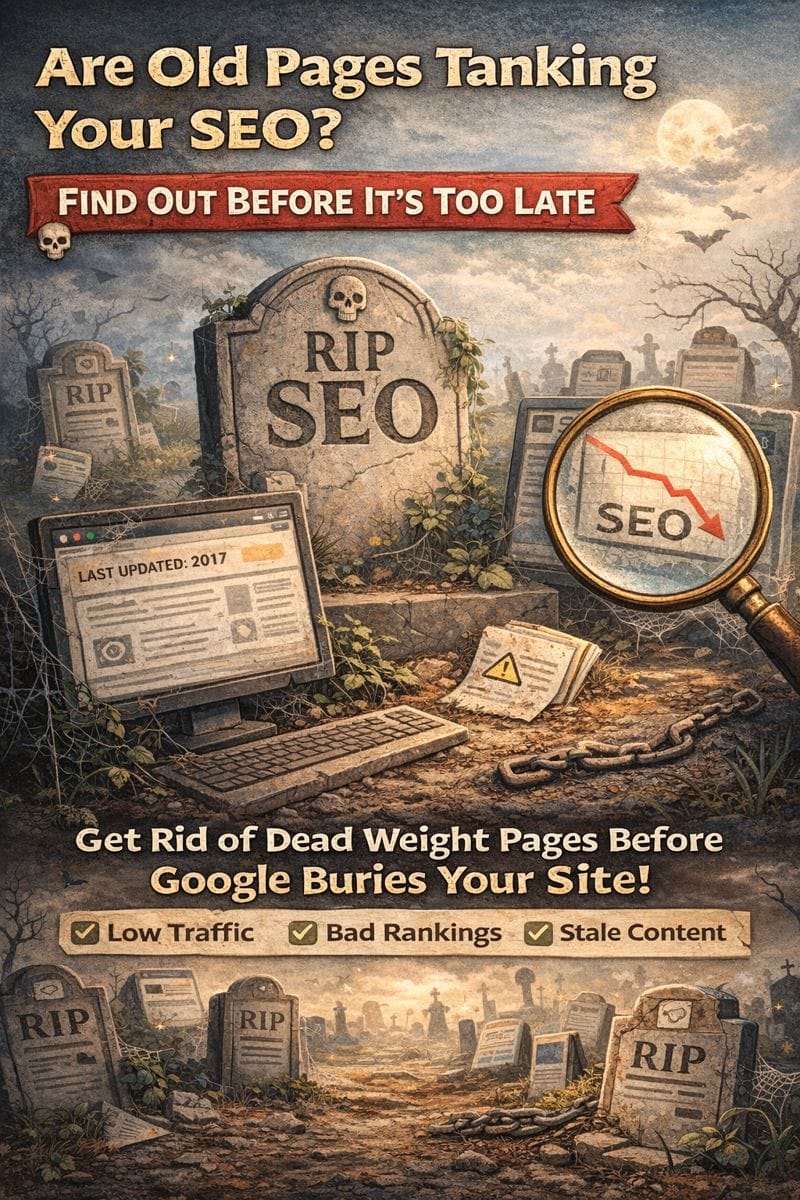
What if the very pages you wrote to boost your search rankings are now the reason your traffic is dropping?
It sounds backward, but outdated or underperforming content can actually hurt your SEO—and many business owners don’t even realize it.
Here’s what you need to know before your site’s dead weight pulls your entire SEO strategy down with it.
When “Helpful” Content Becomes a Liability
That old blog from 2018? The services page you no longer offer? Google doesn’t just ignore them—they might be dragging down your domain authority.
Here’s why:
- Google’s algorithms evaluate your site as a whole. Too many outdated or low-quality pages make your site look stale.
- Thin content lowers trust. Short, vague, or outdated pages can send red flags to Google.
- User behavior matters. If people bounce quickly from those pages or don’t click around, Google assumes the content isn’t helpful.
And in 2024, Google is doubling down on rewarding sites that keep things fresh, clear, and useful.
Signs a Page Might Be Hurting You
Not every old page is a problem—but here’s how to spot the ones that are:
- Very low or zero traffic (check Google Analytics)
- No backlinks or engagement
- Outdated information or irrelevant offers
- Pages with high bounce rates and short time-on-page
- Duplicate content or near-identical blog posts
The goal isn’t to delete every low-performing page. It’s to identify the ones that are beyond saving—or that need a little love to shine again.
So… Should You Delete It?
There are three main options for dealing with underperforming content:
1. Update It
If the topic is still relevant but the content is outdated, refresh it. Add current stats, improve formatting, target better keywords, and update CTAs.
2. Merge It
Got multiple weak blog posts on the same topic? Combine them into one comprehensive, high-value article. Then redirect the old URLs.
3. Delete It
If the content is truly irrelevant, can’t be updated, or has no SEO value, it may be best to delete it—especially if it’s hurting your site’s reputation with Google.
Just be sure to set up proper redirects (301s) to avoid broken links.
Why “Set It and Forget It” Doesn’t Work for SEO
The web changes fast. What ranked five years ago might be buried now. Regular content audits help you:
- Identify gaps in your site
- Catch outdated or inaccurate info
- Reclaim traffic from underused pages
- Stay aligned with current search intent
Think of it like tending a garden. Some plants thrive with a little pruning—others need to be pulled.
Small Businesses, Big Impact
If you're a small business owner, you may not have time to comb through every page of your site. But even just reviewing your top 20–30 pages annually can make a big difference in SEO performance.
You don’t have to be a tech expert. You just need a plan—and someone to help you prioritize what’s worth saving.
Thanks for reading. If you're looking for more insight on ranking factors, check out our other SEO blogs
And if you want help reviewing your site for outdated content or doing a full content audit, feel free to reach out to Managed Nerds. We’re here to help clean up the clutter and keep your SEO sharp.



