Tired of Repeating Yourself? Let AI Turn Your Email Replies Into a Knowledge Base
Answer the same questions every week? AI can turn those replies into a self-updating knowledge base your clients—and team—will thank you for.

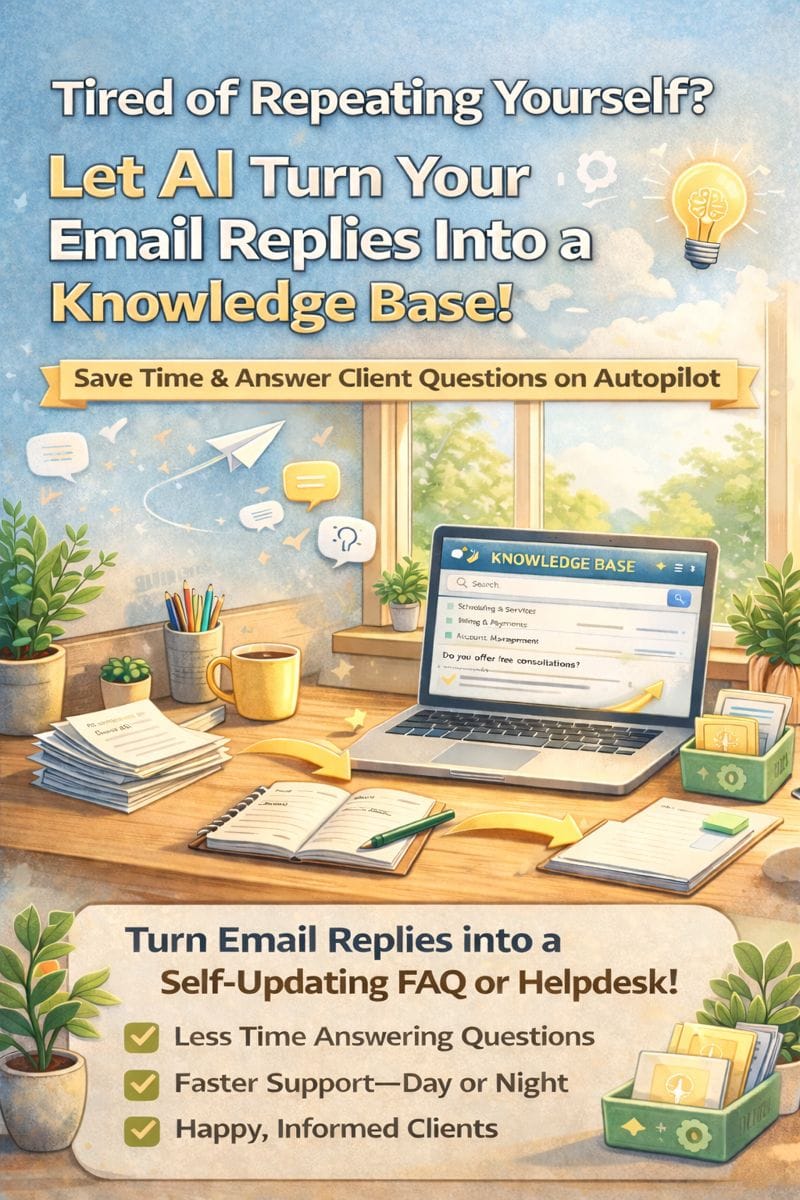
If you’ve ever typed the same email reply for the third time in a day, you’re not alone—and you’re not stuck doing it forever. With just a few smart steps, AI can help turn your repetitive answers into a searchable, organized, time-saving knowledge base that works 24/7 for your business.
Let’s break down how it works.
What’s a Knowledge Base—And Why Should You Care?
A knowledge base is a collection of answers, guides, and how-tos about your business. Think:
- Your most common customer questions
- Service policies
- “How do I…” style walkthroughs
- Email replies you send over and over
Now imagine all of that available to your team (and your clients) without you needing to retype a word.
Step 1: Start With the Emails You’re Already Sending
The best part? You’ve already written most of your knowledge base.
Go through your Sent folder and copy/paste answers to common questions like:
- “Do you offer free consultations?”
- “What happens after I sign the contract?”
- “Can you work with my schedule?”
- “What’s included in your services?”
These answers don’t need to be perfect—they just need to reflect your usual response.
Step 2: Feed Them to an AI Tool
Use an AI assistant like ChatGPT, Perplexity, or a helpdesk tool with AI features (like HelpScout, Notion AI, or Zendesk AI).
Prompt example:
“Turn these email replies into a client-friendly FAQ. Group similar answers together. Keep the tone warm and professional.”
In seconds, you’ve got a draft FAQ or internal guide. Tweak it, edit for accuracy, and boom—your knowledge base is born.
Step 3: Make It Accessible
Now you’ve got options:
- Upload it to your website as a FAQ page
- Use a tool like Notion, Guru, or HelpJuice for internal team access
- Feed the info into a chatbot or AI customer assistant that can auto-reply
- Save time during onboarding by sharing the link with new clients or team members
Step 4: Keep It Updated (With Help)
Every time a new question comes up, drop your answer into the same document. AI can even help organize or rewrite it into your standard tone.
Bonus tip: Tools like ChatGPT Pro let you create custom GPTs that remember your voice, your services, and your best responses.
Why This Matters for Small Businesses
You don’t have a 10-person support team. But with AI, you don’t need one.
Turning repetitive emails into a dynamic knowledge base means:
✅ Less burnout for you
✅ Faster response times
✅ Better consistency for your team
✅ Clients feel taken care of—even after hours
Thanks for reading. If you’re looking for more AI tips for service-based businesses, check out How to Use AI to Build a Client FAQ Page in Under an Hour.
And if you want help getting your content organized (without spending all week on it), feel free to reach out to Managed Nerds.