

Your Homepage Is Hijacking Your Rankings: The “Wrong Page” Problem That Wrecks SEO
Ranking is not the goal. Ranking the right page is. If Google keeps showing your homepage for service searches, you’ll get clicks that don’t convert. Here’s how to fix it.

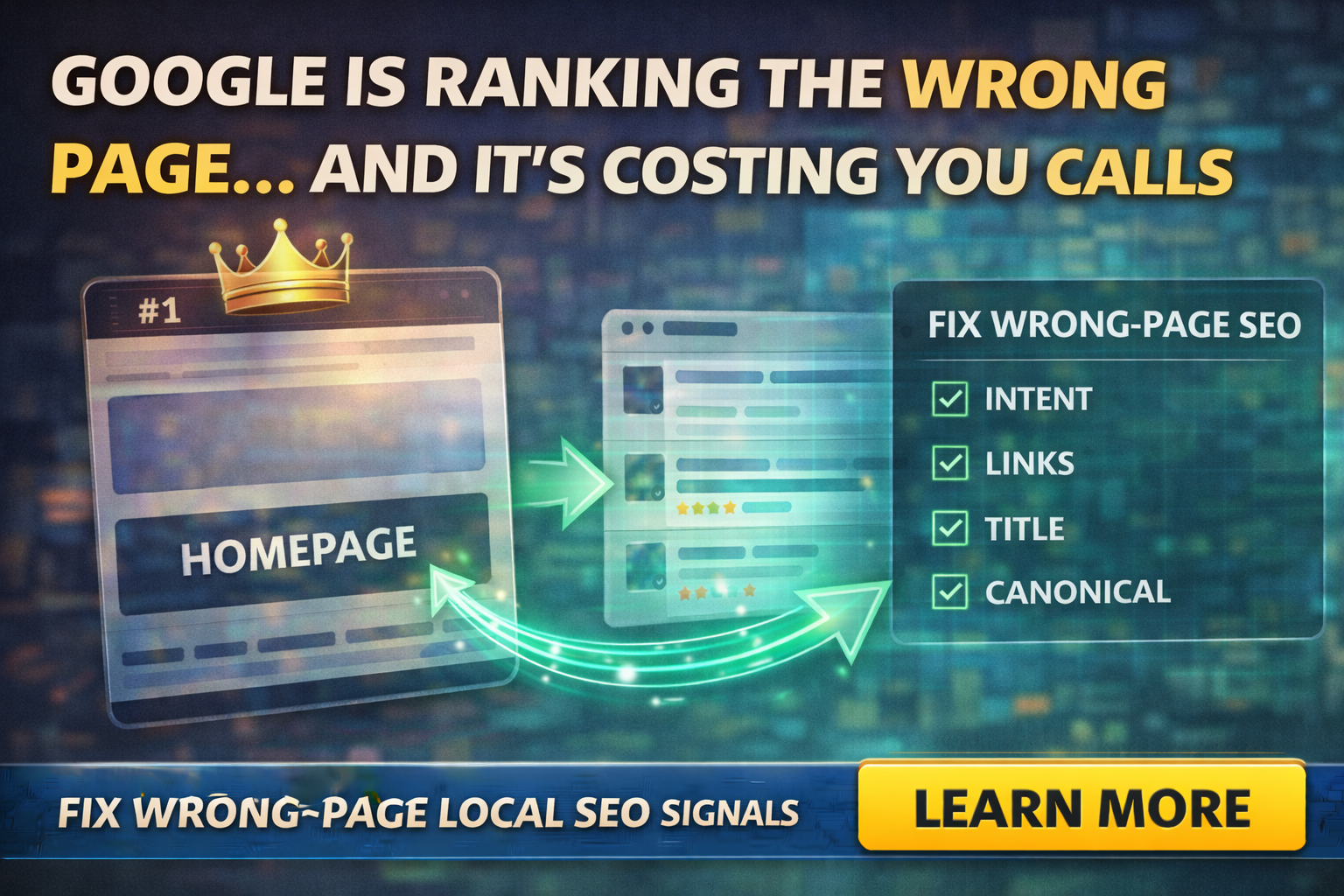
You search your service on Google and feel that little rush:
“We’re ranking!”
Then you click it.
And Google is sending people to your homepage, not the page that actually explains the service.
That is the “wrong page” problem. It’s more common than most business owners realize, and it quietly wrecks leads.
Because the homepage is usually built to say:
“Here’s who we are.”
But service searchers want:
“Can you solve my problem, in my area, and what happens next?”
So even if you rank, your conversion rate drops. That means fewer calls, fewer quote requests, and more wasted traffic.
The tabloid truth: you’re not losing because you don’t rank, you’re losing because Google chose the wrong URL
Google tries to show the best page for the query. But if your service page is weak, unclear, or too similar to other pages, Google may decide your homepage is the best representative.
It’s basically Google saying:
“I’m not sure which page is the best match, so I’m picking the safest one.”
How Google ends up ranking the wrong page
Here are the most common causes.
Your service pages are thin or vague
If the service page is 200 words of fluff, Google has less to work with, and users have less reason to stay.
Your homepage and service pages sound too similar
If every page uses the same generic language, Google may treat them as duplicates.
Internal links point everything to the homepage
If your menu, buttons, and internal links constantly push users back to home, Google gets the message that “home” is the main destination.
Canonical and duplicate URL confusion
When Google sees duplicate content, it chooses a canonical URL. Google’s own documentation explains canonicalization and recommends linking consistently to the canonical URL you prefer.
If canonicals are wrong, inconsistent, or your internal links point to duplicates, Google may consolidate signals in a way you don’t like.
Your titles and headings don’t clearly signal intent
Google uses different sources to generate title links in search results, and it provides best practices for giving Google clear signals about what a page is.
If your service page title is weak, Google may not trust it as the best match.
The “wrong page” symptoms
You might have this issue if:
- You rank, but leads feel random
- Homepage gets most of the organic traffic, even for service searches
- Service pages get impressions but few clicks
- People call and ask basic questions that your service page should answer
- Search Console shows the homepage appearing for multiple unrelated queries
The fastest way to confirm it
Use the URL Inspection tool in Google Search Console.
Google explains that the URL Inspection tool shows what Google knows about a specific page and lets you test the live version for requirements related to appearing on Google.
Here’s what you’re checking:
- Is the service page indexed?
- Does Google show a different canonical?
- When was it last crawled?
- Are there issues that might prevent it from being treated as the main page?
This turns guessing into evidence.
The fix: make the service page the obvious “best answer”
You’re not trying to trick Google. You’re trying to remove doubt.
Here’s how.
Rewrite the service page to match the query intent
In the first screen, make it obvious:
- what the service is
- who it’s for
- where you serve
- what happens next
Add sections that homepages rarely have
Homepages are general. Service pages should be specific:
- what’s included
- common problems you solve
- FAQs
- proof photos
- process steps
- service area notes
- clear CTA
Update your internal linking so the service page is the destination
This is huge.
Google’s canonical guidance explicitly notes that linking consistently to the canonical URL you consider representative helps Google understand your preference.
That applies to internal linking too: you want your site to consistently point to the right service URL, not accidentally spread signals across multiple versions.
Fix duplicate pages and consolidate near-identical content
If you have multiple pages that say almost the same thing, Google may pick one and ignore the others. Consolidate, strengthen, and make each page earn its spot.
Clean up titles and headings
Follow Google’s best practices for title links: clear, accurate, representative of the page.
If your service page title is “Services” or “What We Do,” you’re making it harder than it needs to be.
A quick example
If you’re a home inspector, your service page should not be called:
“Inspection Services”
It should be closer to:
“Home Inspection in Augusta, GA: What’s Included + Pricing Factors”
Not spammy, just clear.
Final Thoughts
Ranking is not the win. Ranking the right page is the win.
If your homepage is hijacking your rankings, you don’t need more traffic. You need clearer intent, stronger service pages, and internal linking that tells Google exactly which page deserves the spotlight.
If you want help fixing the wrong-page problem (and building service pages that actually convert), Managed Nerds can audit your site structure, clean up canonicals and internal links, and rebuild the pages so rankings turn into calls.
Subscribe for more small business SEO tips.



