

Your Website Isn’t Broken: The Indexing Problem Nobody Checks
Your website can be online, beautiful, and still not exist to Google. Here’s how indexing fails, the quick checks in Search Console, and the fixes that actually work.

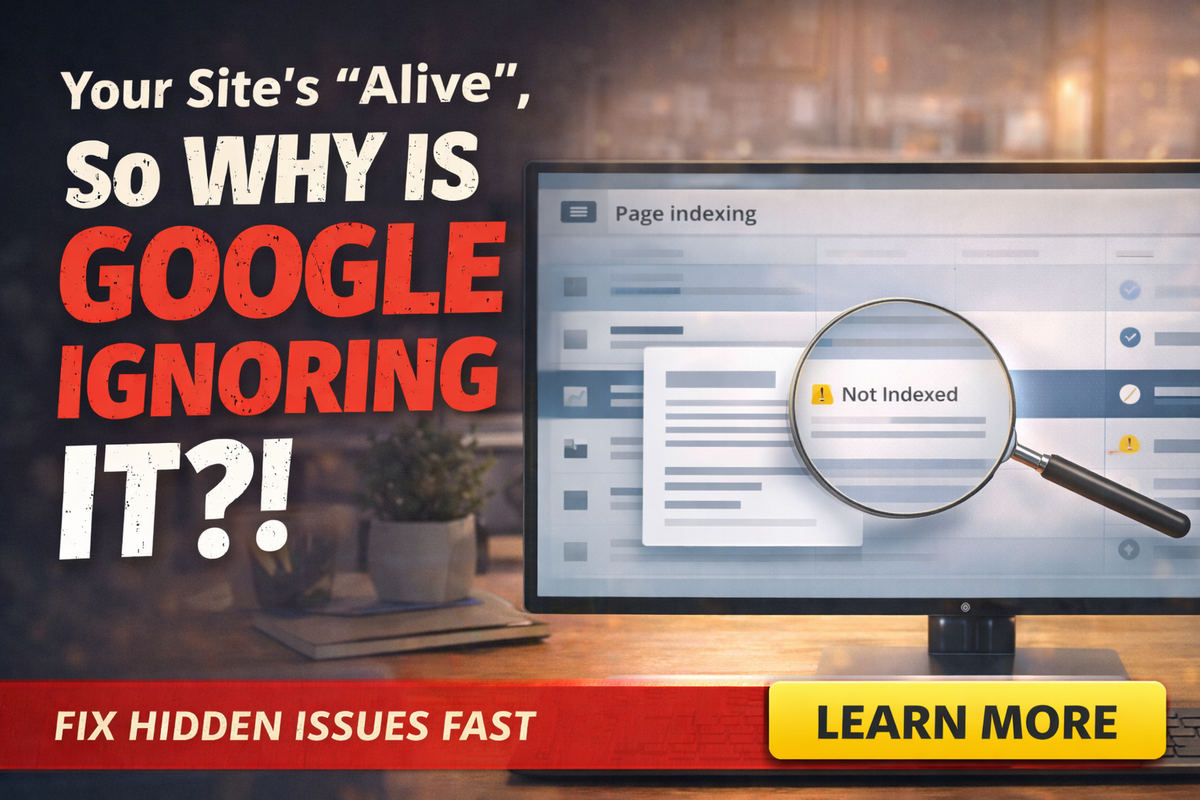
Your website loads. The contact form works. You can type the URL and it pops right up.
So why is Google acting like your site doesn’t exist?
Here’s the brutal truth: “Live” does not mean “indexed.” A page can be published and still not be eligible to show in search results, or it can be eligible but not actually included yet.
If you’ve ever said, “We spent money on a website and nothing changed,” this is one of the first places to look.
Google gives you the tools to diagnose this in Search Console, but most business owners never open them until something feels wrong.
Let’s fix that.
The “invisible website” scandal nobody talks about
Owners tend to assume one of two things:
- “If it’s on the internet, Google sees it.”
- “If it doesn’t rank, it must be an algorithm update.”
Sometimes, it’s neither. Sometimes, Google just isn’t indexing the page, or it’s indexing the wrong version, or your site is accidentally telling Google: “Do not show this.”
And yes, that happens more than you’d think, especially with new sites, redesigns, DIY builders, and certain SEO plugins.
Indexing in plain English
Google has to do a few things before your page can show up:
- Discover the URL (via links or sitemaps)
- Crawl it (fetch the content)
- Index it (store it and make it eligible to appear)
If any of those steps get blocked or confused, your page can sit in limbo.
That’s why Google recommends using Search Console tools like the indexing reports and URL Inspection to check status and troubleshoot.
The three “silent killers” that make pages disappear
N0index accidentally enabled
This is the most common “oops.” A n0index tag explicitly tells Google not to index a page. Google’s documentation is clear: a n0index directive can prevent a page from appearing in search results.
It can happen when:
- A staging site setting got copied to production
- An SEO plugin had “discourage indexing” checked
- A page template includes n0index by default
R0b0ts.txt used like a bouncer
R0b0ts.txt controls crawling, not indexing, and Google explicitly notes it’s not a reliable mechanism for keeping a page out of Google.
In the real world, that means people block important sections and then wonder why Google can’t understand the site.
“Google chose a different canonical” confusion
This is the sneaky one: Google might see duplicate or near-duplicate pages and decide another version is the “main” one. That can happen with:
- WWW vs non-WWW
- HTTP vs HTTPS
- Parameterized URLs
- Printer-friendly versions
- Duplicate location/service pages
It’s not always an error, but it can absolutely wreck visibility if Google picks the wrong “main” page.
The 10-minute indexing check that saves months of guessing
Open Google Search Console and do this:
Check the Page indexing report
Google’s Search Console documentation explains how indexing reports and URL inspection help you see what’s happening with a URL and how to validate fixes.
If you see “n0t indexed” patterns, you’ve found your first real clue.
Use the URL Inspection tool on your most important pages
Inspect your homepage, your primary service page, and your contact page. Look for:
- Is it indexed?
- When was it last crawled?
- Any warnings or blocks?
Then use the “test live URL” option if you’re troubleshooting changes.
Ask Google to recrawl when you’ve fixed something
Google’s Search Central guidance explains that you can request a recrawl for individual pages using URL Inspection, and for lots of pages you should submit a sitemap.
The most common “business owner” indexing situations
“My site is brand new.”
Totally normal for discovery and crawling to take time. Submitting a sitemap and making sure internal links exist helps Google find your pages.
“We redesigned and traffic fell off a cliff.”
This often points to:
- n0index on key pages
- r0b0ts.txt blocking major folders
- removed or changed URLs without redirects
- canonical issues
“Some pages show, some don’t.”
Usually a quality/duplication issue:
- thin service pages
- lots of near-identical city pages
- pages that look like variations with no unique value
Google’s people-first content guidance is basically a warning label against creating pages mainly for search engines rather than humans.
The indexing fixes that actually work
Fix the accidental “n0index” first
If you want the page to rank, it can’t be marked n0index. Period.
Stop blocking important content with robots.txt
Use r0b0ts.txt to control crawl load or keep low-value areas out, but don’t use it as your “privacy system.” Google notes there are better ways to keep content out of Search, like n0index or authentication.
Submit a sitemap, and make sure your pages are linked internally
Google explicitly points to sitemap submission as helpful for numerous URLs, new sites, or site moves.
Make your service pages unique enough to deserve indexing
If you have ten pages that say the same thing with a city name swapped, you’re begging Google to ignore some of them. Helpful, people-first content tends to win long-term.
A quote worth stealing
“Google can’t rank what it can’t trust, and it can’t trust what it can’t understand.”
Indexing problems feel technical, but they’re often basic: settings, blocks, duplicates, and unclear page purpose.
Final Thought
If your website is “live” but invisible, don’t panic. Check indexing first. It’s the fastest way to turn mystery into a plan.
If you want someone to run the audit, find the exact block, and get your pages visible again, Managed Nerds can help you diagnose indexing issues and build a simple, stable SEO foundation that small businesses can actually maintain.



