

Not Getting Email Replies? It Might Not Be You—Microsoft Went Down
Not getting replies or missing emails? A Microsoft outage hit Outlook, 365, and Teams on Jan 22. Here’s what happened, what to check, and how to stay ready next time.

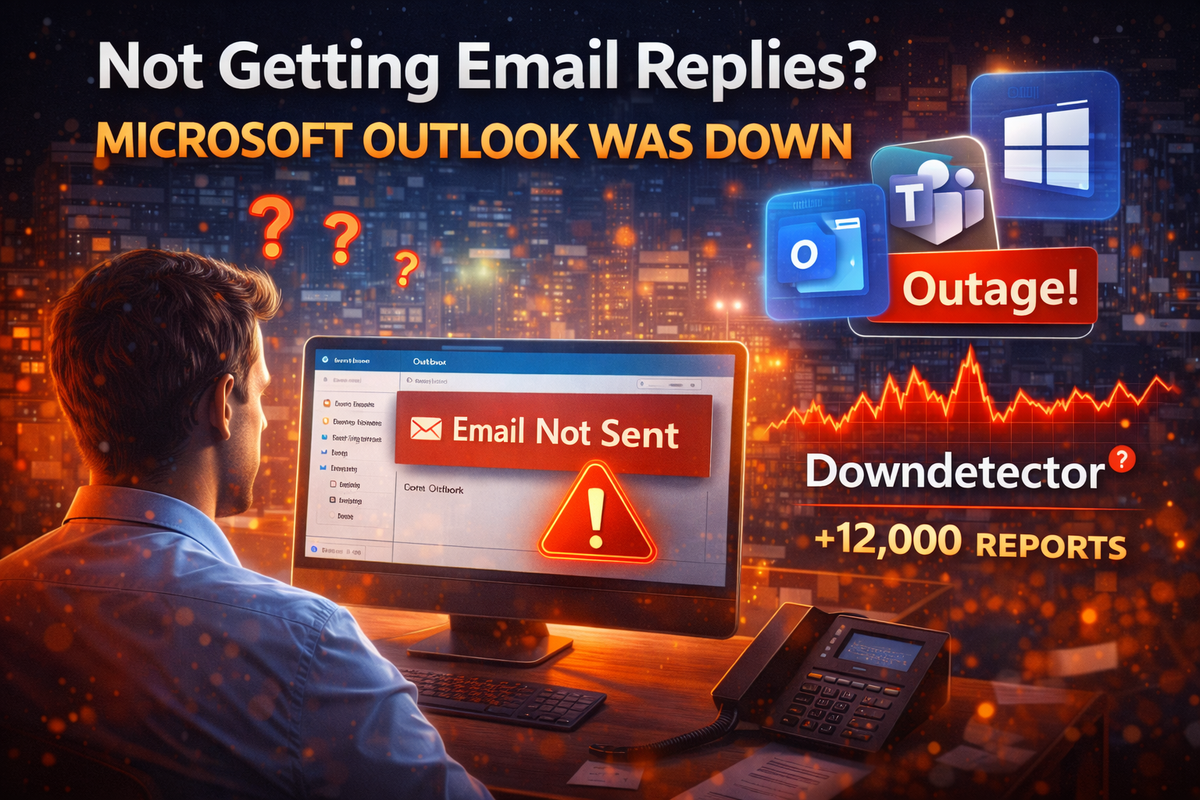
Ever send an email… then wait… and wait… and wonder,
“Why is nobody replying?”
Before you assume you’ve been ghosted, here’s the truth: Microsoft had a major outage.
On January 22, Microsoft confirmed a widespread disruption that affected Outlook, Microsoft 365, and Teams. For hours, businesses across the U.S. and UK struggled to send and receive emails, access admin tools, and even load basic services.
And yes, it looked exactly like emails were being ignored.
What Actually Happened?
According to Microsoft and outage trackers like DownDetector:
- Outlook email was delayed or not delivered
- Incoming and outgoing mail through Exchange Online was impacted
- Microsoft Teams, Defender, Purview, and the 365 Admin Center had issues
- Search in OneDrive and SharePoint failed for some users
- Admin consoles wouldn’t load properly
- Some users saw errors like:
“451 4.3.2 temporary server issue”
At its peak, more than 14,000 outage reports were logged, with Outlook alone accounting for over 12,000 complaints.
Translation:
Your emails may have been sent… but never arrived.
Why This Matters for Small Businesses
Large companies can shrug this off. Small and mid-sized businesses can’t.
When Microsoft tools go down, it can look like:
- Clients aren’t responding
- Leads went cold
- Vendors are ignoring you
- Internal teams dropped the ball
In reality, messages may have been stuck in limbo.
If your business relies heavily on Microsoft 365 (and most do), outages like this can quietly cost you:
- Missed sales opportunities
- Delayed approvals
- Frustrated customers
- Internal confusion and blame
How to Protect Your Business From the Next Outage
You can’t stop Microsoft from having issues—but you can reduce the impact.
Here’s what smart businesses do:
- Have backup communication channels (not just email)
- Use monitoring tools to quickly confirm outages
- Train staff to recognize when an issue is technical, not personal
- Avoid panic troubleshooting that makes things worse
- Know when to pause, reroute, or resend communications
How Managed Nerds Helps
At Managed Nerds, we help businesses plan for the moments when “trusted platforms” fail.
We help you:
- Build resilient communication setups
- Monitor cloud services and outages in real time
- Train teams to respond calmly and correctly
- Reduce downtime confusion and lost productivity
- Create backup workflows so business doesn’t stop
Because sometimes the problem isn’t your email…
It’s the internet having a bad day.
If you ever find yourself thinking “Why isn’t anyone replying?”—we can help you get clarity fast.
Learn how we keep businesses running, even when the cloud doesn’t: Business it Support



