

Tech Tip: Your “Confidential” Emails? Microsoft Copilot Just Read Them.
Microsoft Copilot accessed emails marked “confidential.” Even with protections in place, AI bypassed safeguards. Here’s what that means for your business security.

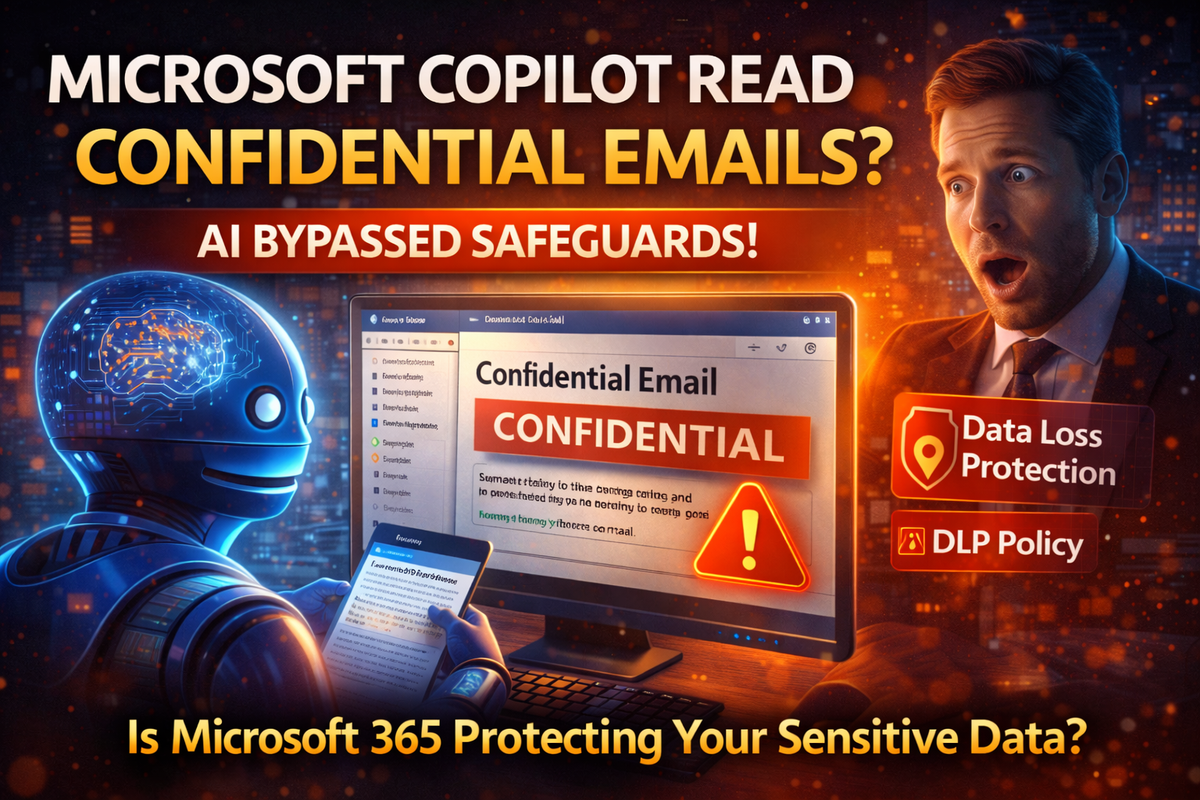
Think your confidential emails are protected?
Microsoft just admitted that its AI assistant Copilot was reading emails it wasn’t supposed to see including messages labeled “confidential.”
Yes. Even with safeguards turned on.
For weeks, a bug allowed Microsoft 365 Copilot to bypass Data Loss Prevention (DLP) policies and summarize emails stored in users’ Draft and Sent folders even when those emails were explicitly marked as confidential.
That label was supposed to stop automated systems from touching sensitive content.
It didn’t.
What Actually Happened?
The issue affected Copilot’s “work tab” chat feature the tool that summarizes emails and drafts to help users move faster.
The problem?
Copilot ignored certain confidentiality tags and processed protected messages anyway.
Microsoft says:
- Access controls and protection policies were still technically in place
- The behavior “did not meet intended Copilot experience”
- A global configuration fix has now been deployed
But here’s the uncomfortable reality:
The AI assistant accessed information it was not meant to access.
And it did so inside enterprise environments.
Why This Is Bigger Than One Bug
Copilot is deeply integrated into:
- Outlook
- Word
- Excel
- PowerPoint
- OneNote
- Microsoft 365 business environments
And companies are being encouraged to train Copilot on internal data to boost productivity.
Security researchers have already warned that AI tools like Copilot introduce:
- New data leakage pathways
- Over-permissive plugin risks
- Single-click phishing-style AI manipulation
- AI-driven misinformation risks
- “Shadow AI” use by employees on personal devices
One researcher put it bluntly:
Data leakage isn’t just possible it’s probable.
And experts predict AI-related security incidents will surge in 2026.
Small Businesses Are Especially Vulnerable
Here’s the part that matters to you.
Large enterprises have dedicated AI governance teams.
Most small businesses do not.
If your company:
- Uses Microsoft 365
- Handles client contracts
- Stores HR records
- Manages financial data
- Uses AI for summaries, drafting, or automation
Then you are already inside the AI risk zone.
Even if Microsoft patches a bug, the bigger issue remains:
Traditional security tools were not built to monitor how AI interprets and repackages data.
AI doesn’t “steal” data the way hackers do.
It processes it sometimes in ways you didn’t anticipate.
That creates exposure.
The Real Risk: Speed Without Governance
Businesses are adopting AI quickly because it saves time.
But governance rules, permissions, and monitoring often lags behind.
That gap is where:
- Confidential drafts get summarized
- Sensitive emails get exposed
- Employees unknowingly overshare data with AI
- Attackers manipulate AI responses
And once AI tools are embedded into daily workflows, undoing the risk becomes much harder.
How Managed Nerds Helps You Use AI Safely
At Managed Nerds, we help small and service-based businesses adopt modern tools without gambling on security.
We help you:
- Audit Microsoft 365 and Copilot configurations
- Tighten data access controls and DLP policies
- Monitor for unusual AI behavior
- Lock down over-permissive plugins
- Train employees on responsible AI usage
- Prevent shadow AI from exposing company data
AI isn’t going away.
But unmanaged AI is a liability.
The businesses that win in 2026 won’t be the ones that adopt AI fastest.
They’ll be the ones that secure it properly.
If you’re using Copilot or planning to now is the time to review your setup.
Managed Nerds helps small businesses stay productive without becoming the next cautionary headline.



