

These “Secure” SharePoint Emails Might Be a Trap
Thousands of fake SharePoint and e-signature emails are slipping past security tools by hiding behind trusted links. Here’s what business owners need to know

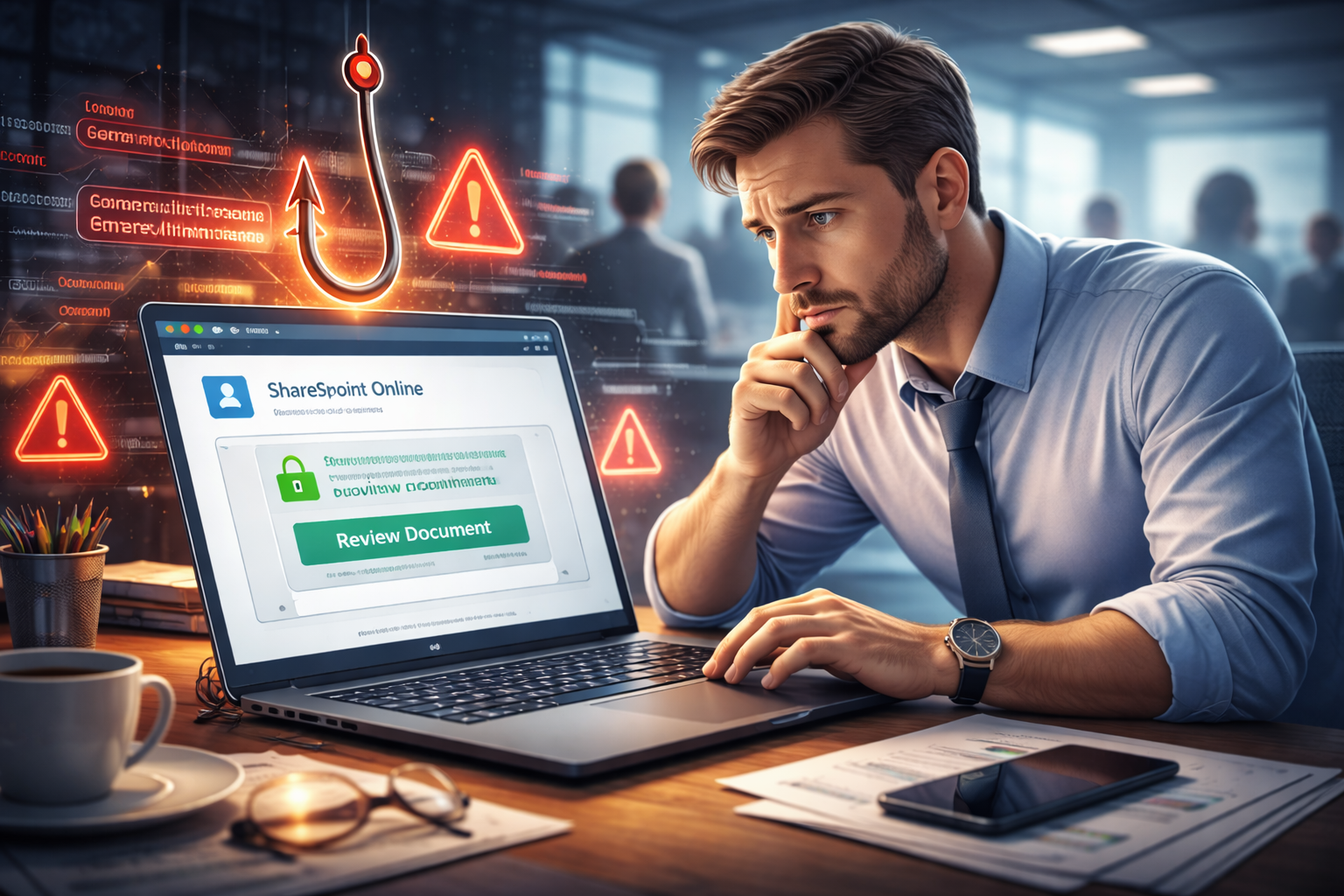
You trust security tools to keep bad links out of your inbox.
That’s exactly why this latest phishing campaign is working so well.
Cybersecurity researchers at Check Point recently uncovered a large-scale phishing attack that sent over 40,000 fake SharePoint and e-signature emails in just two weeks. More than 6,000 organizations worldwide were targeted.
The twist?
The links looked legit because attackers hid them behind a trusted security service.
How the Scam Works
Attackers abused a common email security feature called secure-link rewriting, used by tools like Mimecast.
Normally, this feature:
- Rewrites links in emails
- Routes them through a trusted security domain
- Scans them for threats before users click
The attackers figured out how to wrap malicious links inside these trusted domains, making them look safe to:
- Spam filters
- Security tools
- And most importantly… employees
When someone clicks the link, they’re sent to a convincing fake page designed to look like:
- Microsoft SharePoint
- DocuSign
- Office 365 document notifications
To a busy employee, it feels routine.
“That’s just another document to review.”
That’s exactly what attackers are counting on.
Why This Is So Dangerous for Small Businesses
Small and mid-sized businesses are especially at risk because:
- Employees handle documents, contracts, and invoices daily
- Fewer internal security checks exist compared to large enterprises
- One compromised login can expose email, files, clients, and financial data
Industries hit hardest included:
- Consulting
- Real estate
- Technology
- Healthcare
- Finance
If someone enters their credentials on one of these fake pages, attackers can:
- Take over email accounts
- Send phishing messages internally
- Access SharePoint files
- Launch invoice fraud or ransomware attacks
This is how “one click” turns into a full business disruption.
Why Security Tools Didn’t Catch It
This wasn’t a software bug or hack.
It was abuse of trusted infrastructure.
Attackers increasingly hide behind:
- Email security redirect services
- Click-tracking tools
- Brand-name platforms employees already trust
That means technology alone isn’t enough anymore. Awareness and process matter just as much.
What Business Owners Should Do Right Now
A few practical steps can reduce risk immediately:
- Remind staff to verify documents directly inside SharePoint or DocuSign instead of clicking email links
- Watch for subtle red flags like odd sender names or unexpected signing requests
- Require multi-factor authentication (MFA) on email and file-sharing accounts
- Train employees on modern phishing tactics, not just “don’t click bad links”
How Managed Nerds Helps You Stay Ahead
At Managed Nerds, we help small businesses defend themselves at an enterprise level, without enterprise costs.
We help by:
- Training employees to spot real-world phishing tactics like this one
- Monitoring email and login activity for early warning signs
- Locking down SharePoint, Microsoft 365, and cloud access properly
- Helping businesses respond quickly if someone does click
Phishing scams are getting smarter, quieter, and more convincing.
The businesses that stay protected are the ones that prepare before the click happens.
If you want help protecting your team, your data, and your reputation, reach out to Managed Nerds and let’s put smarter defenses in place before attackers do.



