The WordPress Slip-Up That Leaked the UK Budget — And What It Means for YOUR Business
A simple WordPress plugin mistake exposed the UK’s entire budget days early — and the same risk affects small business websites every day. Here’s what went wrong, why it matters, and how to prevent accidental data leaks.

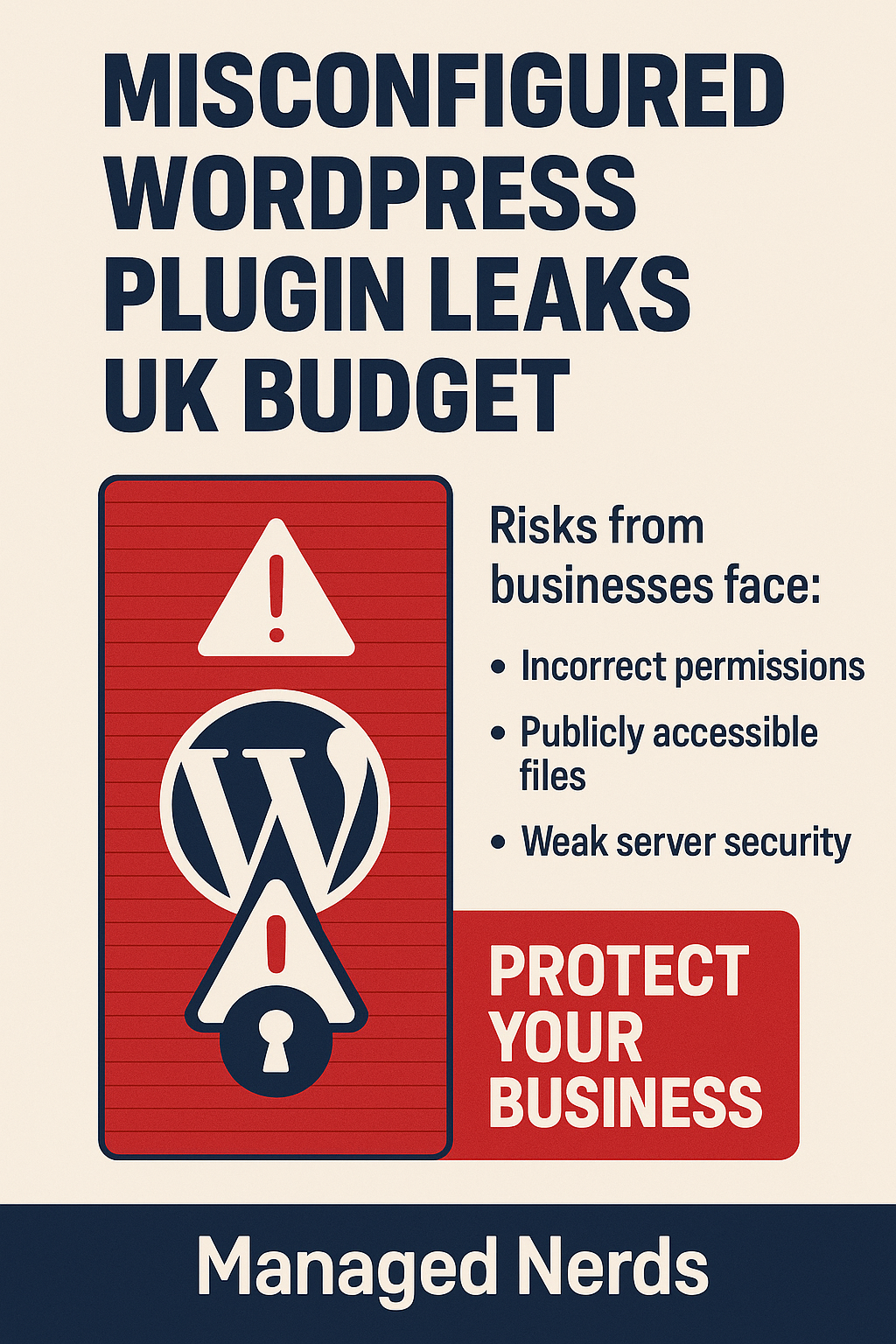
Last week, the UK’s autumn budget — one of the most tightly protected government documents — leaked almost an hour early.
The cause wasn’t a hacker group.
It wasn’t a nation-state cyberattack.
It wasn’t even insider sabotage.
It was…
A misconfigured WordPress plugin.
Yes. A single publishing mistake — the kind that happens on small business websites every day — caused a national scandal big enough to force the head of the Office for Budget Responsibility to resign.
And if it can happen to them, it can absolutely happen to a business like yours.
Let’s break down what happened — and what you should do to avoid the same fate.
How One WordPress Plugin Exposed Government Secrets
The report found two major errors were responsible:
1. A WordPress plugin -Download Monitor-was used incorrectly
This plugin automatically creates public-facing URLs for downloadable files.
Meaning:
If someone guesses the URL, the file is visible — even if you think it’s hidden.
OBR staff didn’t realize this, and the budget documents were uploaded early… sitting in plain sight.
2. The website server wasn’t configured to block access
If the server had been set up correctly, anyone trying to access the file early would’ve hit a “Forbidden” page.
Instead, the door was wide open.
Logs showed unsuccessful attempts from multiple IP addresses, which means people were actively checking for early documents — and found them.
This wasn’t a cyberattack.
It was human error + bad configuration = massive fallout.
This Is NOT Just a Government Problem
The shocking part?
A cybersecurity expert reviewing the incident said the mistakes were the kind he usually sees in “a small to medium-sized business.”
Meaning:
Businesses with simple WordPress sites…
Teams posting documents manually…
Staff who aren’t cybersecurity experts…
Those businesses are at high risk for exactly this kind of leak.
If a national agency can misconfigure a plugin, any small business can too.
Why WordPress Misconfigurations Are So Dangerous
WordPress powers over 40% of the internet, and most of its vulnerabilities come from:
- Outdated plugins
- Incorrect permissions
- Open file directories
- Guessable URLs
- Public links that were meant to be private
- Misconfigured hosting servers
Just one wrong setting can expose:
✔️ Contracts
✔️ Client files
✔️ HR documents
✔️ Internal reports
✔️ Financials
✔️ Anything stored in your uploads folder
The OBR leak even revealed that documents may have been viewable early for years.
If it happened silently for them, it can happen silently for you.
Could This Happen to Your Business?
Ask yourself:
- Do you upload PDFs or internal documents to your website?
- Does your site use plugins or extensions?
- Has anyone checked your server permissions recently?
- Are old files still publicly accessible without you knowing?
- Has your site been audited in the last year?
If the answer isn’t a confident YES…
You’re at risk.
What You Should Do Right Now
Here are the simple, business-owner-friendly steps:
1. Stop uploading sensitive documents through WordPress
Never put client data, financials, or internal information in your website’s media library.
2. Audit your plugins
Especially ones that handle downloads, forms, or file management.
3. Restrict access to media folders
Your server should block direct access unless intentionally allowed.
4. Use secure document-sharing platforms
Google Drive, OneDrive, or encrypted client portals.
5. Get your website professionally reviewed
You need a cybersecurity-aware IT partner, not “a guy who builds websites.”
How Managed Nerds Helps Protect Your Business
Incidents like this prove something important:
You don’t need to be hacked to leak sensitive data — you can leak it by accident.
Managed Nerds helps small and mid-size businesses avoid hidden risks like:
- Misconfigured WordPress plugins
- Publicly exposed files
- Weak server permissions
- Outdated extensions
- Incorrect DNS or hosting setups
- Missed security patches
We offer:
🧠 Cybersecurity training
🛡️ Website and server audits
🔧 Managed updates and plugin monitoring
🔒 File access hardening
📁 Safe alternatives for document storage
📞 Real-time support when something looks suspicious
If OBR can make this mistake, anyone can.
👉 Protect your business before a small oversight becomes a big headline.
Visit our website to get started.