Google Just Upgraded Your Search Campaigns, Whether You Asked or Not
Google began automatically migrating legacy Search campaigns to AI Max on September 1. Learn what changed in your account and what to review before it costs you.

If you run Google Ads and haven't logged in lately, something in your account may have changed without you touching it.
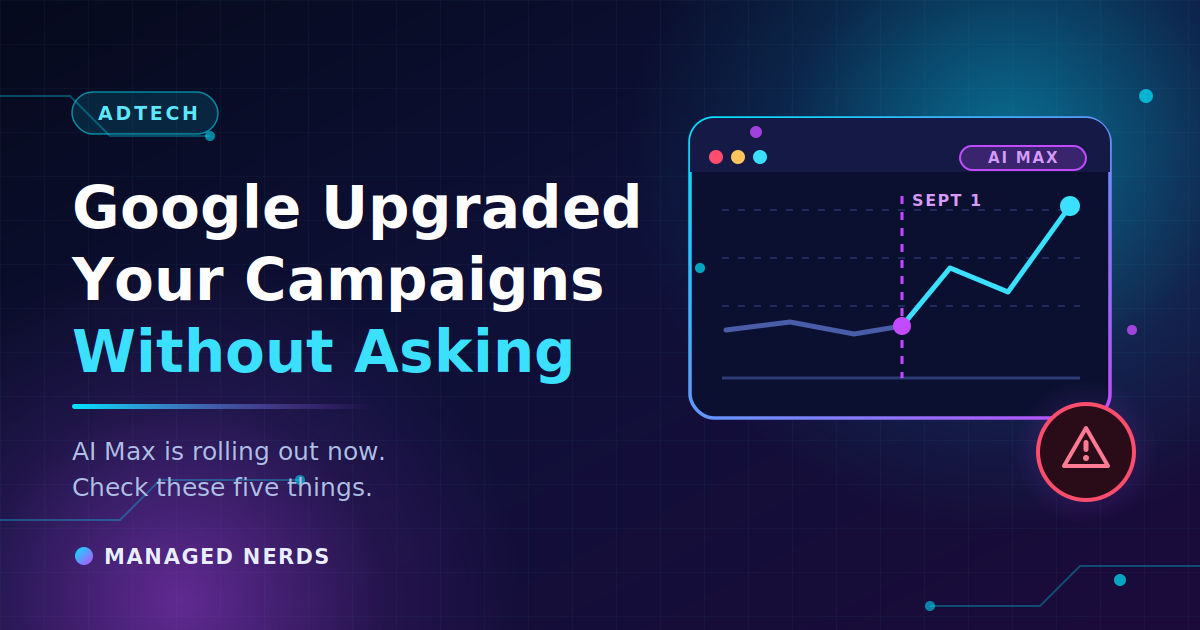
Beginning September 1, Google started automatically upgrading Search campaigns that use campaign-level broad match or standalone automatically created assets over to AI Max, rolling the migration out gradually through the month. You didn't have to opt in. There was no approval step.
This isn't a conspiracy — Google announced it well in advance. But announcements live in in-account notifications and industry blogs, and most small business owners read neither. So, here's what happened and what to actually do about it.
What changed, and when
The short version: legacy Search campaign structures are being retired in favor of AI Max, Google's AI-driven Search campaign experience.
- August 3, 2026 — Google stopped allowing anyone to create new campaign-level broad match setups or legacy automatically created assets, across the Ads interface, Ads Editor, and the API.
- September 1–30, 2026 — Automatic migration of those campaigns to AI Max.
- September 2026 — In-account notices start appearing, encouraging advertisers to voluntarily move Dynamic Search Ads over too.
- January 15, 2027 — Reminder notifications for anyone still running legacy Dynamic Search Ads.
- February 1–28, 2027 — Dynamic Search Ads migrate automatically, and creating new DSA ad groups is permanently removed.
Google says campaigns are migrated in place using equivalent AI Max settings to limit disruption, and that existing brand inclusions and exclusions carry over automatically.
That's reassuring, but "equivalent settings" isn't the same as "identical behavior."
Why this matters more than it sounds
The older setup that many small business accounts relied on was a controlled way to catch searches your keyword list didn't anticipate. It cast a wide net, but a net you could see the edges of.
AI Max is built to expand more aggressively — to find conversions outside whatever keyword structure you built, with more creative automation layered on top. Used deliberately, that can be a real win. Inherited involuntarily, on the same budget, with the same landing pages, it can quietly change which searches you're paying for.
The advertisers who'll have a bad month are the ones who don't notice for six weeks.
Five things to check this week
1. Confirm whether you were migrated. Look at your Search campaigns for AI Max settings that weren't there in August. If you're not sure, the campaign settings page will tell you.
2. Read your search terms report — all of it. This is the single most useful half hour you can spend right now. You're looking for searches you'd never have chosen to bid on. Compare the last two weeks against the two weeks before September 1.
3. Build out your negative keyword list. With broader matching doing more of the work, exclusions are how you keep control. Every irrelevant search term you find is a negative keyword you should be adding.
4. Check your brand inclusions and exclusions. Google says these carried over. Verify it anyway, especially if you'd deliberately excluded competitor or brand terms.
5. Compare cost per lead, not clicks. More impressions and cheaper clicks can look like a win while lead quality quietly drops. Judge the change on what a lead costs and whether those leads are people you actually want.
Check your conversion tracking while you're in there
This matters more now than it did a year ago. Google's automated bidding optimizes toward whatever you've told it counts as a conversion — and if that tracking is broken, the system optimizes confidently toward nothing.
Tracking tends to break silently. No error message, no alert, just gradually worse results that look like a performance problem instead of a measurement problem. A website redesign, a new form plugin, or a changed thank-you page URL will do it.
If you're not sure how your conversions are being recorded, start with our explainer on Google Tag Manager and whether your business needs it.
If someone else manages your ads
Ask them three questions this week:
- Were any of our campaigns migrated to AI Max in September?
- What changed in our search terms since September 1?
- What's our cost per qualified lead now versus August?
If those answers don't come back quickly and specifically, that tells you something on its own.
One more note if you use scripts or third-party tools connected to Google Ads: future API versions released after September 1 drop support for the legacy structures entirely, so anything automated against them will need updating.
Bottom line
Google is moving everyone toward AI-run Search campaigns, and the window to be surprised by it is now. You can't opt out, but you can decide how much room the automation gets — through negatives, brand exclusions, budget caps, and clean conversion data.
The accounts that do well under AI Max are the ones with a human watching the search terms every week. That hasn't changed at all.
Want someone to review what changed in your account and put the right guardrails back in place? Our small business SEO and marketing services include Google Ads setup and management built around leads, not click counts. Reach out and we'll take a look.