iOS 27 Lands Today: The Siri Settings Small Business Owners Should Check First
Your phone's assistant just got access to your email, photos, and texts. Here's what small business owners should check in iOS 27 before handing it that much.

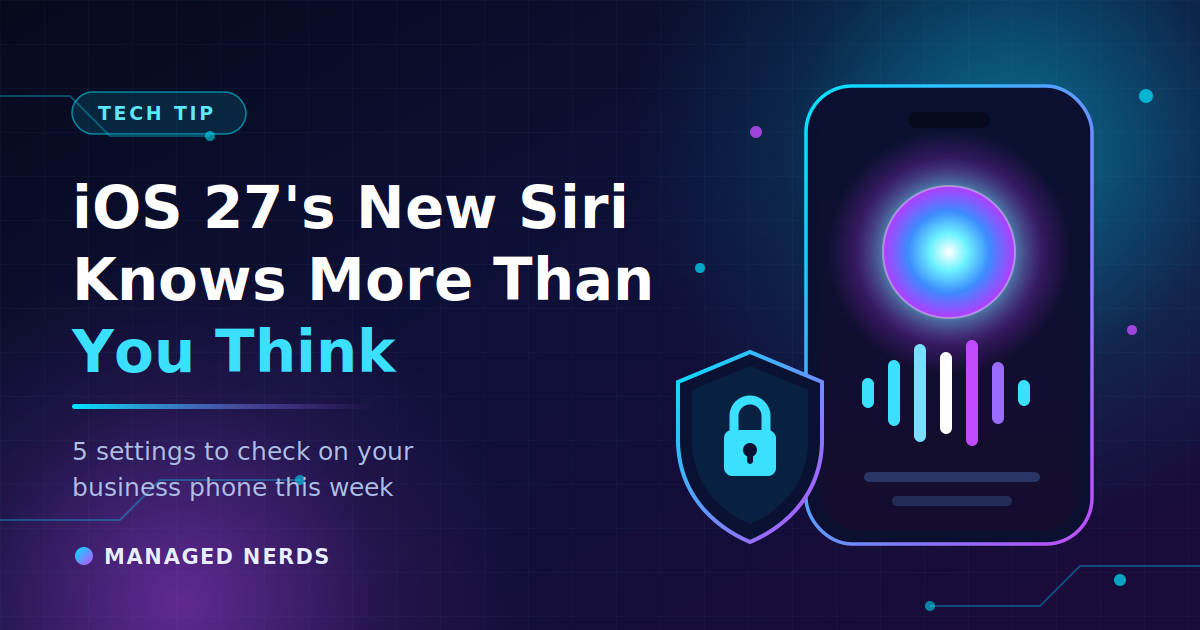
Your phone is about to get a lot smarter about you.
Apple released iOS 27 today, and the headline feature is a completely rebuilt Siri. Not "slightly better at setting timers" better. This version can search across your messages, email, photos, contacts, and calendar at once, understand what's on your screen, and take actions across apps without you telling it where anything lives.
That's genuinely useful. It's also a meaningful change to what an always-listening assistant can reach on a phone that probably holds client contracts, job site photos, invoices, and your entire inbox.
Here's what changed and what's worth five minutes of your time this week.
What's actually new
The new assistant, called Siri AI, runs on Apple's own models — refined with help from Google's Gemini — and routes requests through Apple's Private Cloud Compute architecture. Apple's position is that personal data isn't handed over to Google in the process.
The capabilities that matter for business users:
- Personal context across apps. Ask for the receipt from that vendor in March and it finds it, without you saying which app it's in.
- On-screen awareness. Siri can answer questions about whatever you're looking at.
- Screenshots as context. That QR code or business card you screenshotted six weeks ago is now searchable and actionable.
- A dedicated Siri app with conversation history, synced across your devices through iCloud.
- Camera mode, so you can point your phone at something and ask about it.
- Photo editing that generates content — an Extend feature that builds image area beyond the original frame, plus perspective reframing.
If your device runs iOS 26, it can run iOS 27. Some of the more advanced Siri features require newer iPhone hardware, so an older phone in the fleet may update fine and still not get everything.
Five things to check this week
1. Don't update the whole team on day one
Day-one releases ship with day-one bugs. If your business runs on a specific field service app, POS system, or scheduling tool, give it a week and let your vendors confirm compatibility. Update one phone — ideally yours — and use it hard before anyone else follows.
This matters more than usual this year, because Siri AI touches a lot of the operating system at once.
2. Decide what Siri is allowed to read
Under Settings, in the Apple Intelligence and Siri section, you can control which apps Siri learns from and draws context out of. Walk that list. If you run business email, client messaging, or a document app on your personal phone, ask yourself whether you want an assistant indexing it.
There's no wrong answer here. There's just a difference between choosing it and having it on by default because you tapped through the setup screens.
3. Turn off Siri access from the lock screen
If Siri can pull details out of your email and photos, and Siri answers from a locked screen, then a stolen or borrowed phone is a much bigger problem than it used to be. Lock screen access to Siri is a setting you control. For a business phone, turn it off.
Worth pairing with a look at your Stolen Device Protection settings while you're in there. We covered why that matters in our post on AI-powered fake Apple Support calls targeting stolen iPhones.
4. Remember that conversation history is a record
The new Siri app keeps your past conversations and syncs them through iCloud. If you ask Siri about a client dispute, a payroll number, or an employee issue, that exchange now exists somewhere you can scroll back to — and so can anyone with access to your unlocked phone or your iCloud account.
Two takeaways: keep MFA on your Apple Account, and clear conversations you wouldn't want sitting in a searchable list.
5. Give your team one sentence of guidance
Your staff are updating their personal phones today whether you weigh in or not, and many of them have business email on those phones. One message in your team chat does the job: "Fine to update, but don't ask Siri about client or financial details, and keep Siri off your lock screen."
That's the whole policy. It takes ten seconds to send and prevents the kind of casual data exposure that's hard to walk back.
The bigger pattern
We keep returning to the same theme because the pattern keeps repeating: AI tools are only as safe as the access you give them. A capable assistant with broad permissions and no guardrails will eventually surface something at the wrong moment — not because it's malicious, but because it has no idea which of your information is sensitive.
The fix isn't avoiding the technology. It's spending five minutes on settings before you need them.
Bottom line
iOS 27's Siri is a real upgrade, and most small business owners will get value out of it. Update on your own schedule, decide deliberately what it can reach, lock it out of your lock screen, and tell your team the one rule that matters.
Not sure how your business phones are configured, or whether your team's devices are managed at all? Managed Nerds helps small businesses set up mobile devices, accounts, and access the right way — without the enterprise price tag. Reach out and we'll take a look.