Pinterest SEO Is Back: Why Visual Search Still Matters for Service Businesses
Pinterest is not just for recipes and mood boards. For the right small business, it can support long-tail SEO, visual discovery, and content repurposing.

When small businesses think about SEO, they usually think about Google.
When they think about social media, they usually think about Facebook, Instagram, TikTok, or LinkedIn.
Pinterest gets forgotten.
But Pinterest is different.
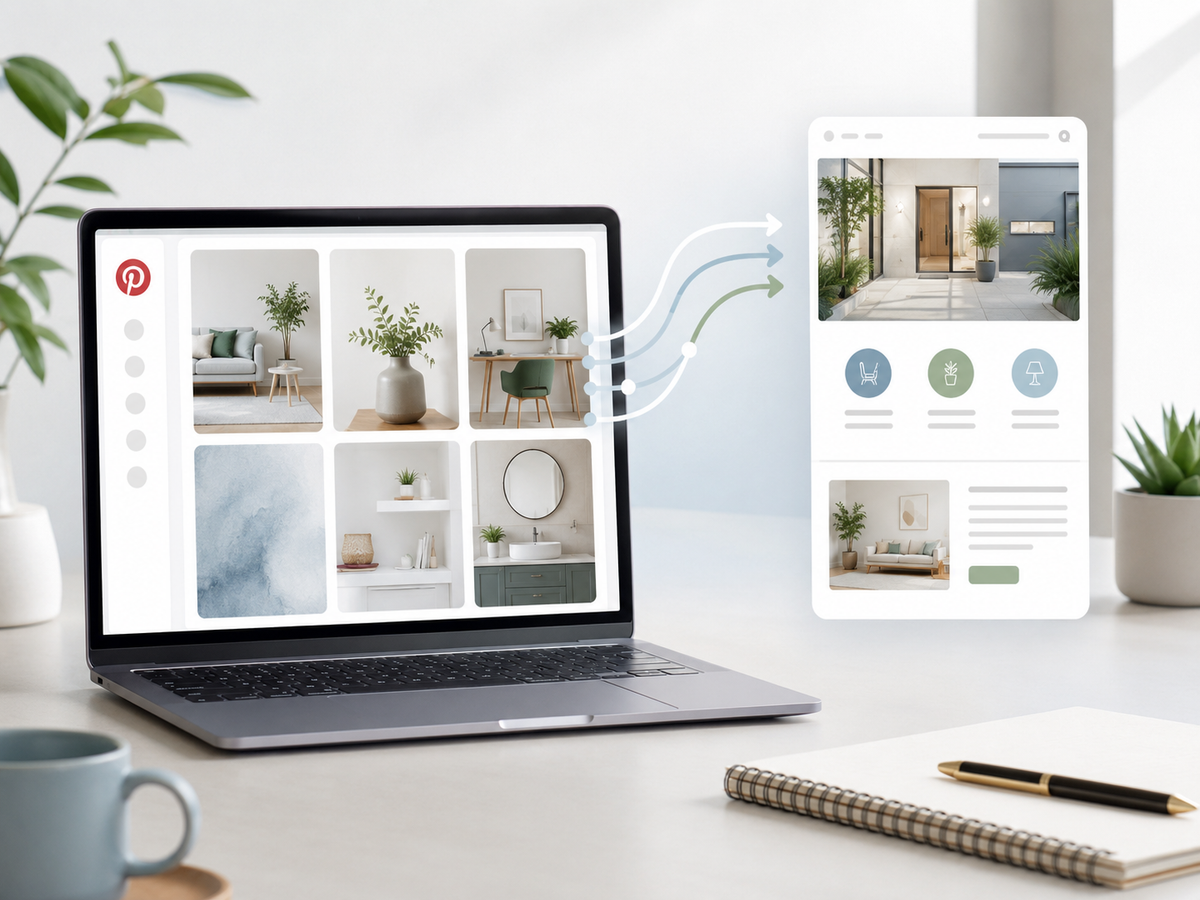
It is not just a social network. It works more like a visual search and discovery platform, where people look for ideas, save inspiration, compare options, and plan what they want to do next.
That makes Pinterest useful for the right kind of small business.
Not every business needs it.
But if your service can be explained visually, planned ahead of time, or turned into helpful guides, Pinterest can support your SEO and content strategy in ways most businesses overlook.
Why Pinterest is more search engine than social feed
People do not usually go to Pinterest to argue, doomscroll, or watch random drama.
They go there to search and save.
They search for:
- ideas
- inspiration
- checklists
- before-and-after examples
- how-to guides
- design concepts
- planning help
- local service inspiration
Pinterest’s own business help explains that Pins can gain engagement hours, days, months, or even years after they are first published. It also notes that search, saves, and engagement help Pinterest understand which content is relevant to show people.
That long shelf life is the important part.
A Facebook post may disappear fast.
A Pinterest pin can keep working later.
That is why Pinterest deserves a second look.
Who should care about Pinterest SEO?
Pinterest is not the right platform for every business.
It is usually a stronger fit for businesses with visual, planning, or education-friendly content.
Good fits include:
- home services
- remodeling
- landscaping
- roofing and exterior inspiration
- real estate
- interior design
- fitness and wellness
- local guides
- event planning
- food, beauty, and lifestyle businesses
- marketing and business checklists
For Managed Nerds-style businesses, Pinterest may not be the first platform. But it can still be useful for:
- website checklists
- SEO planning guides
- AI workflow visuals
- small business marketing calendars
- lead magnet graphics
- blog graphics
- content repurposing assets
The point is not to become a Pinterest influencer.
The point is to turn useful visual content into another discovery path.
Why Pinterest matters in the AI search era
Visual search is becoming more important as AI search grows.
A 2026 Pinterest research paper described how Pinterest used vision-language models and AI agents to predict what people would search for, organize visual content into collection pages, and support organic discovery in generative search environments. The paper reported that this approach contributed to organic traffic growth.
That may sound technical, but the takeaway for small businesses is simple:
Images need context.
A good image alone is not enough.
You need:
- a useful title
- a helpful description
- a relevant board
- a strong link
- a page that matches the topic
That is Pinterest SEO in plain English.
The best Pinterest content for service businesses
If you are wondering what to pin, start with content you already have.
1) Blog graphics
Every blog can become 3–5 pins.
Example blog:
“SEO vs Ads: The 90-Day Plan”
Pin ideas:
- “SEO vs Ads: Which Comes First?”
- “90-Day Small Business Marketing Plan”
- “What to Fix Before Running Ads”
- “How SEO and Ads Work Together”
Each pin links back to the blog.
2) Checklists
Pinterest loves useful visuals.
Examples:
- website launch checklist
- Google Business Profile cleanup checklist
- lead quality filter checklist
- local SEO checklist
- AI readiness checklist
- content calendar checklist
Checklists work because they are saveable.
People save them for later.
3) Before-and-after visuals
This is especially useful for:
- home services
- design work
- landscaping
- website redesigns
- branding
- organization
- cleaning
- exterior improvements
A clear before-and-after can build trust fast.
4) “Mistakes to avoid” pins
These are easy to understand and highly clickable.
Examples:
- “5 Website Mistakes That Kill Leads”
- “3 Google Ads Mistakes Small Businesses Make”
- “4 Reasons Your Google Reviews Are Not Showing”
- “7 Lead Magnet Mistakes to Avoid”
5) Local planning guides
If you serve a local market, use local context.
Examples:
- “Small Business SEO Checklist for Augusta, GA”
- “Google Business Profile Tips for Evans Businesses”
- “Marketing Calendar Ideas for Local Service Businesses”
- “What Columbia County Small Businesses Should Fix Online First”
Pinterest can support local content when the pin and landing page both make the location clear.
How to optimize pins for search
Pinterest’s official business guidance recommends adding context to Pins with titles, descriptions, links, relevant boards, strong thumbnails for video, and relevant topics. It also recommends keyword-rich Pin titles, descriptions, board titles, and board descriptions.
Here is the simple version.
1) Use a clear title
The title should explain the idea quickly.
Good:
“Small Business SEO Checklist”
Weak:
“Grow Online Today”
Good:
“Website Lead Form Checklist”
Weak:
“Better Results Start Here”
Clarity wins.
2) Write a helpful description
Your description should include:
- what the pin is about
- who it helps
- the problem it solves
- relevant keywords
- optional location
Example:
“Use this small business SEO checklist to review your website, Google Business Profile, service pages, and lead tracking before spending more on ads.”
That is useful and searchable.
3) Link to the right page
Do not send every pin to your homepage.
Send it to:
- the related blog
- the matching service page
- a landing page
- a downloadable checklist
- a relevant guide
Pinterest also recommends adding a URL so Pins can drive traffic back to your site.
4) Use well-named boards
Boards help organize your content.
Pinterest’s creator guidance recommends short, descriptive board titles with relevant keywords and board descriptions that accurately represent the board’s content.
Examples:
- Small Business SEO Tips
- Google Business Profile Help
- Website Conversion Tips
- Social Media Content Ideas
- AI Tools for Small Business
- Local Marketing Checklists
Do not name a board something vague like “Stuff We Like.”
5) Create vertical, mobile-friendly images
Pinterest recommends strong lighting, good framing, high-resolution assets, and vertical aspect ratios because most users are on mobile.
For many pins, use:
- simple headline
- clean visual
- high contrast
- one topic
- easy-to-read design
Unlike some ad images, Pinterest can handle text on the image, but it still needs to be clean and readable.
How to turn one blog into 5 pins
Let’s use this blog as the example.
Blog:
Pinterest SEO Is Back: Why Visual Search Still Matters for Service Businesses
Pin #1:
“Pinterest SEO for Small Businesses”
Pin #2:
“Is Pinterest Worth It for Service Businesses?”
Pin #3:
“5 Pinterest Content Ideas for Local Businesses”
Pin #4:
“How to Optimize Pins for Search”
Pin #5:
“Turn One Blog Into 5 Pinterest Pins”
One blog. Five discovery assets.
That is the power of repurposing.
How Pinterest supports SEO
Pinterest can support SEO in a few ways.
More traffic paths
Pins can send people to your blogs and service pages.
More content distribution
Instead of posting a blog once, you create multiple visual entry points.
Better topic coverage
Pinterest boards can help you organize content around themes like local SEO, ads, website conversion, and AI tools.
More ideas for future blogs
Pinterest searches and saves can show what topics people care about.
Longer content shelf life
Pinterest content can keep gaining engagement later, unlike many social posts that disappear quickly.
Pinterest’s business help specifically notes there is no set engagement window and that Pins can gain engagement long after publishing.
That makes it useful for evergreen content.
What not to do on Pinterest
Avoid these mistakes:
- posting random images with no strategy
- linking everything to the homepage
- using vague board names
- creating duplicate pins over and over
- ignoring descriptions
- designing unreadable graphics
- giving up after two weeks
Pinterest is not usually an overnight lead machine.
It is a long-tail discovery platform.
A simple Pinterest workflow for small businesses
Start small.
Monthly workflow:
- Pick one blog
- Create 3–5 pin designs
- Write clear titles and descriptions
- Save pins to relevant boards
- Link each pin to the matching blog or service page
- Review saves and clicks monthly
- Make more pins from the topics that work
That is manageable.
That is enough to test.
The bottom line
Pinterest is not the right platform for every business.
But for visual, planning-heavy, checklist-friendly, and educational content, it can support long-tail SEO and content repurposing.
Do not treat Pinterest like a place to dump random graphics.
Treat it like a visual search engine.
Create useful pins. Use clear titles. Write helpful descriptions. Organize boards with keywords. Link to the right page.
Need help turning your blogs into visual search content that supports small business SEO? Managed Nerds offers practical SEO and marketing support to help small businesses repurpose blogs, build content systems, optimize service pages, and create marketing assets that work across search, social, and AI-driven discovery.
Thank you for reading. If you’d like more small business SEO tips, subscribe for updates.