How Can Small Businesses Use AI to Stop Running Out of Supplies at the Worst Time?
Running out of supplies at the worst time costs more than money. Here’s how small businesses can use AI to predict needs, organize reorders, and avoid last-minute panic.

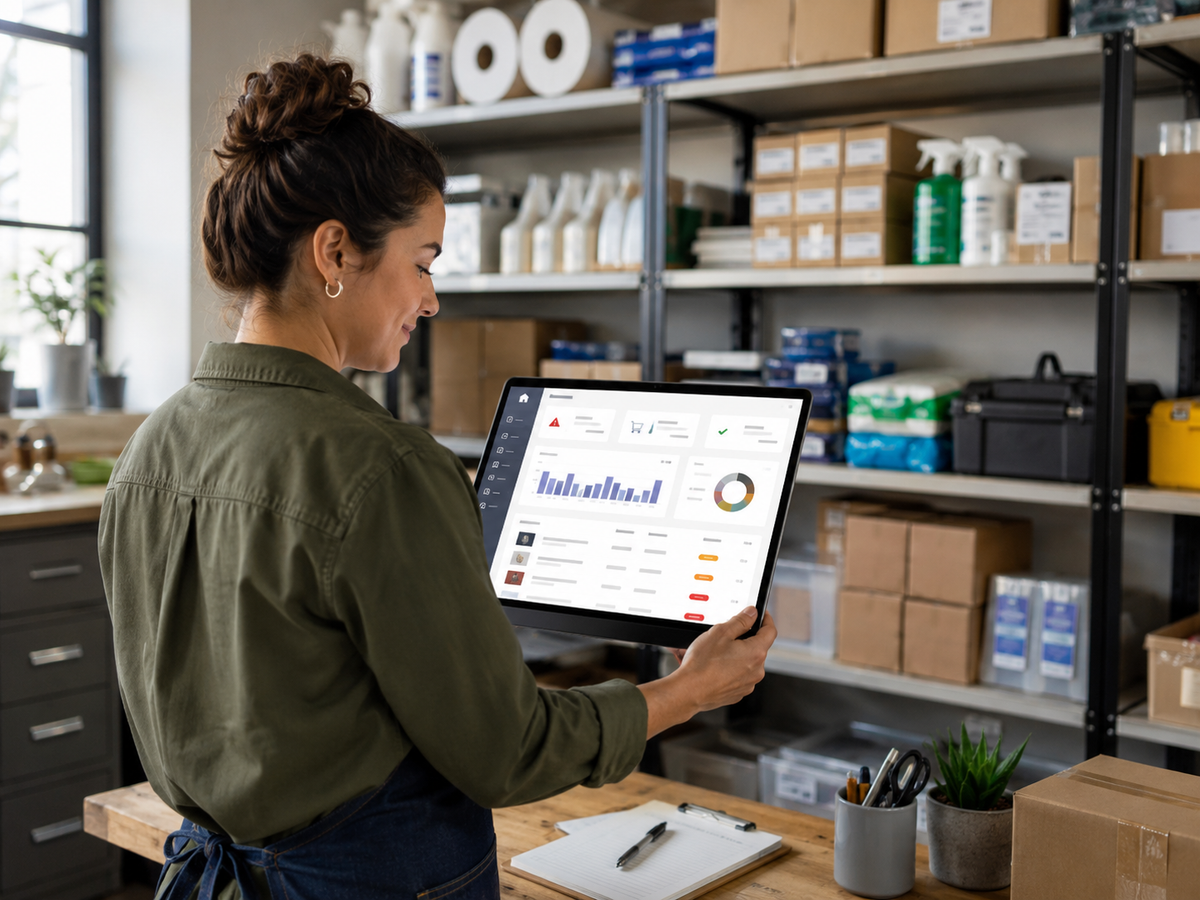
Every small business has had that moment.
You are halfway through a job and realize you are missing the one thing you need.
The printer is out of labels before a shipping deadline.
The cleaning crew is short on solution.
The inspector forgot extra test materials.
The salon is out of a product clients keep requesting.
The office runs out of toner right before a proposal needs to go out.
It is never the perfect time to run out.
It always happens when you are busy, behind, or already stressed.
Here is the tabloid truth:
You ran out again because your supply system is living in someone’s memory.
AI can help fix that.
Not by turning your small business into a giant warehouse operation. Not by making you buy expensive inventory software you do not need.
AI can help you build a simple, repeatable system for knowing what you use, what you are low on, what needs to be reordered, and what keeps causing last-minute chaos.
Why supply chaos costs more than the missing item
Running out of supplies does not just cost the price of the item.
It can cost you:
- extra trips to the store
- job delays
- rushed shipping fees
- frustrated employees
- rescheduled appointments
- missed deadlines
- lower-quality workarounds
- lost customer trust
- owner stress
A $12 item can create a $200 problem if it delays the job, eats up labor time, or forces someone to stop what they are doing.
For small businesses, that matters.
Big companies have purchasing departments. Small businesses have owners, office managers, techs, spouses, assistants, or “whoever noticed it was low.”
That is not a system. That is survival mode.
The problem: most supply tracking is reactive
A lot of small businesses reorder supplies only after something goes wrong.
Someone opens a cabinet and says, “We’re almost out.”
Someone grabs the last box and forgets to mention it.
Someone assumes another person ordered more.
Someone buys extra just in case, then the storage area turns into a cluttered mess.
This creates two opposite problems:
You either run out, or you overbuy.
Both are expensive.
AI can help you find the middle ground by turning messy supply habits into a simple tracking process.
Step 1: Make a list of supplies that actually matter
Do not start by tracking every pen, paperclip, and cleaning cloth.
Start with the supplies that can stop work if they run out.
These are your “critical supplies.”
Examples include:
- cleaning products
- gloves, masks, and safety gear
- printer ink, toner, labels, and paper
- testing kits or inspection materials
- parts used often on jobs
- packaging materials
- client folders and printed forms
- office snacks or client-facing items
- software licenses or digital tools
- uniforms or branded materials
- batteries, chargers, cables, and adapters
Ask this simple question:
If we ran out of this, would it delay a job, appointment, sale, or customer experience?
If yes, track it.
If no, leave it alone for now.
Step 2: Use AI to create a starter inventory list
AI can help you brainstorm the list you may forget.
Use this prompt:
AI Prompt: Supply List Builder
“Create a starter supply inventory list for a small [type of business].
Focus only on supplies that could delay work, affect customer experience, or create last-minute problems if we run out.
Organize the list into categories.
Include suggested reorder triggers for each category.”
This is useful because many small business owners know their supplies by habit, not by documentation.
AI helps pull that knowledge out of your head and into a usable list.
Step 3: Create reorder triggers
A reorder trigger tells you when to buy more.
Without triggers, people wait until something is empty.
That is how chaos starts.
There are three simple types of reorder triggers.
Minimum quantity trigger
This means you reorder when supplies drop below a certain number.
Example:
- Reorder gloves when only 2 boxes remain
- Reorder printer labels when 1 roll remains
- Reorder cleaning solution when 1 gallon remains
- Reorder forms when fewer than 25 remain
Time-based trigger
This means you check or reorder on a schedule.
Example:
- Check supplies every Friday
- Order office materials on the first Monday of each month
- Review job materials every two weeks
- Review software renewals once per month
Job-based trigger
This means you reorder based on how many jobs or appointments are coming up.
Example:
- If 5 jobs are scheduled next week, confirm supplies by Friday
- If 3 inspections are booked, prepare 3 supply kits plus 1 backup
- If a large project is booked, check specialty materials immediately
AI can help you choose which trigger makes the most sense for each item.
Use this prompt:
AI Prompt: Reorder Trigger Planner
“Here is a list of supplies my business uses: [paste list].
Help me create simple reorder triggers for each item.
Use three types of triggers: minimum quantity, time-based, and job-based.
Keep the system simple enough for a small business with no inventory manager.”
Step 4: Build “job kits” for repeat services
This is one of the easiest ways to prevent supply mistakes.
A job kit is a checklist of what you need for a common service.
Examples:
Cleaning business job kit
- gloves
- cleaning solution
- towels
- trash bags
- specialty cleaner
- client checklist
- replacement mop heads
- backup supplies
Home inspector job kit
- flashlight
- batteries
- forms
- testing materials
- ladder accessories
- camera or device charger
- PPE
- backup tools
IT service visit kit
- ethernet cables
- adapters
- USB drives
- labels
- spare keyboard or mouse
- cable ties
- power strips
- documentation checklist
Salon or beauty service kit
- commonly used products
- towels
- gloves
- sanitation supplies
- client forms
- aftercare cards
- retail restock list
AI can create these checklists from your service list.
Use this prompt:
AI Prompt: Job Kit Checklist
“Create a job kit checklist for a small [industry] business that provides [service].
Include supplies, tools, backup items, customer paperwork, and anything that should be checked before leaving for the job.
Keep it practical and easy to print.”
This works especially well for businesses that repeat the same services often.
Step 5: Use AI to spot patterns in what you keep running out of
If you track supplies for even a few weeks, AI can help summarize the patterns.
You do not need a fancy system.
A simple spreadsheet can include:
- item name
- date checked
- quantity remaining
- reordered yes/no
- job or project connected to the item
- notes
After a month, paste the data into AI and ask:
AI Prompt: Supply Pattern Review
“Review this supply tracking data.
Identify which items we run out of most often, which items may be overstocked, and what reorder rules we should adjust.
Give me a simple weekly action plan.”
This can help you see problems like:
- one employee uses more of an item than expected
- certain jobs require more supplies than estimated
- seasonal demand is rising
- you are overbuying slow-moving items
- emergency purchases keep happening for the same products
The goal is not perfection.
The goal is fewer surprises.
Step 6: Create a weekly supply check routine
AI can help build the system, but someone still needs to follow it.
Create a weekly routine that takes 10 to 15 minutes.
Example:
Weekly supply check
- Check critical supplies
- Mark low items
- Review jobs scheduled for next week
- Confirm job kits
- Place reorders
- Note any recurring issues
- Update the tracker
This can be done by the owner, admin, team lead, assistant, or whoever is closest to operations.
The magic is not the spreadsheet.
The magic is the habit.
Step 7: Let AI draft reorder messages
If your business orders from vendors, AI can help write quick reorder emails.
Use this prompt:
AI Prompt: Vendor Reorder Email
“Write a short reorder email to a vendor.
Tone: polite and direct.
Include item names, quantities, preferred delivery date, and a request to confirm pricing and availability.
Do not add extra details.”
Example:
Subject: Supply Reorder Request
Hi [Vendor Name],
We’d like to reorder the following items:
- [Item 1], quantity [#]
- [Item 2], quantity [#]
- [Item 3], quantity [#]
Could you confirm availability, current pricing, and the earliest delivery date?
Thanks,
[Your Name]
Simple. Clean. Done.
Step 8: Stop relying on one person’s memory
This is the part many small businesses overlook.
If only one person knows what needs to be ordered, your business is vulnerable.
What happens if they are sick?
What happens if they leave?
What happens if they get busy and forget?
What happens if the owner is the only person who knows the system?
AI can help turn one person’s memory into a shared process.
Ask AI to create:
- supply checklists
- reorder rules
- job kit templates
- vendor lists
- storage labels
- simple training instructions
- weekly review steps
This makes the business less dependent on one person remembering everything.
Step 9: Keep it small enough to actually use
Do not overbuild this.
A tiny business does not need a complex inventory system on day one.
Start with:
- 10 to 25 critical supplies
- one spreadsheet
- one weekly check
- one reorder rule per item
- one job kit checklist per common service
That is enough to reduce a lot of stress.
Once the system works, you can expand.
What AI should not do
AI can help organize and suggest. But it should not run unchecked.
Do not let AI:
- place orders without human approval
- make budget decisions without review
- guess pricing
- assume vendor availability
- ignore safety requirements
- replace proper accounting or inventory tools
- decide what is mission-critical without your input
AI is the assistant.
You are still the business owner.
A simple example of an AI supply system
Let’s say you own a small cleaning company.
You ask AI to help create:
- a list of critical supplies
- a minimum quantity for each item
- a weekly supply checklist
- job kits for standard cleaning and deep cleaning
- reorder email templates
- a monthly review prompt
Now, instead of someone realizing midweek that you are out of gloves, your team checks supplies every Friday.
If gloves drop below 2 boxes, they reorder.
If a deep clean is booked, the job kit is checked the day before.
If the same item runs out three times in a month, AI helps you adjust the reorder rule.
That is not complicated.
That is a system.
And systems save small businesses from chaos.
Wrap-up
Running out of supplies at the worst time is not just annoying. It costs money, delays jobs, frustrates customers, and adds stress to already busy owners.
AI can help small businesses:
- list critical supplies
- create reorder triggers
- build job kit checklists
- review usage patterns
- draft vendor emails
- create weekly routines
- reduce dependence on memory
You do not need a warehouse system to get organized. You just need a practical process your team can actually follow.
If your small business is tired of running on sticky notes, memory, and last-minute supply runs, Managed Nerds can help you build AI-assisted workflows that make daily operations easier, cleaner, and more predictable.