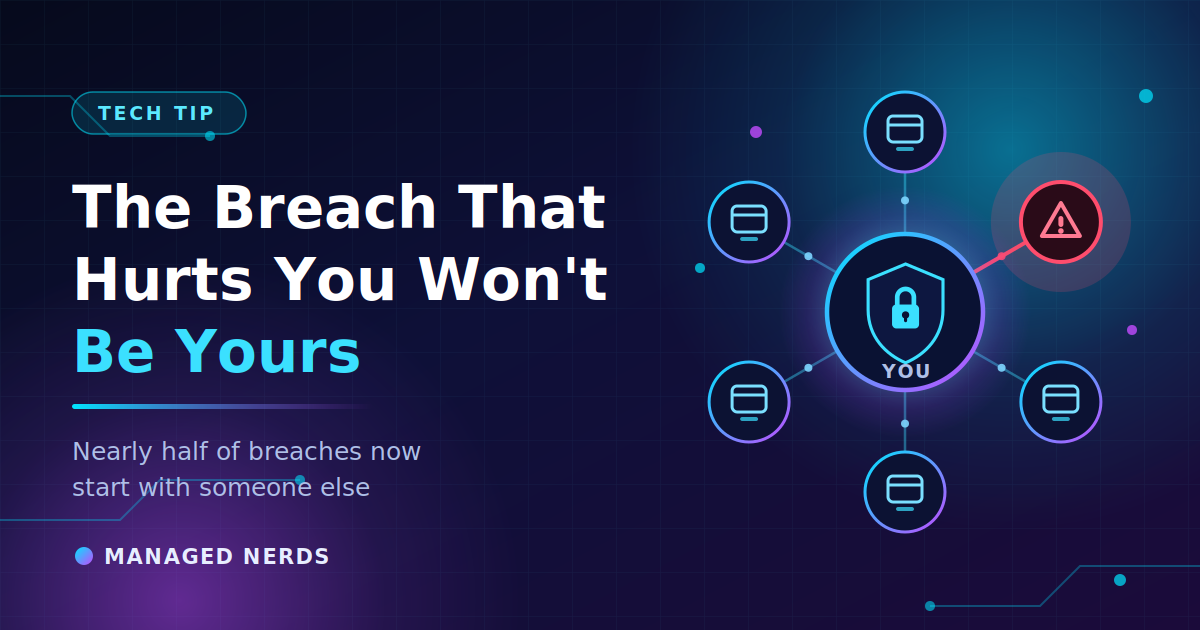
The Breach That Hurts You Probably Won't Be Yours
Nearly half of all breaches now involve a third party. Learn how to find out who is holding your business data and what to do before a vendor loses it.

You can do everything right and still get the letter.
Strong passwords. Multi-factor authentication on every account. A team that knows better than to click a strange link. And then one Tuesday you find out your client records were exposed — not because someone got into your systems, but because someone got into your bookkeeper's software.
This is the direction the whole problem has moved. According to Verizon's 2026 Data Breach Investigations Report, breaches involving a third party now account for 48% of all breaches, a 60% increase year over year. A year earlier that number was 30%. It has climbed steeply two years running.
Attackers figured out something simple: why break into a hundred small businesses when you can break into the one platform all hundred of them use?
Why small businesses are especially exposed
Count your vendors. Most small businesses have more companies holding their data than they have employees.
Your email provider. Your accounting software. Payroll. The CRM. The scheduling tool. The e-signature service. The website host. The email marketing platform. The IT company. The bookkeeper. The marketing agency with admin access to your ad accounts. The app someone on your team signed up for two years ago with a company credit card.
Every one of those is a place your client list, your payroll data, or your financial records can leak from — and you have almost no visibility into how well any of them are protecting it.
The awkward part is that you're also somebody else's third party. If you handle client data, your security posture is part of theirs.
Step one: find out who's actually holding your data
You can't reduce a risk you haven't listed. Set aside 30 minutes and build a plain spreadsheet with four columns: vendor, what data they hold, who on your team has an account, and what happens to your business if they go down for a week.
Pull the list from three places:
- Your credit card and bank statements. Every recurring software charge is a vendor. This catches the subscriptions nobody remembers.
- Your email. Search for "welcome to" and "your account" and you'll find services you forgot you signed up for.
- Your Google or Microsoft account permissions. Check which third-party apps you've granted access to. People approve these during setup and never look again — and in several of this year's large breach cases, stolen access tokens for a connected app were the way in.
That last one tends to surprise people. Connecting an app to your email or file storage hands it standing permission to read your data, and that permission doesn't expire when you stop using the app.
We made a similar point about browser extensions quietly holding more access than you realize. Same principle, bigger blast radius.
Step two: close the doors you've stopped using
This is the cheapest security work available to a small business, and almost nobody does it.
- Revoke app connections you no longer use. If you tested a tool in 2023 and moved on, its access is probably still live.
- Remove people who left. Former employees, the contractor who built your site, the agency you stopped working with. Vendor and cloud permission problems tend to sit unresolved for a very long time — Verizon's data shows a large share of these access and privilege issues still unfixed a year later.
- Stop sharing logins. When five people use one account, nobody can be removed without disrupting everyone, so nobody gets removed.
- Turn off what you don't need. Not every tool needs access to your whole inbox or your entire Drive.
Step three: ask new vendors three questions
You don't need a formal vendor risk program. You need to ask three things before you hand over data:
- Do you support multi-factor authentication, and can you require it for my whole team? If no, that's a real answer about their priorities.
- Where is my data stored, and can I export all of it? If you can't get your data out, you can't leave after an incident.
- How will you notify me if you have a breach, and how quickly? Disclosure delays are common, and you can't tell your clients about something you haven't been told about.
Any vendor worth using can answer all three without getting defensive.
When a vendor does get breached
Assume it will happen to at least one of them eventually. Your job is to react fast and narrowly:
- Change your password for that service, and any other account where you reused it.
- Check for unfamiliar logins and active sessions in the account.
- Watch for phishing that references the breach. Attackers follow disclosures closely, and a fake "security alert" from a service you actually use is convincing — the same trick behind fake Microsoft login portals.
- Find out what data of yours was involved, and whether you have any obligation to tell your own clients.
Bottom line
Your security is now the sum of everyone you've given access to. The good news is that the fix isn't expensive — it's an afternoon of listing your vendors, cutting off the ones you don't use anymore, and asking better questions before you sign up for the next tool.
Not sure who has access to your business data, or who still has a login they shouldn't? Managed Nerds helps small businesses audit accounts, tighten permissions, and clean up the access nobody's looked at in years. Reach out and we'll walk through it with you.