Your Backups Aren't Backups Until You've Restored One
A backup that has never been restored is a guess. Learn how to test yours properly, and what small businesses usually discover when they do.

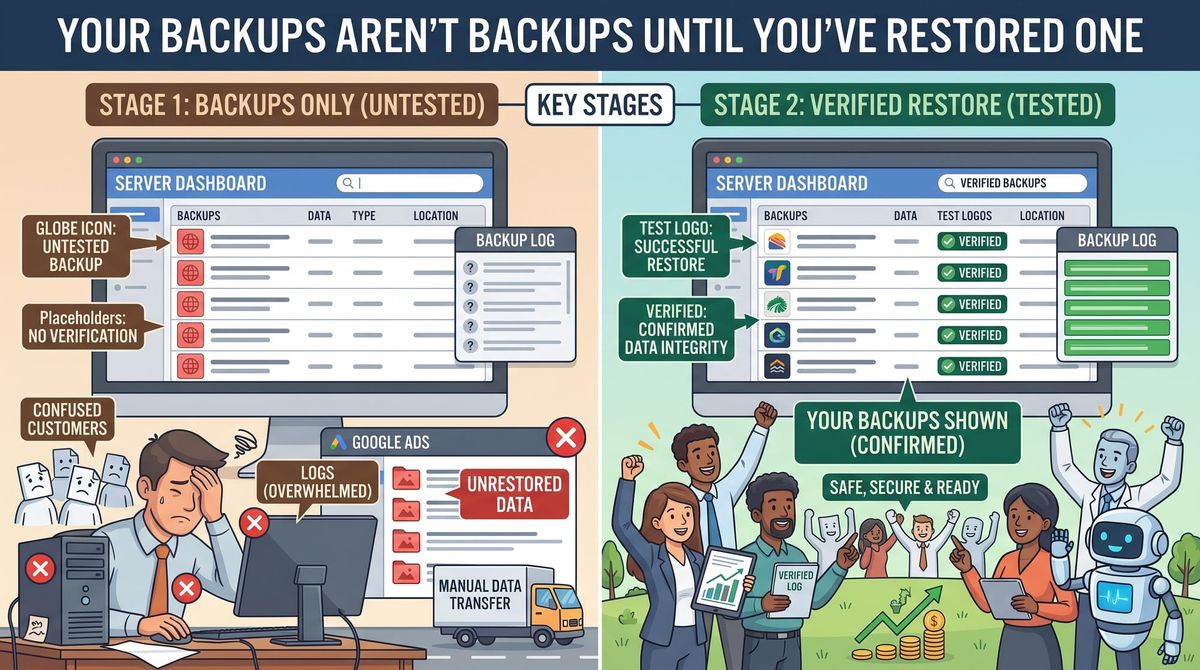
Ask a small business owner whether they have backups and almost all of them say yes.
Ask when they last restored something from one, and the room goes quiet.
That gap is where most data loss actually happens. Not with businesses that never set up backups — with businesses that set them up years ago, saw a green checkmark, and assumed it was still working. It usually isn't, and they find out on the worst day of the year.
October is Cybersecurity Awareness Month, which makes it a good excuse to do the one hour of work everyone keeps postponing.
How backups quietly stop working
None of these announce themselves:
- The drive filled up. Backups have been failing for eight months and the notification goes to an email address nobody reads.
- A password changed. Someone rotated credentials, and the backup job lost access to the thing it was backing up.
- New data was never included. You added a folder, a shared drive, a second computer, or a new system. The backup is still faithfully copying what existed in 2023.
- The retention window is too short. You keep 14 days. You discover the corruption after three weeks. Every copy you have is corrupt too.
- It's backing up to the same place as the data. A second folder on the same machine is not a backup. Neither is a drive that stays permanently plugged in, because ransomware encrypts that too.
Sync is not backup
This is the most common misunderstanding in small business, so it's worth being blunt about it.
File sync services keep your files mirrored across devices. That's convenient and it protects you from a dead laptop. It does not protect you from the two things most likely to hurt you.
If a file gets deleted, the deletion syncs. If files get encrypted by ransomware, the encryption syncs. Your cloud copy now matches your broken local copy, quickly and efficiently.
Most sync services do offer version history and a recycle bin, which can save you — but only within a limited window, and only if you know how to use it before that window closes. That's a recovery feature, not a backup strategy.
The test: one hour, three parts
Part one — restore a single file. Pick a real file from a few months ago. Restore it to a different location, open it, and confirm it's the right version and not corrupted. If you can't work out how to do this, that's your finding. The time to learn the restore process is not during an emergency.
Part two — restore something bigger. A whole folder, or ideally a full system to spare hardware if you have it. This is where you learn that the restore takes nine hours, or needs a license key nobody has, or requires an account only your old IT person could access.
Part three — time it. Write down how long it actually took. Then multiply, honestly, for the real scenario: everything gone, over your office internet connection, while the phone rings.
Most small businesses assume recovery is an afternoon. For a full restore over a typical connection it's frequently days.
Two numbers worth deciding on purpose
How long can you be down? If it takes four days to recover and you can only survive one, your backup is technically fine and practically useless. That's a real business decision about what to spend, not a technical detail.
How much work can you afford to lose? A nightly backup means losing up to a day of work. For some businesses that's nothing. For one taking orders all day, it's a catastrophe.
Nobody makes these decisions in advance, which is why they get made badly in a crisis.
The things people forget to back up
The file server is usually covered. These often aren't:
- Email. Especially if you're relying on the mail provider's own retention, which is not the same as a backup.
- Cloud business apps. Your accounting, CRM, and scheduling data lives with vendors, and what happens if their data goes is governed by their terms, not your expectations. Worth checking what your own provider actually guarantees.
- Your website. Ask your host whether they back it up, how far back, and how quickly they'd restore it.
- Phones. Business contacts, photos of completed work, records in messaging apps.
- The knowledge. Where credentials live, who to call, which vendor holds what. If that only exists in one person's head, it isn't backed up either.
Write the plan down and keep it offline
A recovery plan stored only on the system you're recovering is a joke you only get once.
One page: what to restore first, who to call, where the credentials are, and what you tell customers while you're down. Print it. Put a copy at home.
Make it a quarterly habit
Once a quarter, restore one real file and check that every device and system you've added since last time is actually included. Fifteen minutes.
Add it to the calendar now, because "when I get a chance" has never once produced a tested backup.
Bottom line
A backup you've never restored is a guess. The businesses that survive data loss aren't the ones with the most expensive tools — they're the ones who found out in advance that recovery takes two days and planned for two days.
Want someone to verify your backups actually work, and tell you honestly how long recovery would take? Our small business cybersecurity services include backup review, testing, and a recovery plan you can hand to anyone. Reach out and we'll check what you've got.