Apple Maps SEO: The Local Platform Small Businesses Keep Ignoring
Your customers may search from iPhones, Siri, or Apple Maps. Here’s why Apple Maps SEO matters and how to clean up your local presence beyond Google.

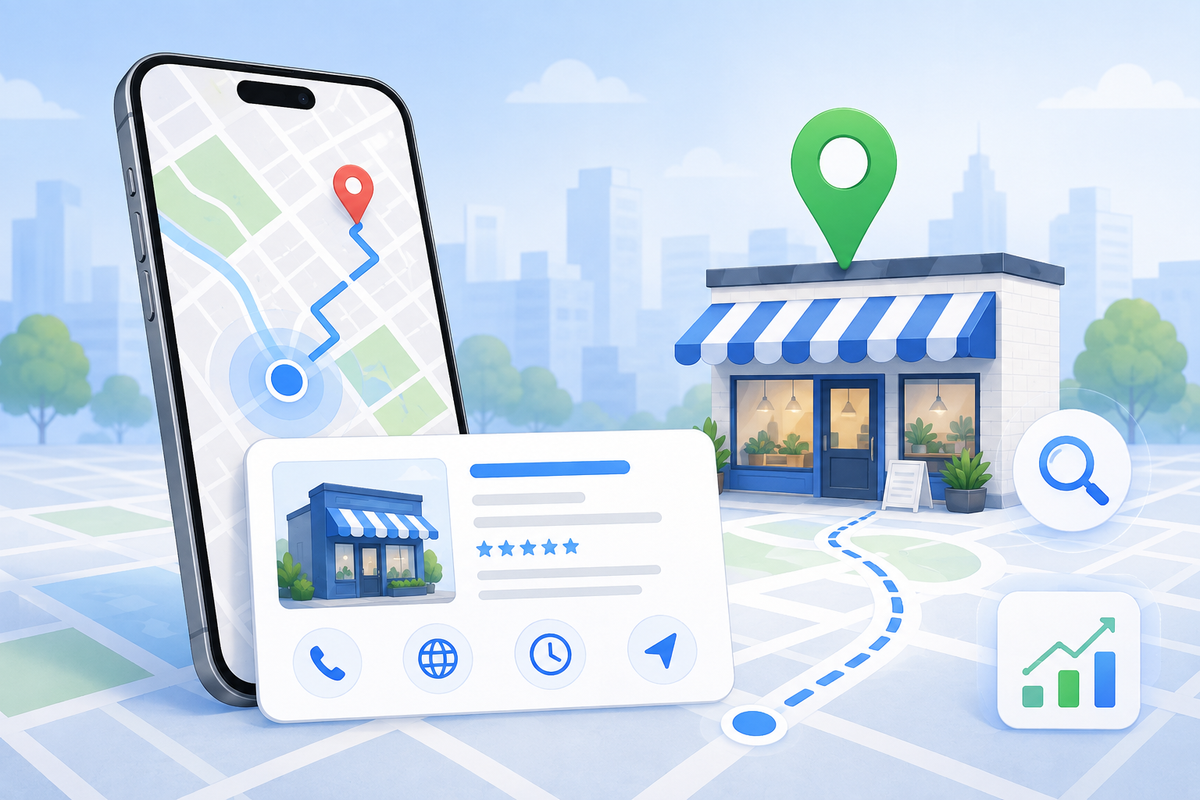
When small businesses think about local SEO, they usually think about Google Business Profile first.
That makes sense.
Google is huge for local search, map packs, reviews, calls, and website visits.
But Google is not the only place people search.
If your customers use iPhones, Apple Maps and Siri may be part of their decision process too.
That is why Apple Maps SEO deserves more attention than most small businesses give it.
Why Apple Maps matters
Think about how people search on a phone.
They might:
- ask Siri for a nearby business
- tap a business from Apple Maps
- get directions from an iPhone
- click a phone number from a map listing
- check hours before driving over
- use Apple Maps from CarPlay
If your Apple listing is missing, outdated, or inconsistent, you may lose leads without realizing it.
And because many small businesses are focused only on Google, cleaning up Apple Maps can be an easy local visibility win.
What changed with Apple Business
Apple Business Connect was Apple’s free tool for managing how businesses appeared across Apple Maps, Wallet, Siri, and more. Apple’s Business Connect page described it as a way to control your Place Card, personalize photos, update holiday hours, feature offers, add actions, and view insights.
In March 2026, Apple announced Apple Business, a new all-in-one platform for businesses. Apple said the brand management tools that were previously part of Apple Business Connect would now be available through Apple Business, making it easier to manage how brands and locations appear across Apple services and apps.
Apple Support also explains that Apple Business combines capabilities previously found in Apple Business Manager, Apple Business Essentials, and Apple Business Connect into a single offering that supports both internal operations and external customer-facing strategies.
Plain English version:
Apple wants business listings, brand presence, and customer-facing details managed more centrally.
For small businesses, that means your Apple presence is worth checking.
What Apple can show customers
Your Apple business presence may include details like:
- business name
- category
- address or location
- hours
- photos
- website
- phone number
- logo or brand imagery
- special hours
- customer actions
- offers or events, where available
Apple’s Business Connect page specifically says businesses could personalize Place Cards, add photos, update hours for holidays, and feature special products or events.
That sounds simple, but those details can affect whether someone trusts the listing enough to call, visit, or click.
The local SEO problem: inconsistent listings
Here is where small businesses get into trouble.
Your Google listing says one thing.
Your Apple listing says something else.
Your website says a third thing.
Yelp, Bing, Facebook, and directories may show old information.
Customers notice.
AI tools notice.
Search engines notice.
And the confusion can cost you leads.
Common problems include:
- old phone numbers
- wrong hours
- old addresses
- outdated photos
- wrong categories
- missing website links
- duplicate listings
- business marked closed when it is not
- service area confusion
If a customer is trying to contact you quickly, one wrong detail can send them to a competitor.
Apple Maps SEO checklist
Use this checklist to clean up your Apple presence.
1) Claim or access your business listing
Start by making sure your business is claimed and manageable through Apple’s business tools.
If Apple already has a listing for you, verify that you can update it.
If the listing is missing or wrong, start there.
Your first goal is simple:
Make sure Apple knows the correct version of your business exists.
2) Check your business name
Your business name should match your real-world branding.
Do not keyword-stuff it.
Bad:
“Managed Nerds Best SEO AI IT Company Augusta Evans Georgia”
Better:
“Managed Nerds”
Consistency matters across platforms.
Use the same business name on:
- website
- Google Business Profile
- Apple Maps
- Bing Places
- directories
3) Choose the right category
Categories help platforms understand what your business is.
Pick the closest accurate category.
Do not choose a category just because it has more search volume.
If you are a service-based business, choose the category that best matches what customers actually hire you for.
4) Fix your hours
Wrong hours are a conversion killer.
Update:
- regular hours
- holiday hours
- seasonal hours
- appointment-only details, if relevant
Apple’s Business Connect page calls out the ability to update hours for holidays, which is especially useful for local businesses where customers check maps before calling or visiting.
If your hours are wrong, people may assume you are closed, unavailable, or unreliable.
5) Add strong photos
Photos help customers verify that your business is real.
Good photo options:
- storefront
- team
- service vehicle
- workspace
- finished project
- product display
- process photo
- clean branded image
For service-area businesses, use proof-style images:
- team at work
- equipment
- completed service
- friendly headshot
- branded vehicle, if applicable
Avoid blurry, outdated, or unrelated photos.
6) Check phone and website links
Make sure the phone number works.
Make sure the website link goes to the right place.
For many businesses, the best link may be:
- homepage
- contact page
- service page
- booking page
If you serve a specific audience or offer, send people to the page that helps them act quickly.
7) Use customer actions where available
Apple Business Connect’s “Actions” feature allowed businesses to create direct customer experiences from the Place Card, such as tapping a primary action or more menu option. Apple Support says these actions can connect users to experiences on the brand’s website.
For small businesses, this can mean making the next step easier.
Possible actions might support:
- booking
- ordering
- calling
- scheduling
- requesting info
- visiting a page
The lesson: do not make customers hunt for the next step.
8) Look for duplicate or wrong listings
Search your business name in Apple Maps.
Also search:
- old business name
- old address
- phone number
- common misspellings
- business name + city
If duplicates exist, they can confuse customers and platforms.
Clean them up where possible.
9) Match Apple with Google and your website
Do not optimize Apple in a vacuum.
Your information should match across:
- Apple Maps
- Google Business Profile
- Bing Places
- Yelp
- your website
- major directories
This consistency supports trust.
It also reduces confusion for AI search tools and map platforms.
10) Recheck quarterly
Listings drift over time.
Set a reminder every quarter to review:
- hours
- photos
- phone
- website
- categories
- services
- special offers
- duplicate listings
Local SEO is not “set it and forget it.”
Google first, Apple second?
For many small businesses, yes.
Google Business Profile should usually be the first local SEO priority because it is so central to search visibility.
But Apple should not be ignored.
A practical order:
- Clean up Google Business Profile
- Clean up your website contact/service details
- Clean up Apple Maps
- Clean up Bing Places
- Check Yelp, Facebook, and directories
- Make sure everything matches
That is how you build a stronger local trust stack.
Why this matters for AI search too
AI tools often pull from multiple sources or influence people to verify across multiple sources.
If AI recommends a business, a customer may check:
- Apple Maps
- website
- reviews
- social media
- photos
If your information is inconsistent, trust drops.
That means Apple Maps SEO is not just an “Apple thing.”
It is part of your broader local visibility and verification system.
What small businesses should not do
Avoid:
- ignoring Apple because “we already did Google”
- stuffing keywords into your business name
- using old photos
- linking to a weak homepage when a service page would convert better
- letting hours go stale
- leaving duplicates active
- assuming one platform updates every other platform automatically
You need to verify.
The bottom line
Apple Maps may not be the first platform small businesses think about, but it still matters.
If customers use iPhones, Siri, Apple Maps, or CarPlay, your Apple presence can influence whether they find you, trust you, and contact you.
Start simple:
- claim your listing
- fix business details
- update hours
- add photos
- check phone and website links
- use actions where available
- keep Apple consistent with Google and your website
Need help cleaning up your local visibility beyond Google? Managed Nerds offers practical small business SEO and marketing support to help you align your listings, improve service pages, strengthen local trust signals, and make it easier for customers to find and contact you across platforms.
Thank you for reading. If you’d like more small business SEO tips, subscribe for updates.