Bing Places SEO: The Local Listing That Feeds More Than Bing
Google matters, but Bing Places still supports local discovery. Here’s why small businesses should update Bing listings, photos, hours, and services.

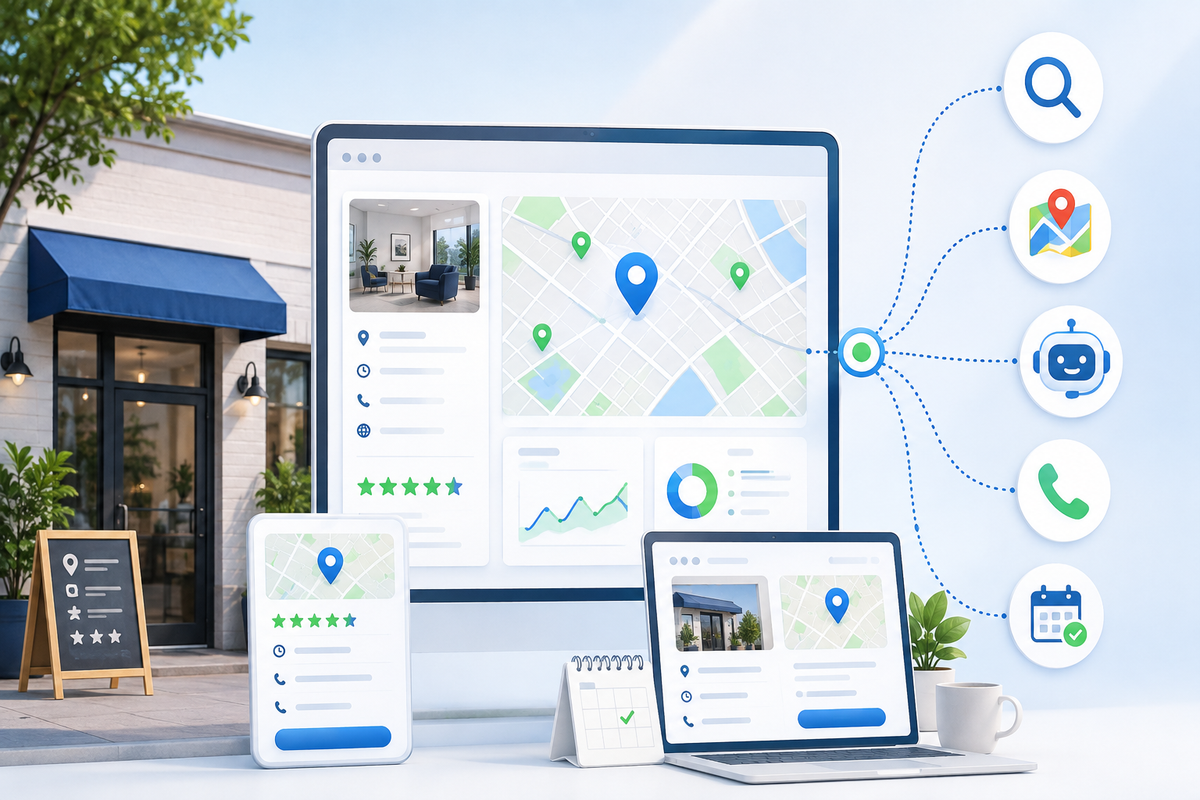
When small businesses think about local SEO, they usually think about Google Business Profile.
That makes sense.
Google is often the first place customers search, compare, read reviews, and click to call.
But here’s the problem:
Google is not the only local search surface that matters.
Bing Places is one of the platforms many small businesses ignore, even though it can affect how customers find business details in Bing Search, Bing Maps, and Microsoft-connected search experiences.
Microsoft Support says business owners can use Bing Places for Business to claim or update business information that appears in Bing Maps search results. Bing Places also describes itself as a free way to add your business to Bing and help online customers discover it.
So if your Bing listing is outdated, incomplete, or wrong, you may be creating a local visibility gap without realizing it.
What is Bing Places?
Bing Places for Business is Microsoft’s business listing tool.
It lets business owners manage details like:
- business name
- address or service area
- phone number
- website
- hours
- categories
- photos
- services
- multiple locations, where applicable
Think of it as Bing’s version of a local business profile.
It may not get as much attention as Google Business Profile, but it still matters for local visibility, especially if customers use Bing, Microsoft Edge, Windows search surfaces, or Microsoft-powered discovery tools.
Why small businesses should care
Most small businesses do not need to obsess over every platform.
But they do need their core business information to be consistent in the places customers and search systems may check.
That includes:
- Google Business Profile
- Apple Maps
- Bing Places
- Yelp
- your website
- major directories
If one platform says you close at 5, another says 6, and your website says “by appointment only,” customers get confused.
Confused customers do not always investigate.
They leave.
The “beyond Google” local SEO problem
A lot of small businesses clean up Google, then stop.
That leaves outdated information floating around elsewhere.
Common issues include:
- old phone number
- old address
- missing website
- wrong category
- outdated hours
- no photos
- duplicate listings
- closed location still showing
- services missing or unclear
That may not seem urgent until a customer finds the wrong version of your business.
Local SEO is partly about visibility, but it is also about trust.
If your information does not match across platforms, trust drops.
Bing Places got a business-owner refresh
Bing announced a newer Bing Places for Business experience in October 2025, describing it as an updated interface for business owners to manage listings more easily. The announcement mentioned tasks like claiming a listing, updating business hours, uploading photos, and adding missing business details like website links, hours, and social media links.
That matters because Microsoft is clearly still investing in the platform.
For small businesses, the takeaway is simple:
If the tool exists, is free, and supports local discovery, it is worth cleaning up.
What to optimize in Bing Places
Here is the practical checklist.
1) Business name
Use your real business name.
Do not stuff keywords into the name.
Bad:
“Managed Nerds Best SEO AI IT Support Augusta Evans Georgia”
Better:
“Managed Nerds”
Your business name should match your real-world branding and your other listings.
2) Business category
Pick the most accurate category available.
Your category helps Bing understand what kind of business you are.
Do not choose a category only because you think it gets more traffic.
Accuracy matters more.
3) Address or service area
If customers visit your location, make sure the address is correct.
If you are a service-area business, make sure the listing reflects where you actually serve.
For Managed Nerds-style clients, this matters a lot because many small businesses are service-area based, not storefront based.
Examples:
- home inspectors
- roofers
- landscapers
- realtors
- consultants
- mobile service providers
- small IT/marketing providers
Do not make customers guess whether you serve them.
4) Phone number
Make sure the number is current and actually answered.
If you use call tracking, be careful that your tracking setup does not create inconsistent phone numbers across the web.
A wrong phone number is one of the fastest ways to lose a lead.
5) Website link
Do not automatically send everyone to your homepage.
Ask what the visitor likely needs.
Good options:
- homepage, if it clearly explains everything
- service page, if the listing is service-specific
- contact page, if the goal is calls or bookings
- booking page, if scheduling is the main next step
The link should make action easy.
6) Hours
Update your regular hours and special hours when needed.
This is especially important for:
- holidays
- seasonal businesses
- appointment-only businesses
- businesses with after-hours emergency support
If your hours are wrong, customers may assume you are unavailable.
7) Photos
Photos make your listing feel real.
Use:
- storefront photos, if applicable
- team photos
- service vehicle photos
- work examples
- workspace photos
- branded but simple visuals
- proof-style images
Do not use blurry, old, or unrelated images.
8) Services
If Bing allows service details for your business category, fill them out clearly.
Examples for a marketing/technology provider:
- small business SEO
- Google Business Profile support
- website cleanup
- AI consulting
- ad tracking setup
- managed IT support
- cybersecurity training
Clear service details help customers and platforms understand what you actually offer.
9) Social links
If available, add active social links.
Do not link to dead profiles.
A stale social profile can make your business look inactive.
10) Multiple locations
If you have multiple locations, Bing Places supports bulk uploads for businesses that need to add several locations.
For most small businesses, this may not matter.
But if you manage multiple branches, it can save time and reduce inconsistencies.
The consistency rule: NAP still matters
NAP stands for:
- name
- address
- phone number
Old-school SEO people talked about NAP constantly.
In 2026, the idea still matters, but the reason is broader than directory rankings.
Consistent business information helps:
- customers trust you
- search engines understand you
- map platforms display correct info
- AI systems avoid confusion
- analytics and tracking stay cleaner
If Bing says one thing and Google says another, you create friction.
Friction loses leads.
How Bing connects to your broader SEO system
Bing Places is not a magic lead machine by itself.
It is one part of your local trust stack.
Your local trust stack includes:
- Google Business Profile
- Apple Maps
- Bing Places
- your website
- reviews
- photos
- social profiles
- directory listings
- consistent service pages
Each piece reinforces the others.
A clean Bing listing may not flood your phone tomorrow, but it helps make your business easier to verify across platforms.
Google first, Apple second, Bing third?
For most small businesses, yes.
Here is a practical priority order:
- Clean up Google Business Profile
- Clean up your website service and contact details
- Clean up Apple Maps / Apple Business
- Clean up Bing Places
- Check Facebook, Yelp, and other directories
- Recheck everything quarterly
That gives you a strong foundation without trying to do everything at once.
The quarterly Bing Places audit
Set a reminder every three months.
Check:
- Is the business name correct?
- Is the address or service area correct?
- Is the phone number correct?
- Is the website link correct?
- Are hours accurate?
- Are photos current?
- Are services still accurate?
- Are there duplicate listings?
- Does the info match Google and Apple?
- Does the listing point people to the right next step?
This is not glamorous work.
But it prevents local visibility problems.
What not to do
Avoid these mistakes:
- ignoring Bing because “everyone uses Google”
- keyword-stuffing your business name
- using outdated photos
- linking to a confusing homepage
- letting hours go stale
- leaving duplicate listings active
- using different phone numbers everywhere without a tracking plan
- assuming one listing platform automatically fixes all others
Local SEO rewards consistency.
The bottom line
Bing Places may not be the first platform small businesses think about, but it is worth cleaning up.
It helps support local discovery beyond Google, strengthens your business information across Microsoft search surfaces, and reduces confusion when customers verify your business.
Start simple:
- claim or update the listing
- fix name, phone, website, hours, and category
- add current photos
- list services clearly
- match the information to Google, Apple, and your website
Need help cleaning up your local listings so customers find the right information everywhere? Managed Nerds offers practical small business SEO and marketing support to help you align Google, Apple, Bing, your website, and other local visibility signals so your business looks trustworthy wherever customers search.
Thank you for reading. If you’d like more small business SEO tips, subscribe for updates.