Can Someone See What You’re Doing Through Wi-Fi? What Small Businesses Should Know
Can someone see what you search while using their Wi-Fi? Learn what network owners can actually monitor and what small businesses should do to protect employees and business data.

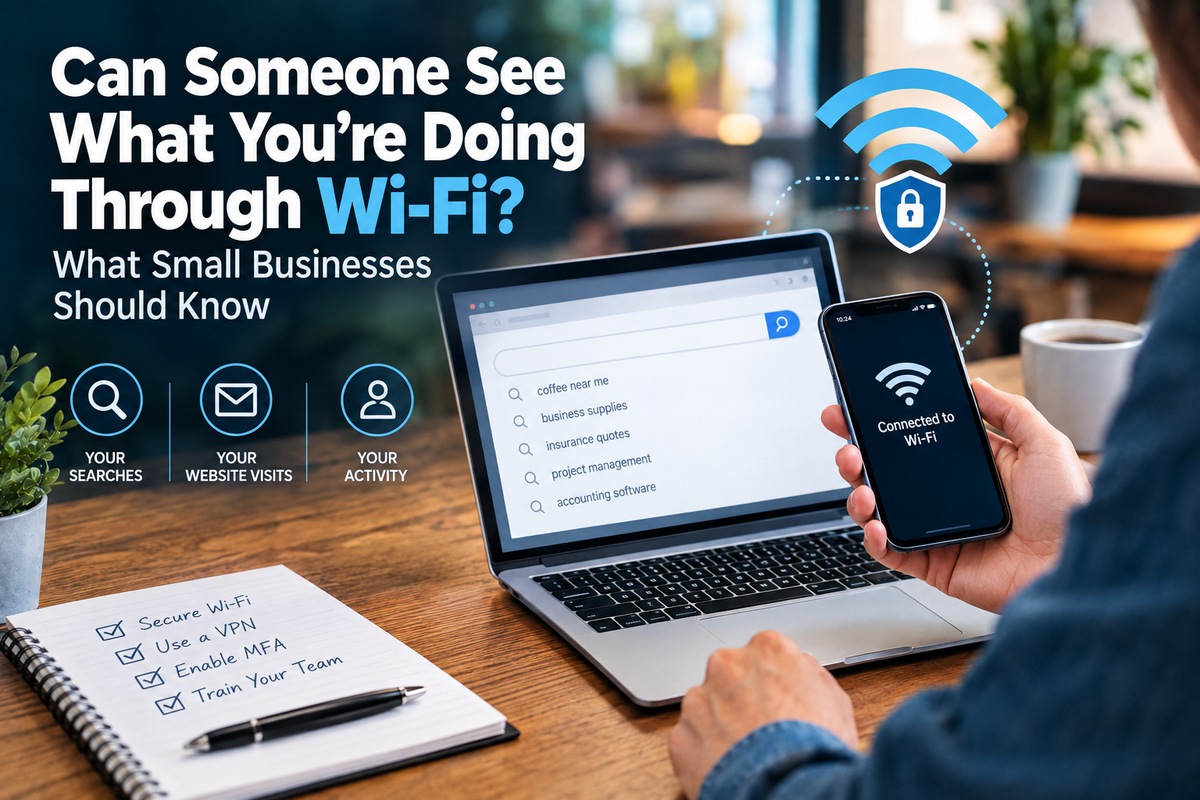
Wi-Fi is one of those technologies most small businesses barely think about anymore.
You connect your laptop. Your employees connect their phones. Customers might use the guest network. You work from a coffee shop occasionally. Maybe you answer emails from hotel Wi-Fi while traveling.
But how much can the person controlling that Wi-Fi actually see?
A recent Cybernews article explored claims that someone could access another person's internet search history through Wi-Fi. The reality is a little more complicated—and much more useful for small business owners to understand.
Simply connecting to someone's Wi-Fi doesn't automatically give that person a complete list of everything you've searched, read, typed, or submitted online.
But that doesn't mean your activity is completely invisible either.
So, Can a Wi-Fi Owner See Your Search History?
Not exactly.
Most modern websites use HTTPS encryption. That encryption helps protect the actual contents of the information traveling between your device and the website.
For example, someone monitoring a network may be able to determine that your device connected to a particular website or service without necessarily seeing the exact page you viewed or what you typed into it.
One expert interviewed by Cybernews described it nicely:
Think of it as seeing the envelope rather than the letter inside it.
The network may reveal useful information about where traffic is going without automatically revealing everything contained within that traffic.
But Wi-Fi Administrators Can Still Learn Quite a Bit
This is where things become relevant to businesses.
Someone with administrative control over a network can potentially monitor information about the traffic moving through it.
For example, they may be able to determine:
- Which domains devices are connecting to
- When connections occurred
- How long certain connections lasted
- Destination IP addresses
- Other network metadata
There's also DNS.
DNS is essentially the system your device uses to translate a website name into the numerical address computers use to find it.
When traditional, unencrypted DNS is used, someone monitoring the network may be able to see which domains your device is attempting to reach.
Individually, those pieces of information may not reveal everything you're doing.
Together, however, they can create a surprisingly detailed picture of someone's internet activity.
Why Should a Small Business Care?
Because small businesses increasingly work from everywhere.
A realtor might answer client emails from a coffee shop.
A contractor might prepare an estimate from a hotel.
A consultant might access Microsoft 365 from airport Wi-Fi.
A solopreneur might run nearly their entire company from a laptop while traveling.
Your office isn't necessarily where your business data stays anymore.
Your devices travel.
And those devices may connect to networks you don't control.
Public Wi-Fi Deserves Extra Caution
Public Wi-Fi isn't automatically dangerous.
HTTPS and other modern security technologies have made internet communication significantly safer than it once was.
But public networks still require good judgment.
One problem is that you don't necessarily know who operates the network you're connecting to.
Another is the possibility of look-alike Wi-Fi networks.
Imagine you're sitting inside "Example Coffee Shop."
Your phone shows:
Example Coffee Guest
and
ExampleCoffee_FREE
Which one belongs to the coffee shop?
A malicious network can be given almost any name.
That's why employees shouldn't automatically connect to a network simply because its name looks legitimate.
Don't Ignore Browser Security Warnings
Here's another important rule:
Don't click through certificate or security warnings just because you're trying to get online.
If your browser suddenly tells you a website's certificate isn't trusted, something isn't working as expected.
Cybernews' experts specifically warned against ignoring certificate warnings or installing certificates or software requested by an untrusted network.
If a random public Wi-Fi network tells you to install something on your computer before you can browse normally, that's a good reason to stop.
There's an Important Exception: Managed Work Devices
There's another part of the Cybernews report that's especially interesting for business owners.
A properly managed business device can be different from a personal device using ordinary Wi-Fi.
Workplaces may install certificates and security software on company-owned computers that allow administrators to monitor or inspect significantly more network activity for legitimate security and management purposes.
In some configurations, IT administrators can potentially inspect traffic contents that would ordinarily be encrypted, including search queries.
That's one reason employees should understand that a company-owned device isn't the same thing as a personal device.
Businesses should also have clear policies explaining how company technology is monitored and what employees should—and shouldn't—use business devices for.
Your Business Wi-Fi Needs Protection Too
This isn't only about protecting employees while they're traveling.
Think about the network inside your own business.
If you're still using the router's default administrator password, that's a problem.
If everyone—including customers—uses the same Wi-Fi network, that's worth reviewing.
If your router hasn't received updates in years, that's worth reviewing too.
For a small business, basic Wi-Fi security should include:
- WPA2 or preferably WPA3 where supported
- A strong, unique Wi-Fi password
- A different password for router administration
- Updated router firmware
- Appropriate guest network separation
- Secure device configurations
- Multi-factor authentication on important business accounts
These aren't complicated enterprise cybersecurity measures.
They're basic protections that can make a meaningful difference.
What About a VPN?
A reputable VPN can add another layer of privacy when you're using a network you don't trust.
Instead of allowing the local network to directly observe the normal destinations of your internet traffic, the VPN creates an encrypted connection between your device and the VPN provider.
Cybernews' experts specifically noted that a reputable VPN can provide additional privacy on untrusted networks.
That doesn't mean a VPN magically makes you anonymous or protects you from every cyber threat.
It won't stop you from entering your password into a phishing website.
It won't make malware harmless.
It won't replace employee training.
Think of it as one security layer, not the entire security strategy.
Employee Training Matters Here Too
This is another situation where technology only gets you so far.
Employees should know:
- How to identify the correct public Wi-Fi network
- Why they shouldn't ignore browser certificate warnings
- Why they shouldn't install random software or certificates
- When they should use a VPN
- Why MFA matters
- Which business information shouldn't be accessed on questionable networks
- What to do when something doesn't look right
For a microbusiness with two, five, or ten employees, one person's security habits can affect the entire company.
You don't need a 50-person IT department.
You need people who understand the basics.
Five Simple Wi-Fi Rules for Small Businesses
You don't need to become a networking expert.
Start with these:
1. Secure your business router.
Change default administrator credentials and keep the router updated.
2. Use WPA2 or WPA3.
Avoid outdated Wi-Fi security standards.
3. Separate guest access where appropriate.
Customers don't necessarily need to be on the same network as business devices.
4. Be cautious on networks you don't control.
Especially when accessing sensitive business information.
5. Train employees.
Your security tools work much better when the people using them understand what they're protecting.
How Managed Nerds Can Help
Wi-Fi security is a perfect example of something that can seem overly technical until you break it down.
Small businesses don't necessarily need complicated enterprise infrastructure.
They need technology that's appropriately configured for the way they actually work.
Managed Nerds helps small and microbusinesses with managed IT services, cybersecurity guidance, employee cybersecurity awareness training, account security, Microsoft and Google Workspace support, and practical technology consulting.
That can include helping businesses understand whether their network is appropriately secured, improving account protections, educating employees about working safely away from the office, and identifying unnecessary technology risks before they become bigger problems.
The objective isn't to make using Wi-Fi scary.
It's to make sure your business understands what happens when you connect.
The Tech Tip: Wi-Fi Isn't a Window Into Everything—But It Isn't Invisible Either
Someone who owns a Wi-Fi network doesn't automatically receive a neat report containing every Google search you've ever made.
Modern encryption protects much of the actual content traveling across the web.
But network administrators can potentially see enough metadata—including domains and connection information—to learn quite a bit about someone's internet activity.
For small businesses, the lesson isn't:
"Never use public Wi-Fi."
It's:
Know what you're connecting to, secure the networks you control, and be more careful with the networks you don't.
That little bit of awareness can go a long way.
Need Help Making Your Business Technology More Secure?
If you're not sure whether your Wi-Fi, employee devices, Microsoft or Google accounts, or other business technology are configured securely, Managed Nerds can help.
Through managed IT support, cybersecurity awareness training, technology consulting, and practical security guidance, Managed Nerds helps small and microbusinesses improve security without turning everyday technology into something unnecessarily complicated.
Want More Small Business Tech Tips?
Subscribe for straightforward tips about cybersecurity, AI, productivity, and business technology. We'll help you understand what's changing, why it matters to your business, and what practical steps you can take to stay informed and protected.