Private Browser Doesn’t Mean Private: What This Firefox/Tor Bug Means for Your Business
A Firefox and Tor bug shows privacy tools aren’t foolproof. Here’s what small business owners need to know and how to better protect their data online.

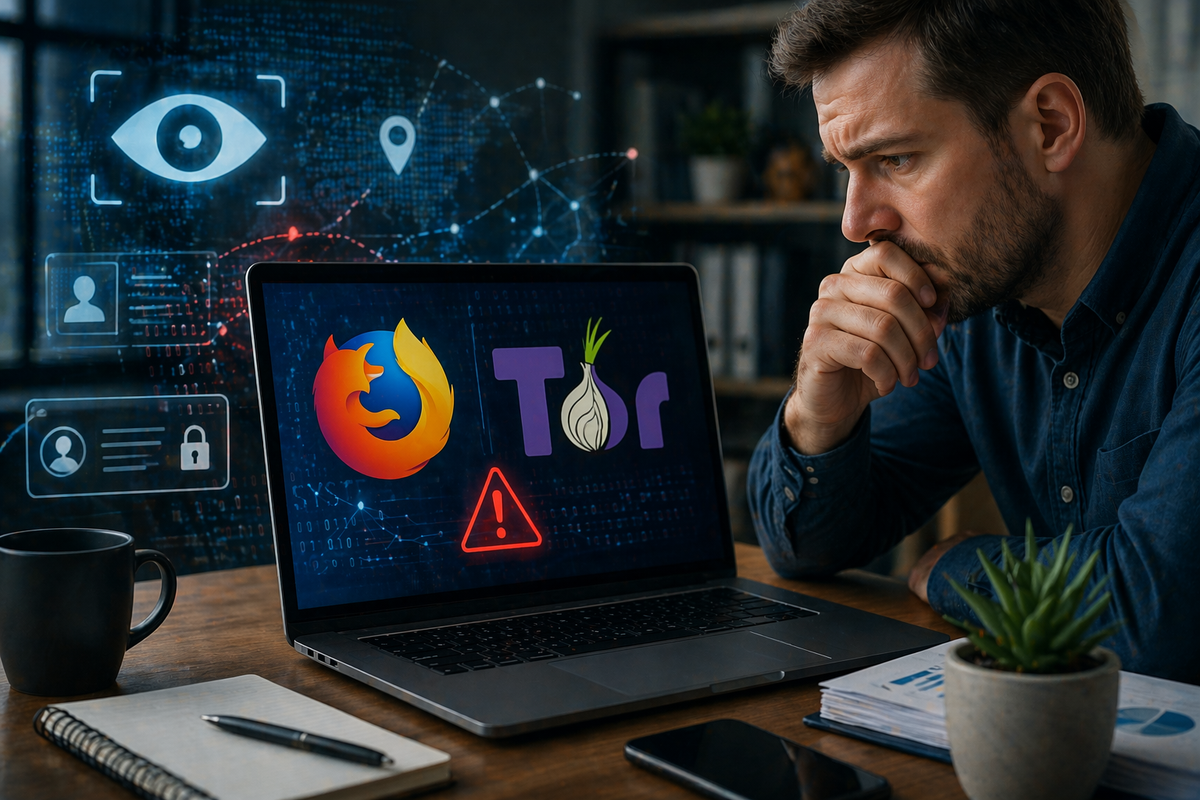
Most people assume that using a privacy-focused browser means they’re safe.
Firefox.
Tor.
Private browsing modes.
These tools are supposed to protect your identity and keep your activity hidden.
But a recently discovered bug shows that even privacy tools aren’t perfect.
And for small business owners, that matters more than you might think.
What Happened?
Researchers found a vulnerability affecting Firefox-based browsers, including Tor, that could expose users to tracking under certain conditions.
In simple terms:
- A tool designed to protect your privacy had a flaw
- That flaw could allow websites to identify or track users
- Even when using privacy-focused browsing setups
This doesn’t mean everyone was instantly exposed, but it highlights something important:
Even tools built for privacy can have weaknesses.
Why This Matters for Small Businesses
You might not be using Tor for everyday business.
But many small businesses rely on browsers for:
- Logging into email and client portals
- Accessing financial systems
- Managing customer data
- Running ads or social media accounts
If a browser vulnerability exposes tracking or session data, it can lead to:
- Account exposure
- Session hijacking risks
- Data leaks
- Loss of privacy when handling sensitive work
And in business, even small leaks can create bigger problems.
The Bigger Lesson: No Tool Is Bulletproof
This situation isn’t really about Firefox or Tor specifically.
It’s about a bigger reality:
There is no single tool that guarantees complete security or privacy.
Even well-respected platforms can have bugs, delays in patching, or edge-case vulnerabilities.
That’s why relying on just one layer of protection isn’t enough anymore.
What You Should Be Doing Instead
For small businesses, the focus should be on layered protection.
That includes:
Keeping browsers and systems updated
Security patches are often released quickly after vulnerabilities are discovered.
Using multiple layers of protection
Browsers, antivirus, monitoring, and authentication all play a role.
Avoiding risky behavior in “private” modes
Private browsing doesn’t mean invisible or immune.
Limiting sensitive activity on unmanaged devices
Especially when using public or shared systems.
Why This Matters Right Now
Cyber threats aren’t always loud or obvious.
Sometimes they come from small, overlooked issues like a browser bug.
And attackers don’t need to break everything.
They just need one small opening.
For small businesses, staying aware of these risks is one of the easiest ways to stay ahead.
How Managed Nerds Helps Businesses Stay Protected
This is where Managed Nerds fits in, not as a reaction, but as a preventative layer.
Instead of relying on individual tools to catch everything, Managed Nerds helps businesses build a more complete setup by:
- Keeping systems, browsers, and software updated
- Monitoring for unusual or suspicious behavior
- Reducing exposure to known vulnerabilities
- Helping standardize secure configurations across devices
- Providing guidance when new threats or issues arise
It’s not about replacing tools like Firefox or antivirus.
It’s about making sure your overall setup is strong enough that one flaw doesn’t become a problem.
Need help making sure your business isn’t relying on just one layer of protection?
Even trusted tools can have gaps, and most small businesses don’t realize where those gaps are until something goes wrong.
That’s where Managed Nerds can help.
From keeping your systems and browsers updated to monitoring for unusual activity and helping you build a layered security approach, we help small businesses stay protected without overcomplicating things.
If you’re unsure whether your current setup is actually secure, it may be worth taking a closer look before a small issue turns into a bigger one